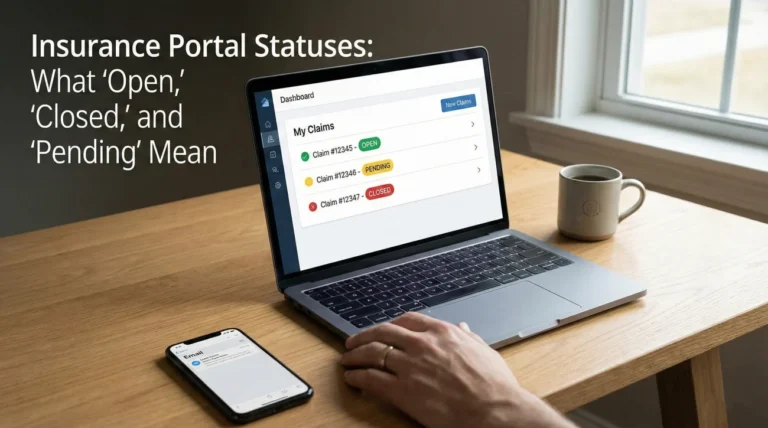
- It’s Not a Receipt: An insurance estimate is a proposal of scope, not a final invoice. It lists what the adjuster thinks needs to be done, not necessarily what your contractor will charge.
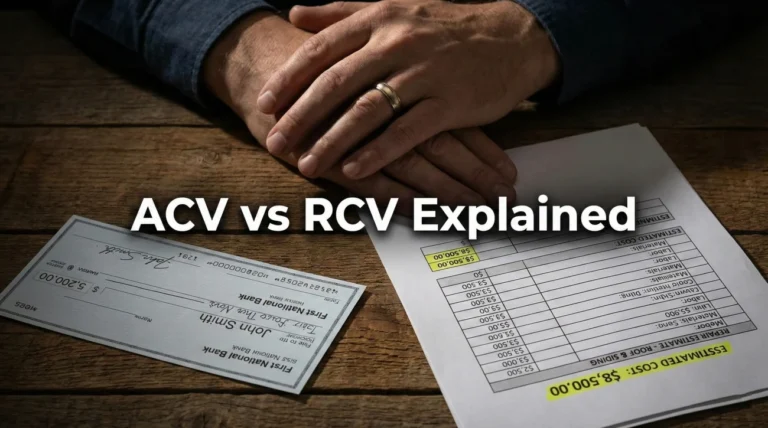
- The “Big Three” Numbers: Focus on RCV (Replacement Cost), Depreciation (Age deduction), and ACV (The first check amount). Knowing the difference prevents panic when the check looks small.
- Scope Over Price: Don’t just look at the total dollar amount at the bottom. Read the descriptions. If the description says “repair” but you need “replace,” the math will never add up.
- Hidden Notes: The most important limitations often live in the small “F9 notes” under specific line items, not in the main summary.
Decoding the 20-Page PDF
For most homeowners, receiving an insurance estimate is a confusing experience. You open a PDF that is 15 or 20 pages long, filled with strange codes like “DRY 1/2” or “RFG 300,” endless columns of numbers, and a final total that often looks significantly lower than what you expected.
In claims operations, we view these documents differently. We don’t see them as a “check.” We see them as a coded set of instructions generated by estimating software – most commonly Xactimate. The software is rigid. It calculates costs based on very specific inputs provided by the field adjuster.
The problem is that most people skip the middle 18 pages and look straight at the “Net Claim” number on the last page. This is a mistake. The number on the last page is just the result of the line items on the middle pages. To understand – and correct – the total, you have to learn how to read the line items.
By learning to decode this document, you move from a position of confusion (“This isn’t enough money”) to a position of operational clarity (“Line item 14 misses the debris removal”). This distinction is what gets supplements approved.
The Summary Page: RCV, ACV, and Depreciation
Usually found at the very end (or sometimes the very beginning) of the packet, the Summary Page outlines the financial structure of your claim. Understanding these acronyms is critical to managing your cash flow.
| Term | Operational Meaning |
|---|---|
| RCV (Replacement Cost Value) | The total cost to repair or replace the damage with new materials at today’s prices, including labor and tax. This is the “goal” number. |
| Depreciation | The amount deducted for age and wear. If your roof is 15 years old, it is not worth the same as a new roof. The insurer deducts this value upfront. |
| ACV (Actual Cash Value) | RCV minus Depreciation. This is the “as-is” value of your property right now. This is typically the amount of your first check. |
| Deductible | Your portion of the risk. This amount is subtracted from the total payout. You do not pay this to the insurer; the insurer just pays you less, and you pay the difference to your contractor. |
| Net Claim | The final check amount printed and mailed to you after all deductions. |
The “Recoverable” Checkbox
This is the most common point of confusion. On the summary page, look for a section labeled “Recoverable Depreciation” or “Non-Recoverable Depreciation.”
If your policy offers Replacement Cost coverage (which most standard home policies do), the depreciation is “Recoverable.” This means the money is yours, but it is held back. The insurer says, “We will give you the ACV now. Once you prove you actually did the work and spent the money, we will release the Depreciation check.”
⚠️ Warning: If you decide not to do the repairs and just keep the cash, you generally only get to keep the ACV check. You forfeit the Recoverable Depreciation.
Reading the Line Items: The “Scope”
The middle pages of the estimate list the work room-by-room. This is the “Scope of Loss.” Each line item typically follows a standard format across almost all carriers.
Sample Line Item Structure:
[Code] | [Description] | [Quantity] | [Unit Price] | [Tax] | [RCV Total]
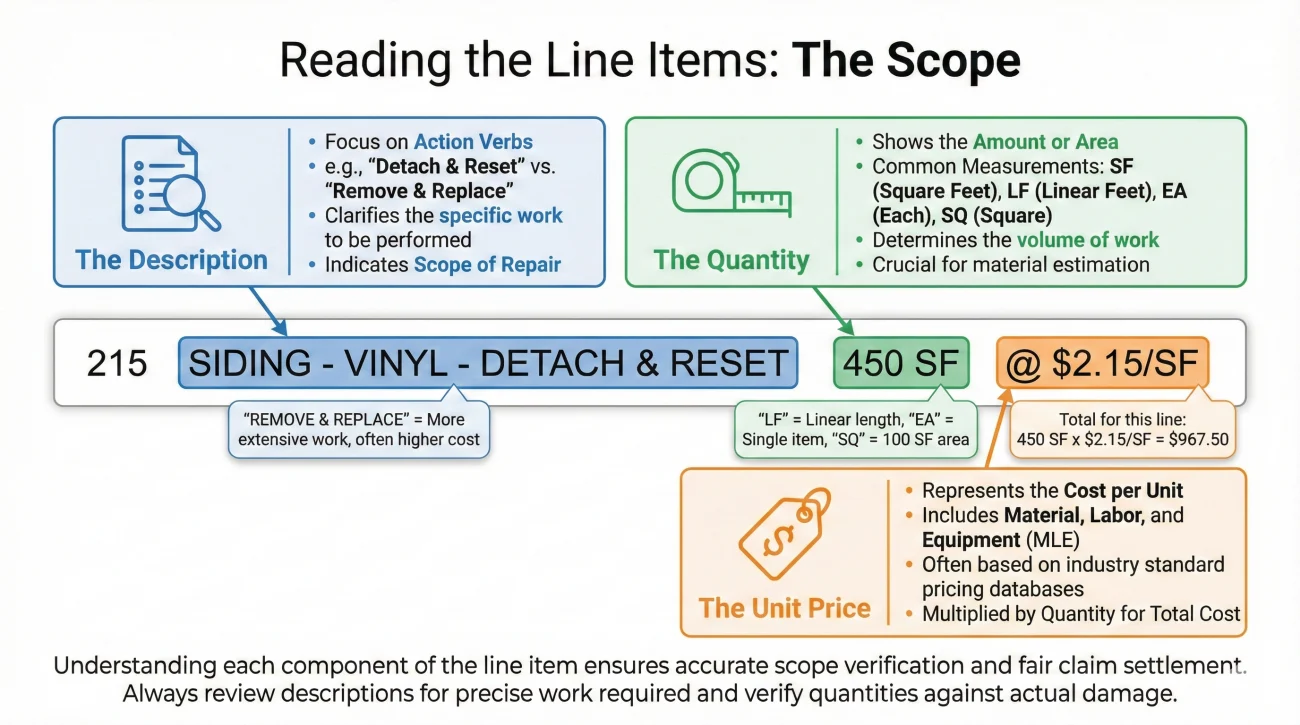
1. The Description (The “What”)
This is the most critical column. It describes exactly what task the adjuster is paying for. Watch for specific verbs:
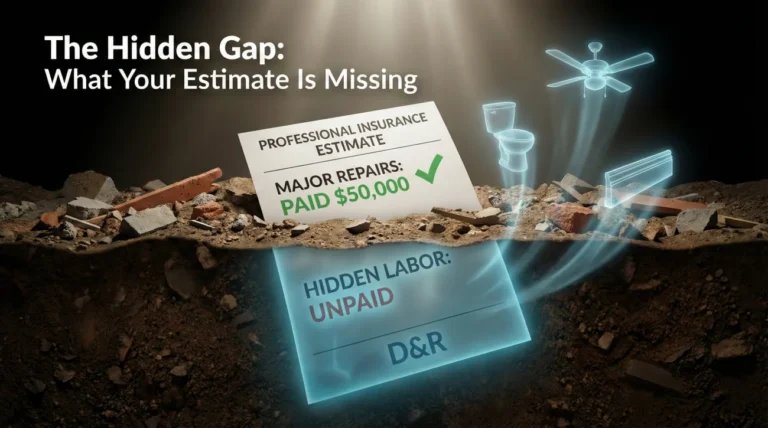
- “Detach & Reset” (D&R): Means taking an undamaged item off and putting it back later (e.g., a light fixture).
- “Remove & Replace” (R&R): Means tearing out the damaged item and installing a new one.
- “Refinish”: Means sanding or painting an existing item, not buying a new one.
If you see “Refinish” when you need “Replace,” the price difference will be massive. This is a scope error, not a pricing error.
2. The Quantity (The “How Much”)
This column shows the measurement. It might be Square Feet (SF), Linear Feet (LF), or Each (EA).
Adjusters often miss “Waste.” For flooring or roofing, you need more material than the exact square footage to account for cuts and scraps. Look for a separate line or a percentage added to the quantity (e.g., “15% Waste included”). If the quantity exactly matches the room size (e.g., 100 SF room, 100 SF flooring), you are likely short on material.
3. The Unit Price (The “Rate”)
This is the price per square foot or per item. This price is usually set by a third-party pricing database (like Xactimate’s regional price lists) that updates monthly. It is notoriously difficult to argue this specific number without a contractor’s bid to support you. Focus on the Description and Quantity first.
Glossary of Common Estimate Codes
Adjusters use shorthand codes. While you don’t need to memorize them all, recognizing the category codes helps you spot missing trades. Here are common ones you might see:
| Code Prefix | Trade Category | What to Watch For |
|---|---|---|
| WTR | Water Extraction | Drying fans, dehumidifiers, water removal labor. |
| DRY | Drywall | Is it 1/2″ or 5/8″? Is it “hang and tape” or just “repair”? |
| PNT | Painting | Does it cover “seal/prime” + “2 coats”? Often they only write 1 coat. |
| FCW / FCC | Flooring (Wood/Carpet) | Does it include the glue, the pad, or the tack strip? |
| RFG | Roofing | Is it “3-tab” (cheaper) or “laminated/architectural” (standard)? |
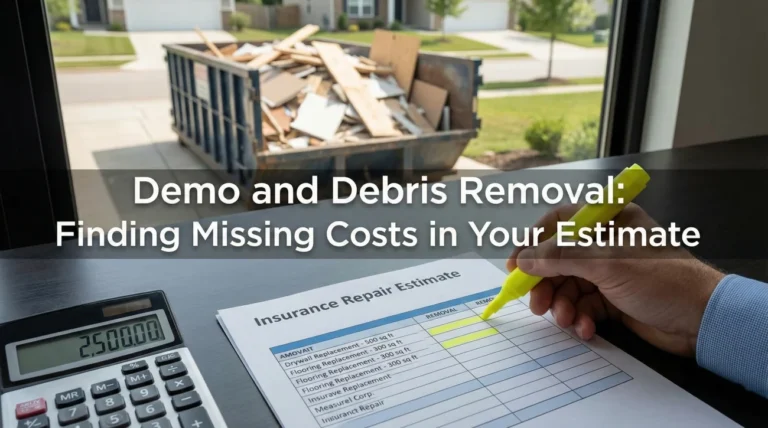
| DMO | Demolition | Are dumpsters and hauling fees included? |
| CLN | Cleaning | Final construction clean-up is often missed. |
Field Note: The “F9 Note” Trap
In Xactimate software, adjusters can press “F9” to add a custom note to a line item. In the printed PDF, these notes appear in small italics under the specific line item description.
I frequently see homeowners ignore these notes, but they often contain the adjuster’s logic for a denial or a limit. For example, under a roofing line item, a note might say: “Paid for slope 1 and 3 only; slope 2 and 4 denied due to wear and tear.”
If you don’t read that note, you might assume they paid for the whole roof but just used a low price. You would waste time arguing price when you actually need to argue the coverage decision on slopes 2 and 4. Always read the fine print under the bold text.
Scenario: The Baseboard Mistake
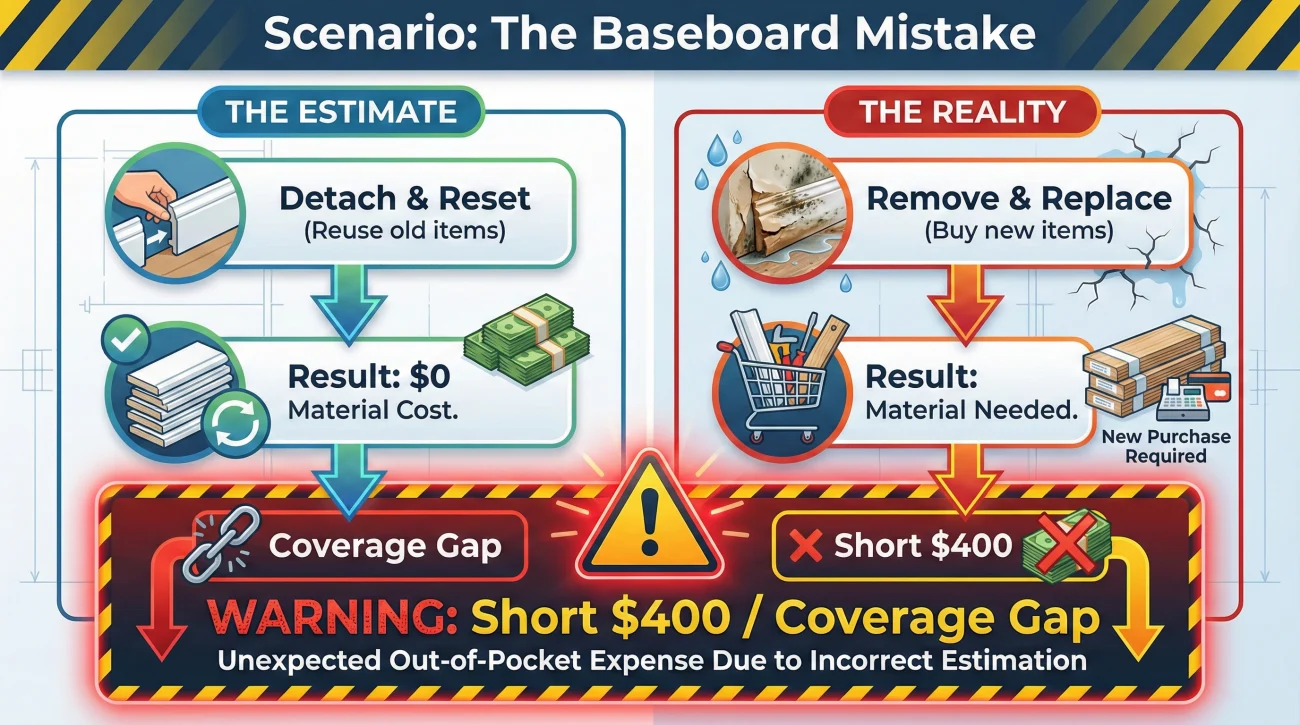
Let’s look at how misreading an estimate can lead to a stalled repair.
The Situation: A homeowner has water damage in the living room. The bottom 2 feet of drywall were cut out. The contractor says they need to replace all the baseboards in the room.
The Estimate Reading: The homeowner looks at the estimate and sees a line item:
“Baseboard – Detach & Reset | 60 LF”
The Mistake: The homeowner thinks, “Great, they included the baseboards.” They accept the check.
The Contractor’s Reality: The contractor arrives and says, “I can’t reuse these. They are MDF (compressed cardboard) and they swelled up when they got wet. They are trash. I need to buy new ones.”
The Gap: The adjuster wrote “Detach & Reset” (reuse old ones). The scope required was “Remove & Replace” (buy new ones). Because the homeowner didn’t catch the difference between “Reset” and “Replace,” they are now short $400 for materials.
The Fix: The homeowner should have sent a photo of the swollen baseboards to the adjuster before work began, asking to change the line item from “Detach & Reset” to “Remove & Replace.”
Checklist: The 5-Minute Estimate Scan
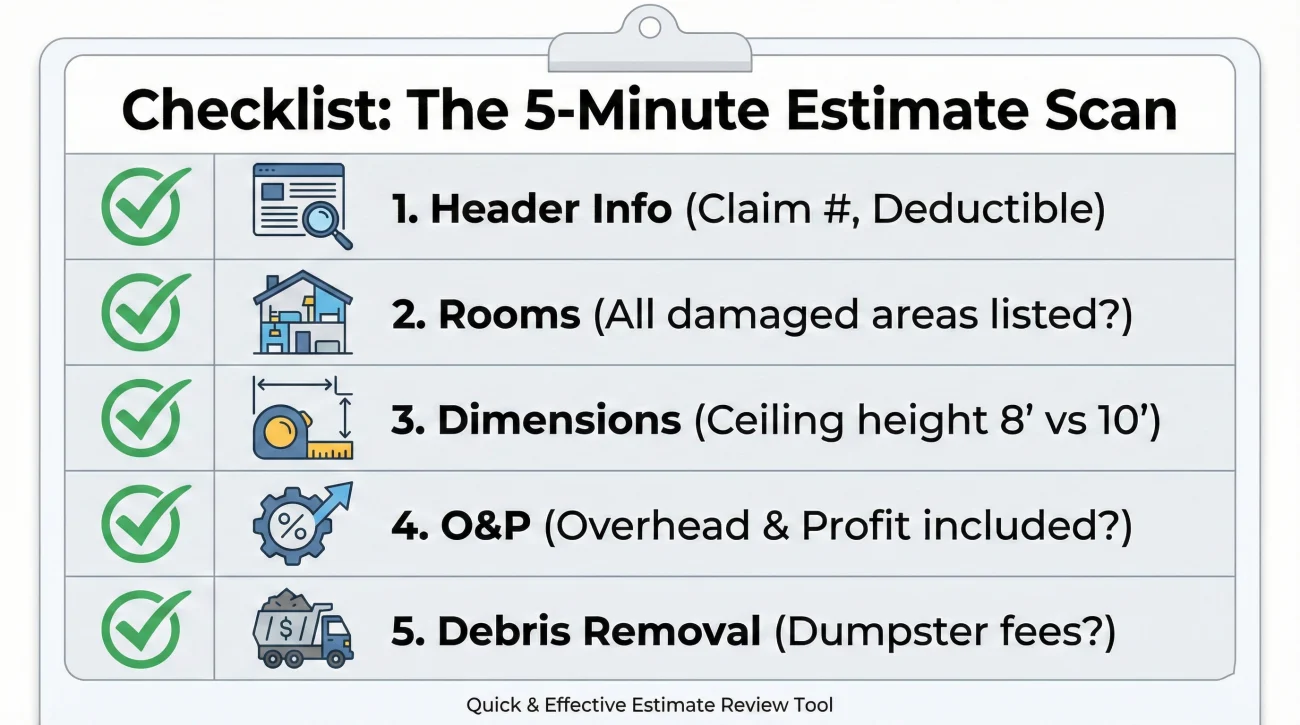
When you first get the file, do not try to process every number. Use this scan to check the “vital signs” of the estimate.
- ✅ 1. Check the Header Info: Is the claim number correct? Is the deductible correct? (I have seen deductibles listed as $5,000 when they should be $1,000).
- ✅ 2. Check the Rooms: Are all damaged rooms listed? (e.g., “Hallway” is often missed between bedrooms).
- ✅ 3. Check the Dimensions: Look at the “Room Dimensions” block at the start of each section. Is the ceiling height 8′ or 10′? If you have high ceilings but they wrote 8′, they are underpaying for paint and drywall by 20%.
- ✅ 4. Check the “O&P”: Look at the final summary. Is there a line for “Overhead and Profit”? If you have a General Contractor managing 3+ trades, this should often be there.
- ✅ 5. Check the Debris Removal: Is there a line item for a dumpster or hauling debris?
What to Do If You Find Errors
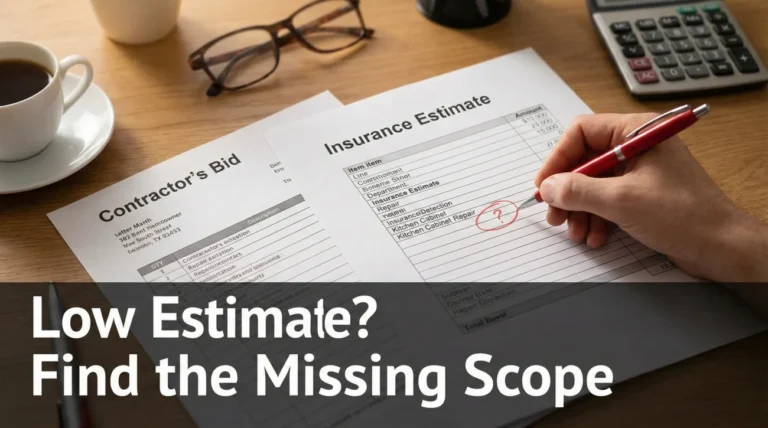
Finding an error is good news. It means you have a specific reason to ask for a correction. Do not call and yell “It’s too low.”
Instead, mark up the estimate (circle the errors in red pen or highlight in a PDF editor). Send it back to the adjuster with a simple note: “Please review the attached markup. Line 14 lists ‘Repair’ but the photos show the item is non-repairable. Line 22 uses 8′ ceilings, but the room is 10′. Please revise.”
For a complete system on how to document and submit these changes, refer to the Low Estimate Documentation Response guide.
Final Thoughts
An insurance estimate is not a fixed contract; it is a fluid document based on the information the adjuster had at the time. It is normal for it to change. By learning to read the line items, you take control of the conversation. You stop arguing about “fairness” and start pointing out “facts.”
❓ FAQ
📄 Why is my insurance estimate so hard to read?
It is generated by software (like Xactimate) designed for industry professionals, not consumers. It uses codes and abbreviations that standardize pricing across the industry but confuse homeowners.
💵 What is the difference between RCV and ACV?
RCV (Replacement Cost) is the price to fix it new today. ACV (Actual Cash Value) is the RCV minus depreciation for age. ACV is what you get paid upfront; the rest is usually paid after repairs are done.
📉 Why is the “Net Claim” amount so low?
The Net Claim is the final check amount after your deductible and depreciation have been subtracted. It is often just the first installment of the total money available.
🏚️ What does “Depreciation” mean on my estimate?
It is the value deducted because your property was not brand new when damaged. If you have “Recoverable Depreciation” coverage, you can get this money back by proving you completed the repairs.
🔄 What does “Detach and Reset” mean?
It means carefully removing an undamaged item (like a light fixture or toilet) to perform repairs around it, and then reinstalling the same item later. It pays for labor, not new materials.
📐 How do I check if the measurements are correct?
Check the “Room Dimensions” block at the top of each section. Compare the Length, Width, and Ceiling Height to your own tape measure results. Ceiling height errors are very common.
🗑️ Where is the debris removal cost?
Look for codes starting with “DMO” (Demolition) or line items labeled “Haul debris” or “Dumpster load.” It is sometimes a separate line item at the end of the room section.
🛑 What is a “line item limit”?
Sometimes an adjuster puts a maximum price on a specific task (e.g., “$500 max for toilet”). This is often written in the small italicized notes under the item description.
🛠️ What if my contractor charges more than the unit price?
You need to submit a “Supplement.” This involves sending the contractor’s bid and asking the adjuster to correct the estimate discrepancies in scope or price. Don’t just pay the difference yourself.
📝 What does “O&P” stand for?
Overhead and Profit. It is an additional percentage (often 10% overhead + 10% profit) added to the total for a General Contractor’s services. It is not always included automatically.
⚠️ Disclaimer: PropertyClaimChecklist.com provides practical guidance, process checklists, and example follow-ups to help you organize a property claim and move it forward. It is not policy language, claim documentation, legal content, or a substitute for your insurer's instructions. Always rely on your carrier's requirements and your actual policy terms for what must be submitted and how decisions are made.