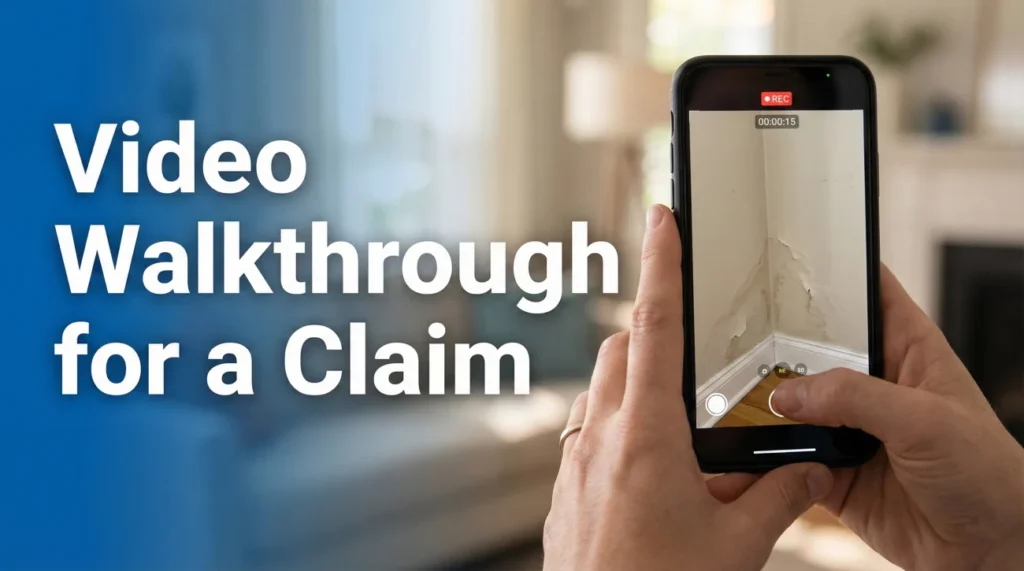
- Audio matters more than you think: Narrate what you see, state the date, and point out specific damage sources while recording.
- Do not edit the file: Never trim, filter, or combine clips. The metadata in the original file proves when the video was taken.
- Slow down the pan: Move the camera half as fast as you think you need to. Rapid movement makes the video unusable for adjusters.
- Context is key: Start from the exterior to establish the location, then move inside to connect the damage source to the result.
The “Safety Net” for Your Photos
Photos are excellent for showing detail, but they often fail to show context. A close-up photo of a wet baseboard shows damage, but it doesn’t show how that water traveled from the ceiling vent across the room to that specific wall. This is where a video walkthrough for an insurance claim becomes the most valuable asset in your evidence packet.
⚠️ Safety First: Only document damage when it is physically safe to do so. Do not enter standing water near electrical outlets or walk under sagging ceilings just to get a video. Your safety is more important than the evidence.
In the chaos immediately following property damage (whether it is a burst pipe, a storm, or a fire) your instinct is to clean up. But once you start moving debris or drying water, the “scene of the loss” is changed forever. If an adjuster questions how the damage occurred three months from now, you cannot recreate the scene.
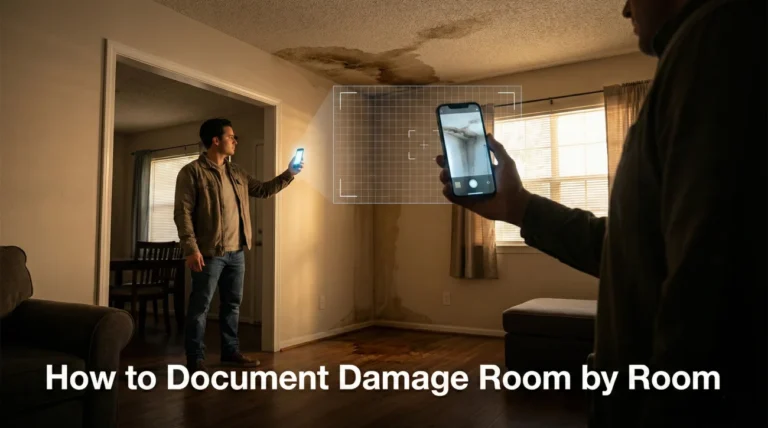
I often tell homeowners that a continuous, narrated video walkthrough acts as the glue that holds your photo evidence together. It answers the questions of “where is this?” and “how are these two damages connected?” before anyone even asks them. It is not about cinematic quality. It is about documenting the unedited reality of your loss.
The “Narrator” Mindset: Audio is Evidence
Most people treat a claim video like a silent tour. They walk through the house silently, panning the camera left and right. From my operational perspective, this is a missed opportunity. When I review files, a silent video is helpful, but a narrated video is definitive.
You need to act as a tour guide for someone who has never stepped foot in your home and likely never will until much later. The person reviewing this video sits at a desk, looking at hundreds of similar claims. Your voice guides their eyes.
Key Point: Do not just record the damage. Record the path of the damage. Talk through what you are seeing as you see it.
In my experience, narration establishes timeline and logic better than any written note. If you walk into a room and say, “This is the guest bedroom, directly below the master bath leak,” you have instantly created a mental map for the adjuster. Without that audio cue, they just see a wet ceiling in an unidentified room.
Effective Narration Script Example:
Preparation: The “Do Not Edit” Rule
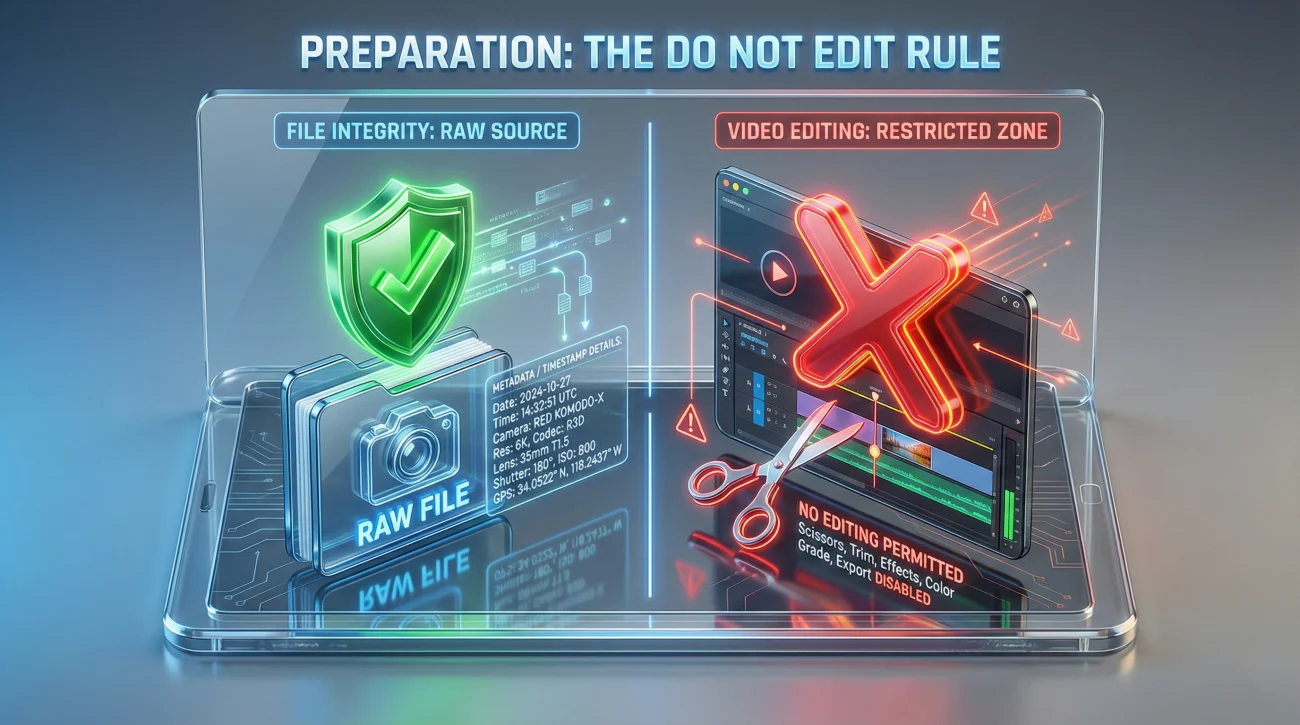
Before you press record, you must understand a critical rule of evidence: authenticity is everything. In the age of social media, we are used to trimming clips, adding filters, or stitching videos together. I strongly advise you not to do this for an insurance claim.
⚠️ Warning: Never edit, trim, or alter your claim video files. If the file metadata shows it was modified in a video editor, it can raise questions about whether you are hiding something. Submit the raw, original file.
If you mess up a sentence while recording, just correct yourself and keep going. If you drop the phone, pick it up and keep recording. The imperfections prove that the video is raw and real. I have seen perfectly valid evidence questioned simply because the file date didn’t match the loss date due to saving a “trimmed” version.
Also, turn off any background noise. Turn off the TV, music, or loud fans if safe to do so. You want your voice to be clear and distinct. If you are recording in a dark area (like a basement or attic), use a strong flashlight in your non-recording hand rather than relying solely on the phone’s weak LED light. This prevents the “grainy footage” issue that I see plague many claim files.
Filming Technique: The Slow Pan
The most common mistake I see in claim videos is speed. When you are stressed, you move fast. You whip the camera from the floor to the ceiling. On a phone screen, this might look fine. On a large desktop monitor where adjusters work, this rapid motion causes motion blur and can make the video difficult to review.
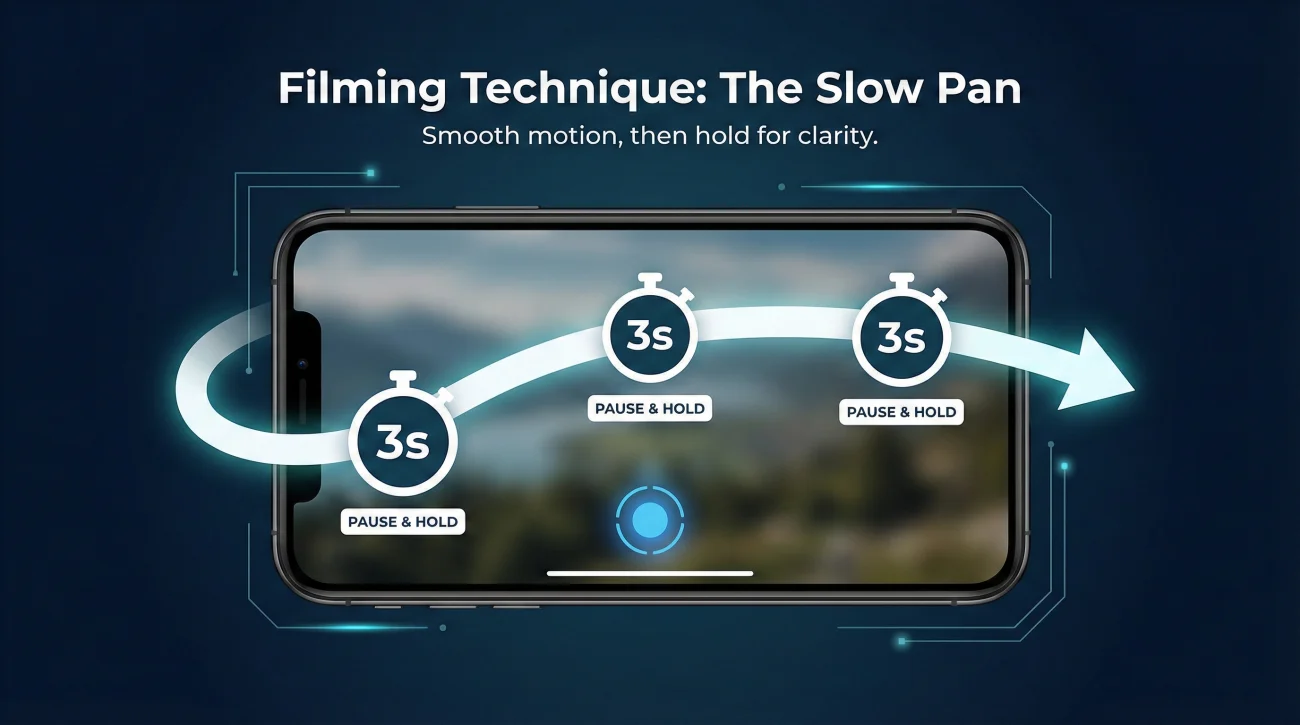
The 3-Second Rule
I recommend a “pan and hold” technique. Move the camera to a specific area (like a damaged corner), stop moving, and hold it steady for three full seconds. Then move to the next area. This ensures the camera creates a clear, focused frame that can be paused and used as a still image if necessary.
Walking quickly through the room, swinging the phone back and forth to “capture everything” in one sweep. The result is a blurry tunnel.
Stand in the doorway. Pan slowly left to center. Stop. Narrate. Pan center to right. Stop. Narrate. Walk to the damage. Point down. Stop. Narrate.
Field notes from operations show that reviewers often lose focus on videos that move too erratically. A slow, steady video is one that is much easier to process and use as proof.
The Walkthrough Flow
Structure your video logically. Do not bounce randomly between rooms. Follow a path that tells the story of the property.
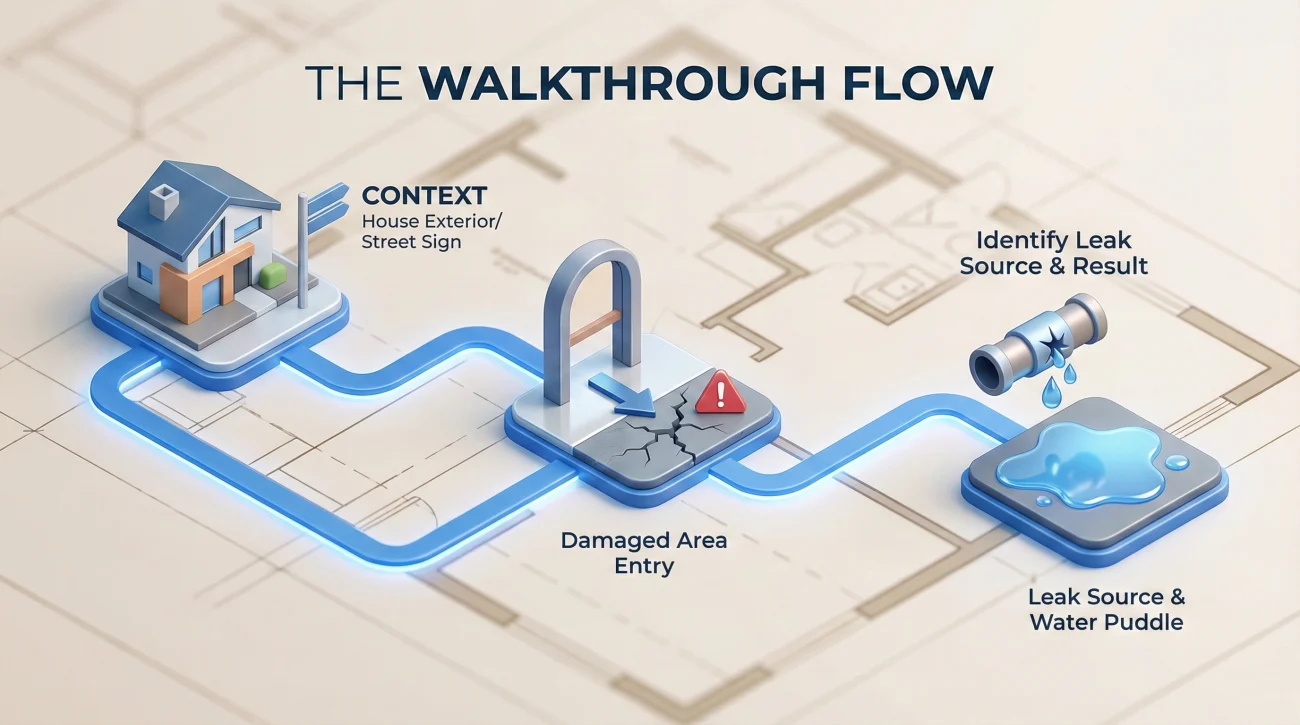
Step 1: Exterior Context
Start outside. Film the street sign or house number to indisputably prove the location. Then, walk toward the area of damage. If a tree fell on the roof, start at the street and walk toward the house to show the angle of impact. This establishes the “macro” view.
Step 2: The Path of Entry
Move from the unaffected area into the affected area. This transition is important. It shows where the damage stops, which is just as important as where it starts. As you cross the threshold, describe what you are seeing, smelling, or feeling.
Example narration: “I am walking from the living room, which is dry, into the kitchen. The floor here feels spongy. You can hear the squish sound as I step.”
Step 3: The Source and Result
Trace the damage to its origin. If it is a leak, point the camera at the pipe or hole. Then, slowly follow the water path down to the floor and across the room. Connect the dots visually.
❌ Common Gap: I have seen cases where a homeowner had great photos of a wet carpet but no video showing the active leak source. Later, the argument became “was this old damage?” A simple video walking from the leak to the stain would have settled it immediately.
For more details on what specific items to capture, you should cross-reference your video with a solid property claim evidence pack strategy, ensuring your video captures the same items you will photograph later.
Final Thoughts
Your goal with a video walkthrough is not to win an Oscar. It is to freeze time. The moment you turn off that camera, the drying process begins, contractors arrive, and the evidence changes. The video you take in those first few hours is the only permanent record of the raw damage.
Keep the original file safe. Do not just text it to yourself, as messaging apps often compress quality. Transfer the full-resolution file to a hard drive or cloud storage. When the time comes to discuss the scope of repairs, this video will be the unbiased witness that speaks for you.
❓ FAQ
📹 Should I take video or photos for an insurance claim?
You need both. Video provides the layout, context, and narrative of how damage connects across rooms. Photos provide the high-resolution detail needed for estimating costs. Use video to tell the story and photos to document the specifics.
🗣️ What should I say in my insurance claim video?
State the date, time, and your location immediately. Describe what you are looking at (e.g., “This is the master bedroom”). Point out the source of damage (e.g., “Water is coming from this vent”) and describe sensory details like smells or wet carpet sounds.
⏱️ How long should an insurance claim video be?
There is no strict limit, but 2 to 5 minutes per area is usually sufficient. It is better to have one continuous shot for a room than many 5-second clips. Walk slowly enough to avoid blur, which naturally makes the video longer.
📱 Can I use my phone to record damage for insurance?
Yes, modern smartphones are perfectly acceptable. Ensure your lens is clean and try to record in high quality if your storage allows. Avoid sending the video via text message later, as this compresses the quality; use email or a cloud link instead.
✂️ Should I edit the video to make it shorter?
No. Never edit, trim, or combine clips. Insurance adjusters need to see the raw file to trust its authenticity. Edited videos can look suspicious and may damage the credibility of your evidence.
📏 Do I need to measure things in the video?
It helps if you can, but it’s not required. Holding a tape measure up to the water line or a damaged hole while filming gives excellent scale. If you can’t, just focus on capturing the area clearly so it can be measured later.
📦 Should I video my personal property items too?
Yes. After filming the structural damage, do a pass on your contents. Open drawers and closets. Narrate brand names and quantities as you film them (e.g., “Sony TV, model X, bought in 2020”). This serves as a backup to your written inventory.
🌧️ Is it okay to video while water is still leaking?
Absolutely, if it is safe. Filming the active leak is “best evidence.” It proves exactly where the water came from. Just ensure you remain safe and do not stand in standing water near electrical outlets.
📤 How do I send a large video file to the insurance adjuster?
Many adjuster portals have file size limits that block direct video uploads. Ask your adjuster for their preferred method or a secure upload link. Do not try to attach large files to standard emails as they will often bounce.
🤔 What if I forgot to take a video before cleaning up?
Take the video now anyway. Narrate clearly that cleanup has already started. Say, “This is the room after water extraction. The water line was here [point to line].” A late video is better than no video, as long as you are honest about the timing.
⚠️ Disclaimer: PropertyClaimChecklist.com provides practical guidance, process checklists, and example follow-ups to help you organize a property claim and move it forward. It is not policy language, claim documentation, legal content, or a substitute for your insurer's instructions. Always rely on your carrier's requirements and your actual policy terms for what must be submitted and how decisions are made.