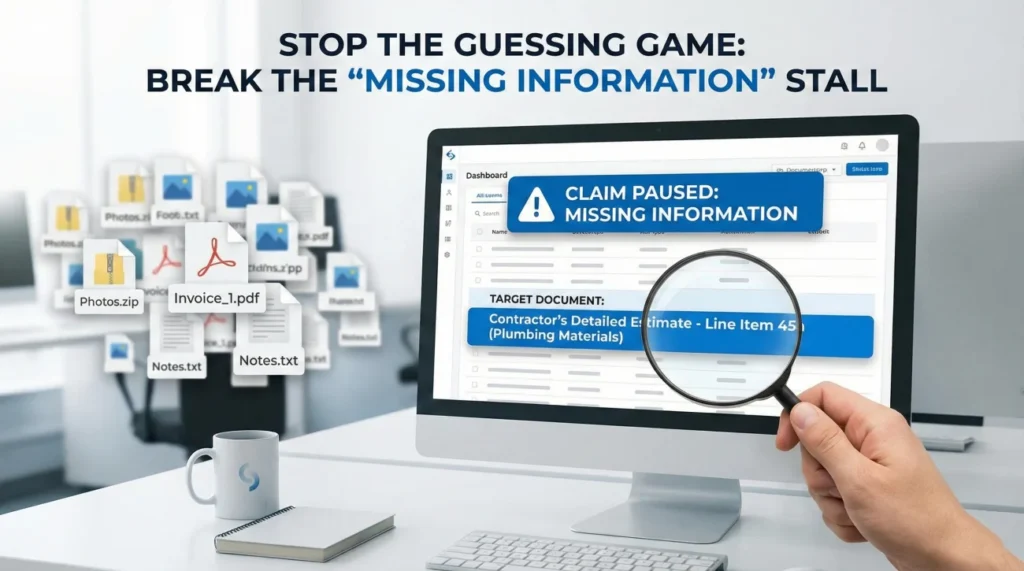
- The Vague Trap: “Missing information” is often a generic status code, not a helpful instruction. It keeps the clock running without moving the claim forward.
- Stop Guessing: Do not just resend your entire file. This creates confusion and duplicate copies. You must force the adjuster to name the specific missing item.
- The “Specificity” Question: Ask “What specific line item is missing?” rather than “What do you need?”.
- The Mapping Fix: When you resubmit, explicitly map their request to your file name (e.g., “You asked for proof of ownership; see attached file ‘Receipt_001.pdf'”).
- Action Item: Use the “Clarification Protocol” below to turn a vague stall into a clear to-do list.
The “We Need More Information” Loop
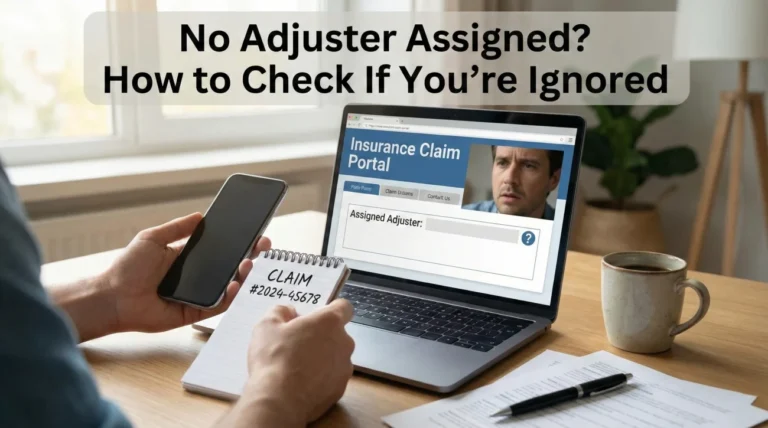
In many property claim workflows across major carriers, few things are as frustrating as the generic “Pending Information” letter. You check your portal or open your mail, and you see a notification that your claim is paused because of insurance claim missing documents. But when you look for details, the letter just says: “Please provide proof of loss” or “Submit pending records.”
You sit there thinking, “I already sent everything.” You sent the photos. You sent the inventory. You sent the contractor’s bid. So you panic, zip everything up into a huge email, and hit send again. Two weeks later, you get the same letter.
This cycle happens not because you are bad at sending files, but because the request is automated or lazy. In my experience, “Missing Documents” is often a catch-all bucket adjusters use when they cannot proceed, but they haven’t taken the time to type out exactly why. To break this loop, you have to stop playing the guessing game and start managing the communication flow.
Why Adjusters Say It Is Missing (When It Isn’t)
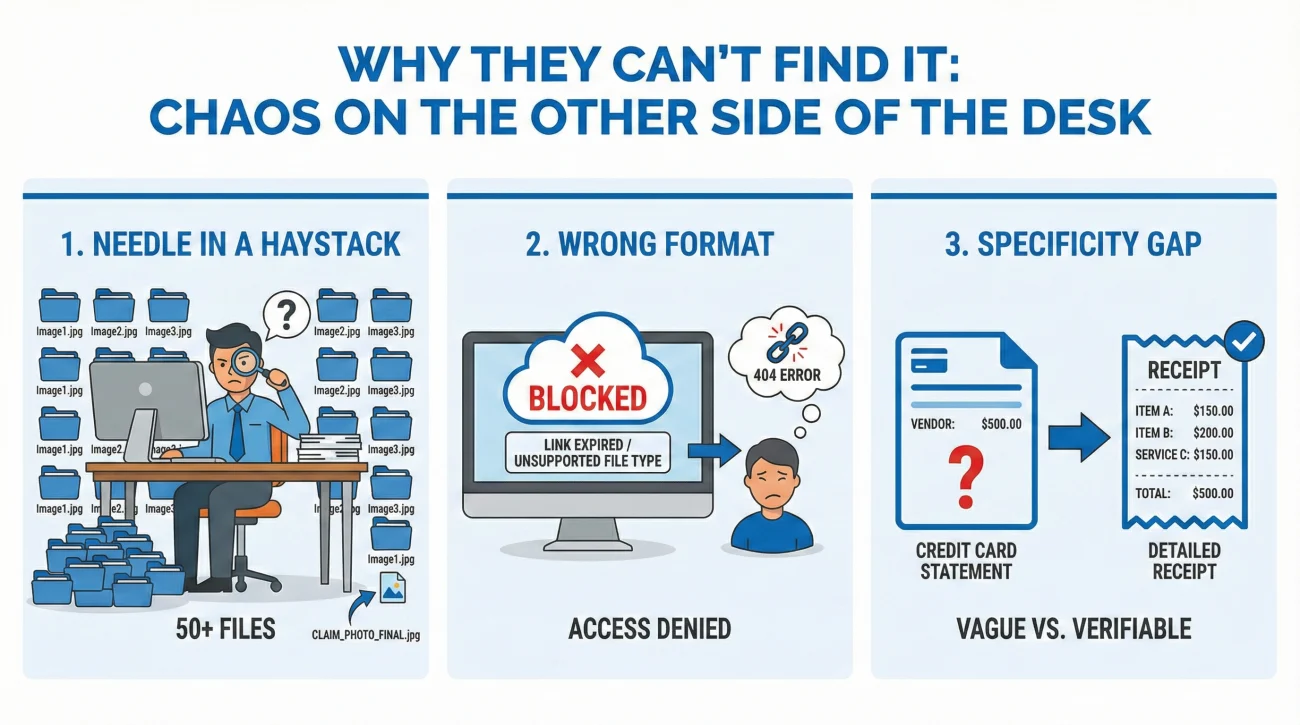
Before you get angry, it helps to understand the chaos on the other side of the desk. When an adjuster says something is missing, it usually stems from one of three operational failures:
1. The “Needle in a Haystack” Problem
If you sent one email with 50 attachments labeled “Image1.jpg” through “Image50.jpg,” the adjuster has to open every single one to find the picture of the stove model number. If they are busy, they might click three, not find it, and flag the file as “Missing Model Number.” They didn’t lose it; they just couldn’t find it fast enough.
2. The “Wrong Format” Filter
You might have sent a cloud link (like Google Drive) or a proprietary file format (like Apple Pages). If the insurance company’s security firewall blocks the link or their ancient PC cannot open the file, they mark it as “Not Received.” They rarely email you to say “I can’t open this.” They just tick the “Missing” box.
3. The Specificity Gap
This is the most common one. You sent a credit card statement showing a purchase at Home Depot for $500. You think that proves you bought the lawnmower. The adjuster needs a receipt showing the actual item description, not just the total. To them, the “proof of ownership” is missing because the credit card line item is not specific enough. They aren’t saying you didn’t send a document; they are saying you didn’t send the right document.
Field Note: The “Proof of Loss” Standoff
I once worked on a fire claim where the carrier kept sending letters every 30 days stating “We are waiting for your Proof of Loss.” The homeowner was screaming, “I sent the list of damaged items three months ago!”
The disconnect was terminology. The homeowner thought “Proof of Loss” meant their inventory spreadsheet. The carrier meant the specific, notarized legal form called a “Sworn Statement in Proof of Loss.” They were using the same words to mean different things. The file stalled for 90 days because neither side clarified the definition. Once we asked, “Are you referring to the inventory list or the Sworn Statement form?”, the adjuster clarified immediately, we sent the form, and the check was released. Clarity cuts through the noise.
The Clarification Protocol: How to Ask
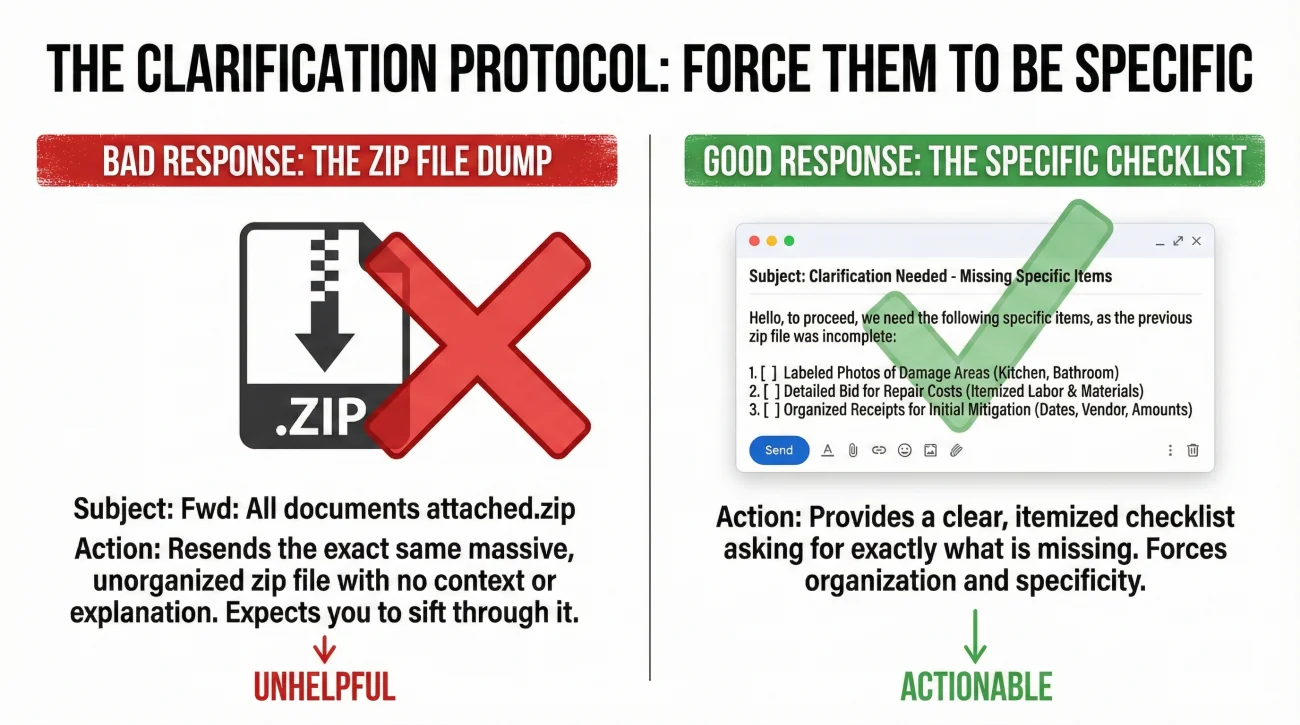
When you receive a vague request, your instinct is to be helpful and resend everything. Fight that instinct. Resending duplicates clogs the file and confuses the next reviewer. Instead, force the adjuster to be specific.
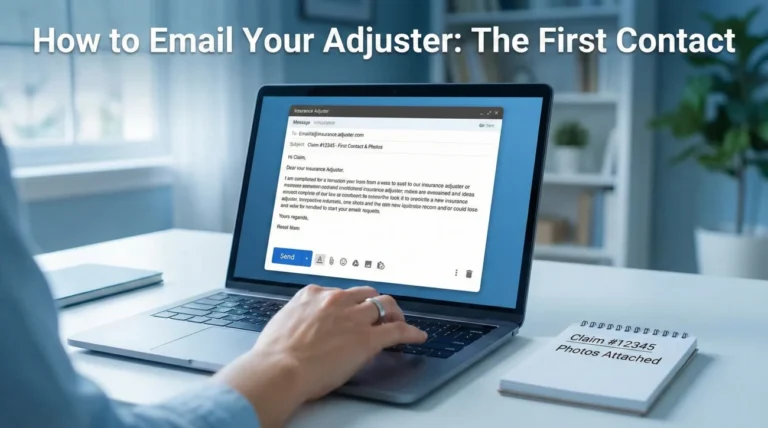
You need to send a “Clarification Request.” This is a short, neutral message designed to turn their vague request into a checklist. The goal is to make them name the specific file or data point they lack.
A strong approach focuses on “unblocking” the file. You might write something like:
Subject: Clarification on Missing Documents – Claim [Number]
Hello [Adjuster Name],
I received the notification stating that the claim is pending missing information.
To ensure I send exactly what you need without delaying the review, please list the specific items missing. For example, are you missing:
1. The photos of the damage?
2. The contractor’s itemized bid?
3. A specific receipt for a specific item?
Please provide a bulleted list of the outstanding requirements so I can clear this today.
Regards,
[Your Name]
By offering categories (photos, bid, receipts), you force them to mentally categorize what they are looking for. Usually, they will reply with something precise like, “We have the photos, but we need the plumber’s invoice showing the cause of loss.” Now you have a target.
The “Mapping” Response Technique
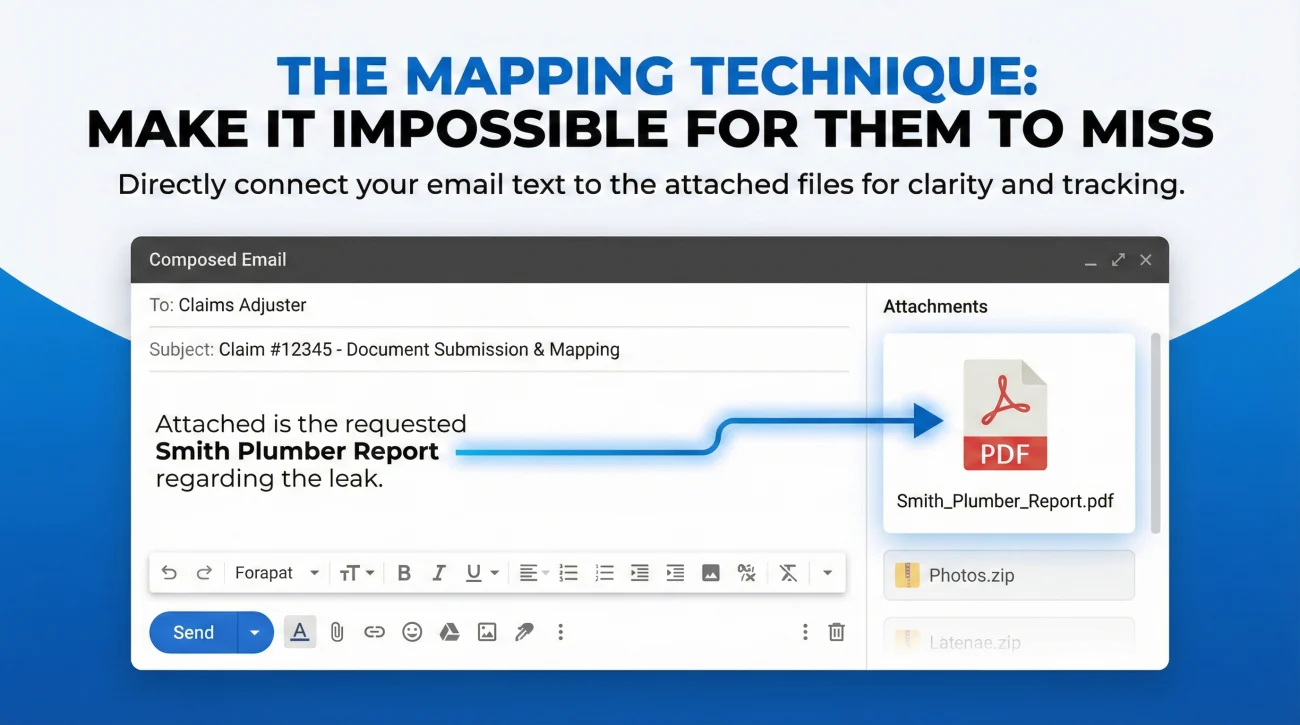
Once you have the specific list, do not just attach the file and hit send. You need to connect the dots for them. I call this “Mapping.” You want to make it impossible for the adjuster to miss the connection between their request and your attachment.
When you reply, structure your email or cover letter so that every requested item is explicitly linked to a file name. This is part of maintaining a clean property insurance claim documents checklist strategy.
For example, if they asked for the plumber’s report and the mitigation invoice, your response should look like a table of contents:
Subject: RE-SUBMISSION: Requested Documents – Claim [Number]
Hello [Adjuster Name],
Per your request on [Date], please find the missing items attached below:
1. Request: Plumber’s Report on Cause of Loss
See attached file: Smith_Plumber_Report_Cause.pdf
2. Request: Mitigation Invoice for Dry-out
See attached file: ServPro_Invoice_Dryout_Final.pdf
Please confirm by reply that these files open correctly on your end.
Thank you,
[Your Name]
Notice the file names. They match the description. This prevents the “Needle in a Haystack” problem. Even if the adjuster downloads all attachments into a messy folder, the file name tells them exactly what it is.
Handling Portal Upload Requests
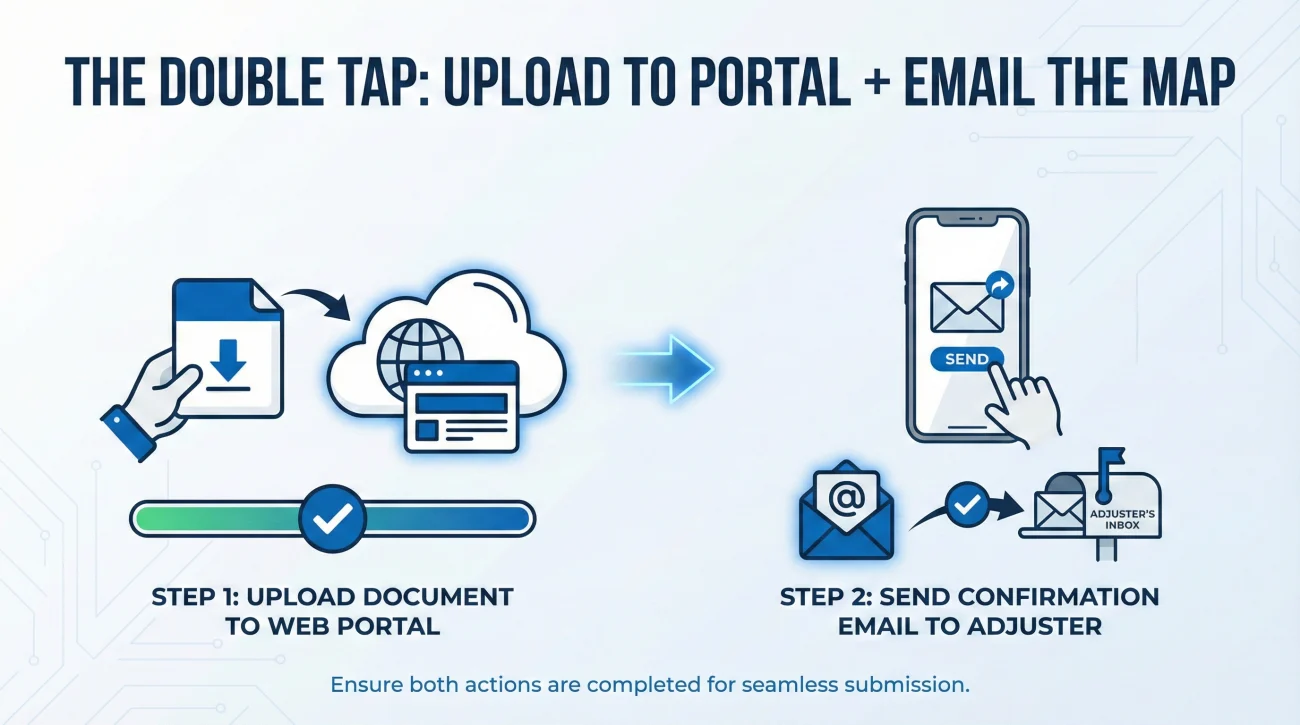
Many carriers now insist you upload missing documents to a web portal rather than emailing them. The problem with portals is that they often strip away your context. You upload a file, and it just sits there in a list.
If you must use a portal, I recommend a “Double Tap” strategy.
- Upload the File: Upload the requested document to the portal.
- Send the Map: Immediately send a short email to the adjuster stating: “I have just uploaded ‘Smith_Plumber_Report.pdf’ to the portal to satisfy your request for the cause of loss documentation. Please verify you can see it.”
This email serves two purposes. First, it alerts the human that the machine has new data. Second, it creates a timestamped record that you complied with the request, which is useful if timelines are later disputed.
Final
“Missing Documents” is rarely about the document itself. It is about communication. The adjuster is overwhelmed and using shorthand; you are confused and over-sending. By pausing, asking for a specific list, and then mapping your response clearly, you do the organizational work for them. You turn a vague stall into a simple administrative task that gets your claim moving again.
❓ FAQ
📄 Why does the insurance company keep asking for the same documents?
This often happens because files are not named clearly, or different adjusters are rotating through your file. It can also mean the document you sent was illegible or didn’t contain the specific data point (like a date or model number) they needed.
📧 Is it better to email or upload documents to the portal?
The portal is often the official requirement, but email creates a better paper trail for communication. The best practice is often to upload to the portal and then email the adjuster to confirm the upload was successful.
🚫 What if I lost the receipt they are asking for?
Be honest and proactive. State clearly in writing that the receipt is unavailable and offer alternative proof, such as a credit card statement, a photo of the item, or a manual showing the model number.
⏳ How long does it take for them to review submitted documents?
Timelines vary, but standard operation is often a few business days. However, it can be longer during high volume events like storms. If you haven’t heard back in a week, a polite follow-up asking for confirmation of receipt is appropriate.
📦 Can I just send a zip file of everything?
Avoid this if possible. Many corporate firewalls block zip files for security reasons. Even if they get through, adjusters hate unzipping and sorting folders. Sending individual, clearly named PDFs is much more effective.
📸 Do screenshots count as documents?
They are risky. Screenshots usually lose critical context like full statement pages, account identifiers, and source info (URLs). It is better to “Print to PDF” or download the actual statement whenever possible.
📝 What if the request is “provide all information”?
This is a red flag for a lazy or automated request. Reply immediately asking for a specific list of outstanding items. Do not try to guess what “all” means.
🤝 Can my contractor send the documents for me?
Yes, but you should always be copied (CC’d) on the email. You are the policyholder, and it is ultimately your responsibility to ensure the carrier gets what they need. Never assume the contractor did it without seeing the proof.
🛑 What happens if I can’t provide the document in time?
Ask for an extension in writing. Most deadlines are administrative, not hard legal stops (unless it is a Proof of Loss deadline). Communicating that you are working on it keeps the file open.
📤 What is the best file naming convention?
Use “Category – Detail”. For example: “Invoice – Plumber Repair.pdf” or “Photo – Kitchen Damage.jpg”. This allows the adjuster to sort and identify files instantly without opening them.
⚠️ Disclaimer: PropertyClaimChecklist.com provides practical guidance, process checklists, and example follow-ups to help you organize a property claim and move it forward. It is not policy language, claim documentation, legal content, or a substitute for your insurer's instructions. Always rely on your carrier's requirements and your actual policy terms for what must be submitted and how decisions are made.