- The Risk: A new adjuster inherits a stack of files, meaning your previous verbal agreements can easily disappear.
- The Fix: Do not assume they have read your history. Send a “Continuity Recap” to bridge the gap.
- The Action: Summarize the current status, locked-in agreements, and pending payments in one structured email.
- The Mindset: You are the keeper of the claim’s history. Documentation beats memory every time.
The Panic of Reassignment
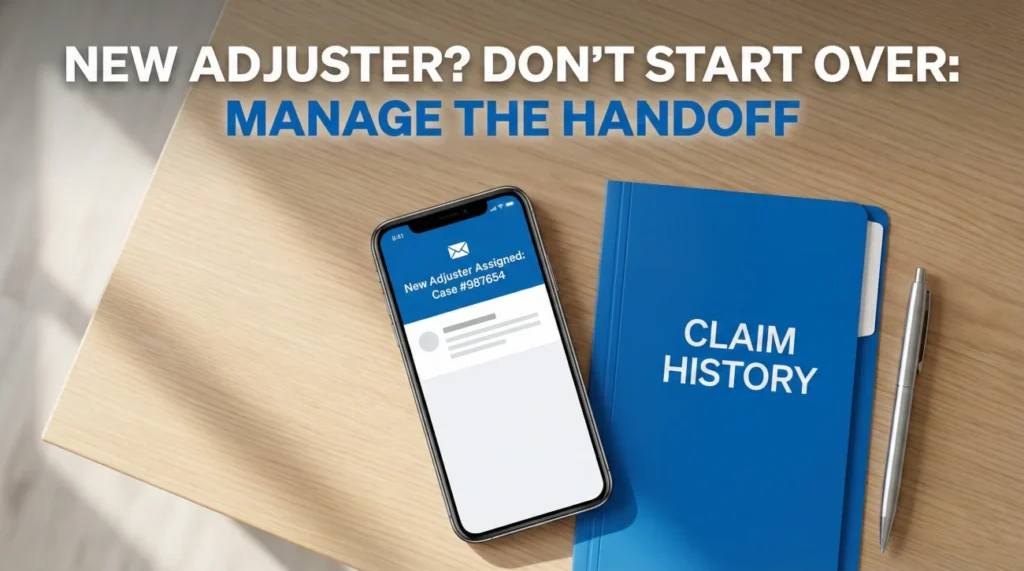
In my years working in claims operations, few notifications cause as much uncertainty as the generic email: “A New Adjuster Has Been Assigned to Your Claim.”
I know exactly what goes through your mind. You spent weeks explaining the damage, walking them through photos, and arguing scope. You finally felt like you were making progress. And now, that person is gone.
From the operational side, adjuster turnover is a major cause of “unexplained delays.” When a file moves desks, it rarely moves cleanly. A new adjuster might inherit 50 to 100 files at once. They are often triaging fires rather than reading every history note.
If you sit back and wait for them to “get up to speed,” you risk a long pause. I have seen files sit for weeks because the new adjuster assumed the previous one had finished the work. This guide covers the “Continuity Recap” system I use to prevent this stall and help the new adjuster pick up exactly where the old one left off.
The “Black Hole” Transfer: Operational Reality
To navigate this, you need to understand the internal mechanics. There is rarely a detailed “handoff meeting” where adjusters discuss your specific kitchen cabinets.
Key Point: Most file transfers happen digitally and silently. The old adjuster leaves on Friday. On Monday, a new adjuster logs in and sees 40 new “red” notifications.
I call this the “Black Hole Transfer.” Here is why it creates risk:
- ❌ Verbal agreements risk vanishing. If the old adjuster said “I will approve that invoice” on the phone but didn’t log it, the new adjuster may not know it happened.
- ❌ Documents get buried. The new adjuster has a “documents” tab with hundreds of files. They may not open every single PDF to find your specific estimate.
- ❌ Momentum slows. The new adjuster has to prioritize. If your file looks quiet, it goes to the bottom of the stack.
In my experience, the best approach is to act as the project manager training a new team member.
The “Continuity Recap” Protocol
The moment you get that assignment notification, your clock starts. Avoid calling immediately on Day 1. In many cases, they haven’t even opened your file yet, so the call results in a vague “I need to review it.”
Instead, spend that time building a “Continuity Recap.” This is a single source of truth that you will send to them. It does their job for them.
💡 Pro Tip: Format this recap as a “Helpful Summary,” not a demand list. You want them to look at your email and think, “Thank goodness, this homeowner is organized.”
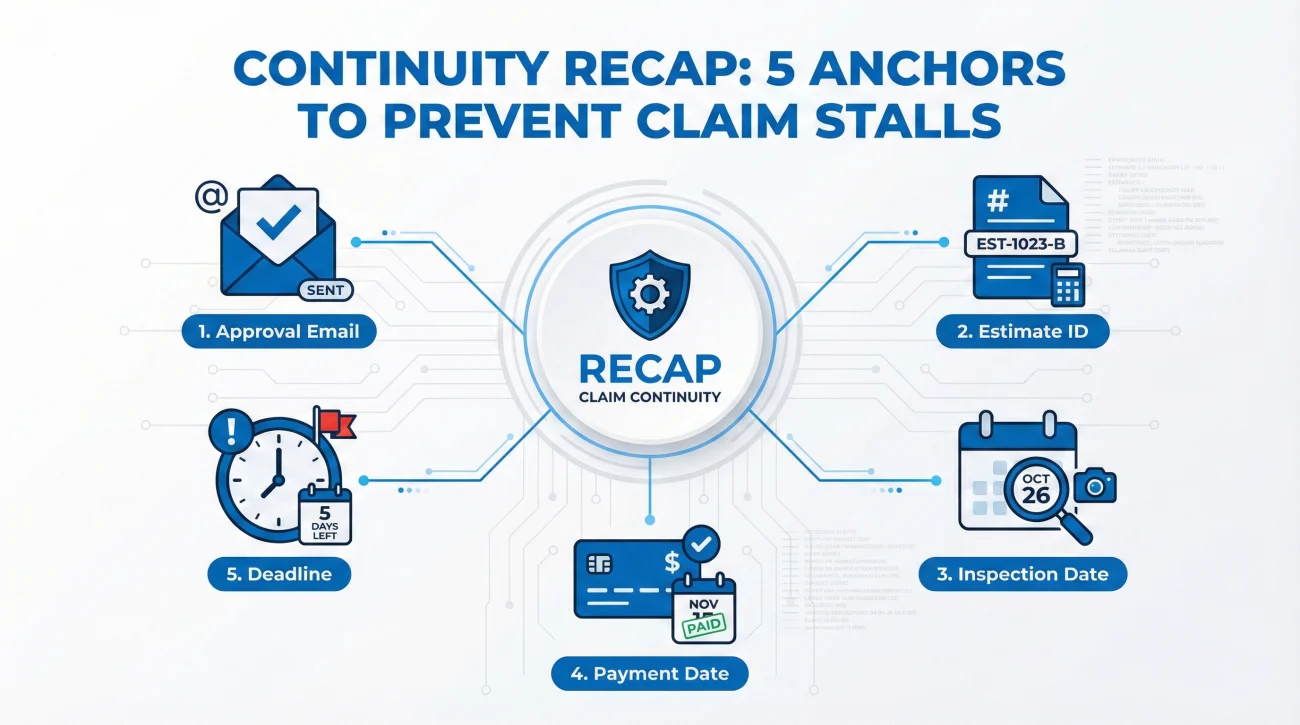
Checklist: 5 Anchors That Survive Turnover
Before writing, gather these 5 data points. These are your “anchors” that prevent the claim from drifting:
- 📧 Approval Email: The most recent written confirmation of coverage.
- 🔢 Estimate Revision ID: Which version of the estimate is current? (e.g., “Estimate v4”).
- 📅 Inspection Date: When was the property last viewed?
- 💵 Payment Issued Date: What was the last check cut?
- ⏳ Open Deadline: What date was promised for the next step?
The Continuity Recap Email Template
This email is designed to be polite but firm about the timeline. Aim to send this within 24 hours of the change if you can.
Subject: Claim #[Claim Number] | Continuity Recap | [Property Address]
Hello [New Adjuster Name],
I received the notification that you have been assigned to my claim following [Previous Adjuster Name]. I know taking over an existing file can be chaotic, so I wanted to provide a quick “Continuity Recap” to help you get up to speed without having to dig through months of notes.
1. Current Status Snapshot
The field inspection was completed on [Date]. We are currently in the [Current Stage] stage.
2. Prior Verbal Agreements (Pending Confirmation)
[Previous Adjuster Name] indicated on [Date] that [Specific Item or Action] was approved. Can you please confirm you see this note in the file log?
3. Immediate Open Items
To my knowledge, here is what is pending:
– From Me: I have already submitted [Document Name] (Sent on [Date]). Do you see this in the file?
– From You: We are waiting for [Document Name] which was promised by [Date].
I have a digital copy of all documents if anything is missing from your view. Please let me know if you need me to re-forward anything.
Best regards,
[Your Name]
[Your Phone Number]
The “Verbal-to-Written” Fix
If the previous adjuster only promised things on the phone, use this template in your recap to lock it in:
“On [Date], I discussed [Topic] with the previous adjuster. My understanding from that call was that [Agreement Detail]. Please confirm if that is not accurate.”
This phrasing puts the burden on them to correct you, rather than you begging for approval.
The 60-Second Version (For Mobile)
If you need to be extremely brief, use this block:
✅ Agreed: [List agreed items]
⏳ Pending: [List pending items]
📤 Waiting on me: None.
📅 Next Requested Date: [Date]
Field Note: The “Data Dump” Mistake
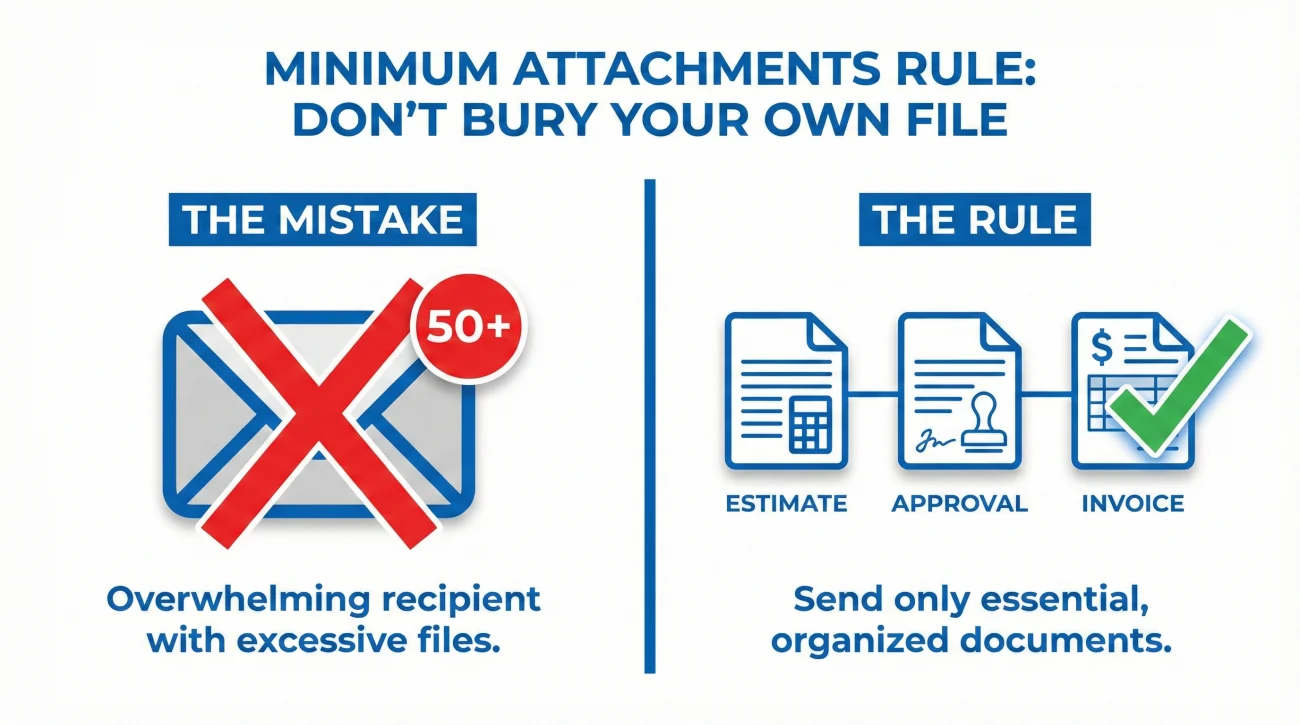
I see this mistake constantly. A homeowner gets panicked that the new adjuster has “lost” everything, so they attach 50 files to a single email and hit send.
❌ Note: Do not do this. In claims operations, a massive email with 50 attachments is often flagged as “Complex/Review Later.” You are accidentally burying your own file.
The “Minimum Attachments” Rule
To avoid overwhelming the new adjuster, attach only the essentials to your first email (maximum 2-3 items):
- 📄 1. The Cover Estimate: The most recent version.
- 📧 2. Key Approval Email: The one proof you can’t afford to lose.
- 🧾 3. The Stuck Item: The specific invoice or report you are waiting on.
For everything else, use the Resend Rule: Reference the filename and date sent, and ask “Do you see this in the file, or do you want me to resend it?” This ensures they actually look for it.
Tone Filter: How to Be a Partner, Not a Problem
Your goal is to be the easiest claim on their desk to close. Using the right “Tone Filter” can change their responsiveness.
| The Complaint (Ignored) | The Partner Approach (Answered) |
|---|---|
| “Why is this taking so long? You guys keep changing adjusters!” | “To save you time catching up, here is the current status…” |
| “I sent this weeks ago! Check your email!” | “I can resend the invoice right now if it’s missing from the file.” |
Real-World Scenario: The “Start Over” Attempt
I want to share a pattern I see frequently regarding scope disputes. Let’s look at a scenario involving a kitchen fire claim.
The Situation: The homeowner had spent four weeks arguing with Adjuster A about the kitchen cabinets. Finally, Adjuster A agreed via email that the cabinets could not be repaired and needed full replacement. Two days later, Adjuster A left. Adjuster B was assigned.
What Adjuster B Did: Adjuster B looked at the photos, didn’t read the notes, and issued a payment for “repair only.” He tried to restart the negotiation.
The Wrong Move: The homeowner called and yelled, “We already decided this!” Adjuster B got defensive.
The Right Move (The “Loop” Fix): I advised the homeowner to stop arguing and forward the email. They sent a message: “Hi Adjuster B, I think you might have missed the determination from [Date]. Adjuster A already reviewed this and confirmed replacement was required. See the attached email thread. Please correct the estimate to match the prior agreement.”
The Result: Adjuster B immediately backed down. The lesson here is simple: Documentation beats rank. Even a new adjuster cannot easily overturn a written decision from a previous representative if you produce the proof calmly.
The First Conversation: Don’t Ask, Tell
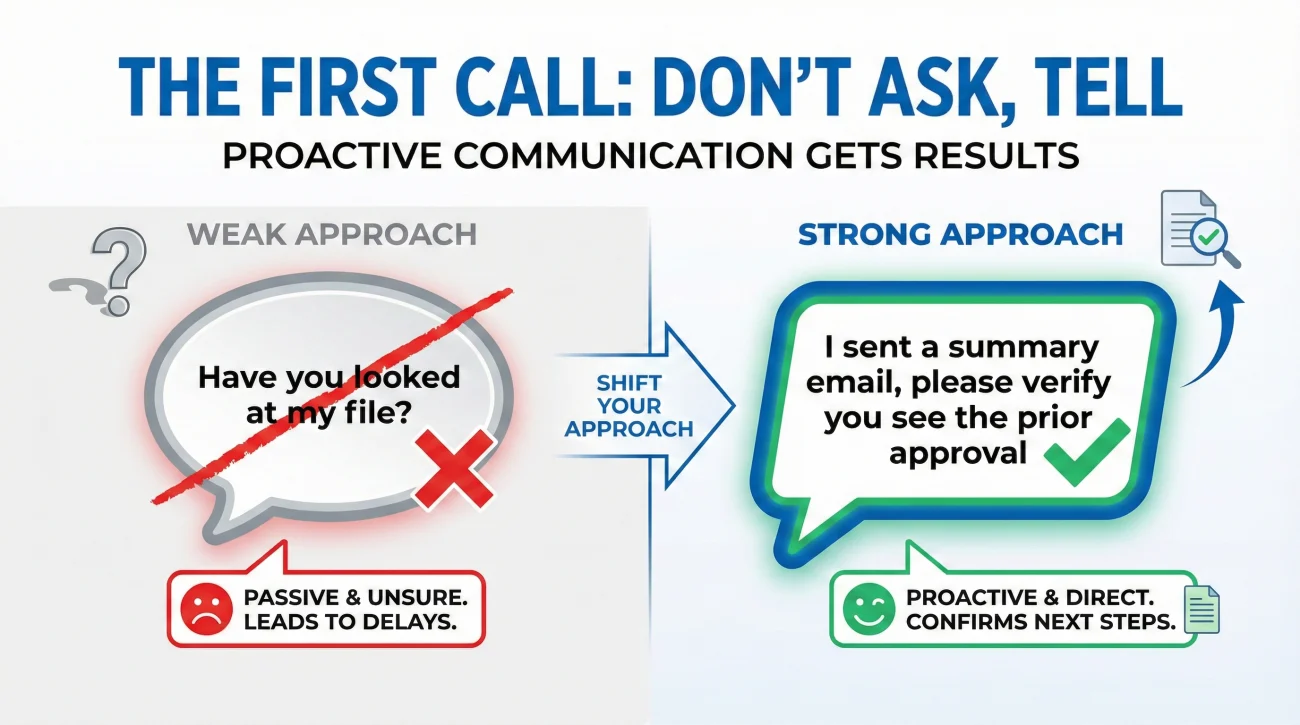
When you do finally get the new adjuster on the phone, the dynamic of that first call is critical. Most homeowners make the mistake of asking: “Have you had a chance to look at my file yet?”
The answer is often “No,” even if they don’t say it. Instead of asking open-ended questions, guide them to your recap.
“Hi [Name], I sent you a summary email yesterday with the status of the claim. I just need to verify that you received that, and that you see the prior approval for the mitigation invoice.”
This puts them on the spot professionally. They have to open the email while you are on the line. Once they say “Yes, I see it,” you have successfully transferred the knowledge.
Digital Hygiene: Making Your File Transfer-Proof
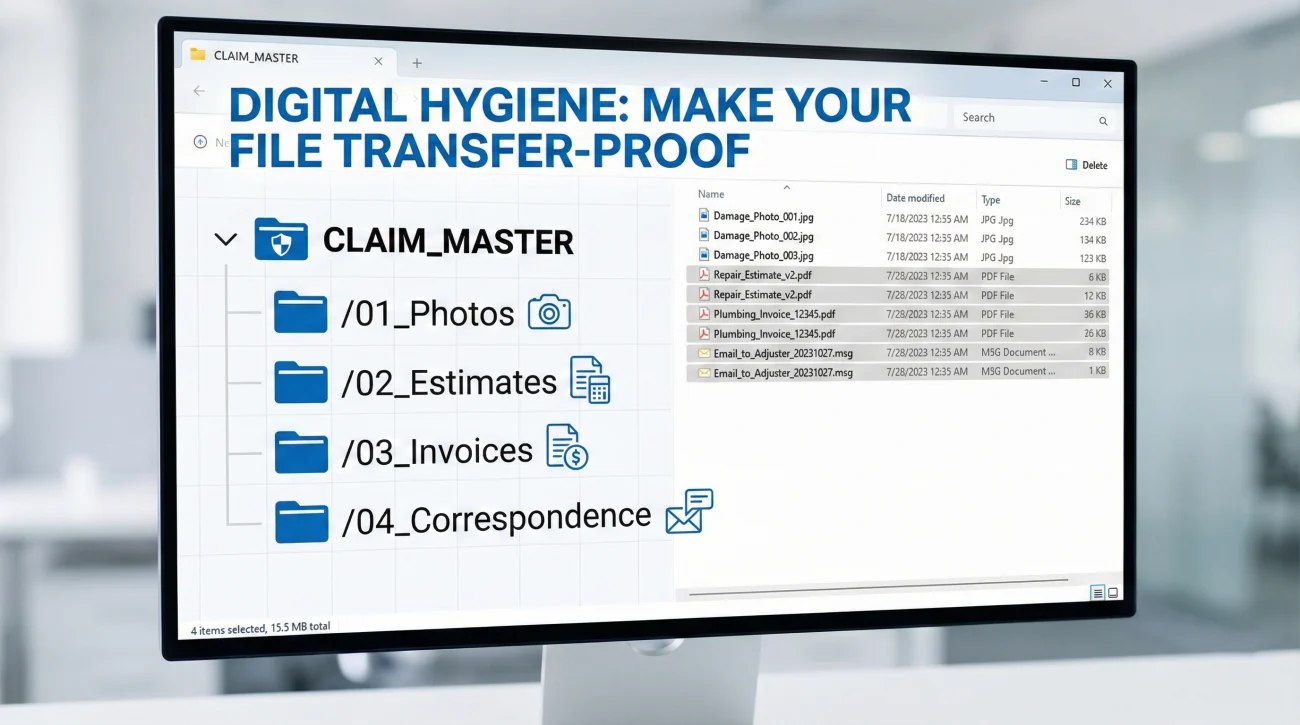
If there is one thing I emphasize, it is this: Organize your digital files as if your adjuster will change tomorrow.
I recommend a simple folder structure on your computer or cloud drive. Do not just save files to your desktop. Create a folder named “CLAIM_MASTER” and inside it, have these subfolders:
/01_Photos
/02_Estimates_Carrier
/03_Estimates_Contractor
/04_Invoices_Paid
/05_Correspondence_Log
When a new adjuster takes over, if they say “I can’t find the mitigation invoice,” you can go to folder 04 and send it in 30 seconds. This speed signals that you are paying attention. You can read more about setting up this system in our guide on tracking claim delays.
Final
Starting over with a new adjuster is frustrating, but it can also be an opportunity. Sometimes, a new set of eyes is what a stuck claim needs to move forward.
The previous adjuster might have been difficult or disorganized. The new one might be a “cleaner” looking to close files fast. By using the Continuity Recap, you frame the narrative before they form their own opinion. Manage the handoff, verify the agreements, and keep the process moving.
❓ FAQ
🤔 Why does my insurance adjuster keep changing?
This is often due to high industry turnover or workload “rebalancing,” where files are shifted from overloaded adjusters to others. It is rarely personal against you.
🕒 Will a new adjuster delay my claim?
There is usually a “read-in” delay. However, you can significantly reduce this by sending the Continuity Recap immediately, rather than waiting for them to call you.
📄 Do I have to resend all my documents?
No, avoid the “data dump.” Only resend specific items if they confirm they are missing, or the few critical documents (estimate, approval email) attached to your recap.
🏠 Does a new adjuster mean a new inspection?
Usually no. They will rely on existing photos. However, if the first inspection was poor, you can ask for a re-inspection with the new adjuster, framing it as a fresh look.
❌ Can the new adjuster reverse a decision?
It is possible but harder if you have it in writing. If you have an email saying “Covered,” the new adjuster usually honors it. Verbal promises are much easier for them to ignore.
📞 How do I contact the new adjuster?
The assignment email should have their contact info. If not, call the main claims 800-number and ask for the “Adjuster of Record’s” email address.
🗣️ Should I complain about the change?
Complaining about internal staffing rarely helps. Save your energy for coverage discussions. Be the partner they want to work with to close the file.
💰 Will the new adjuster pay faster?
Sometimes yes. New adjusters often want to “clean their desk” of inherited files. Being organized helps them justify paying you quickly.
📝 What if the new adjuster ignores my recap?
Give them 3 business days. If no response, call the main line to “log a communication request” or ask for a supervisor callback to ensure the file is actually assigned.
🔙 Can I ask to switch back to my old adjuster?
Usually, no. If they were reassigned, it was likely due to workload or they left the company. Focus on bringing the new one up to speed rather than fighting the switch.
⚠️ Disclaimer: PropertyClaimChecklist.com provides practical guidance, process checklists, and example follow-ups to help you organize a property claim and move it forward. It is not policy language, claim documentation, legal content, or a substitute for your insurer's instructions. Always rely on your carrier's requirements and your actual policy terms for what must be submitted and how decisions are made.