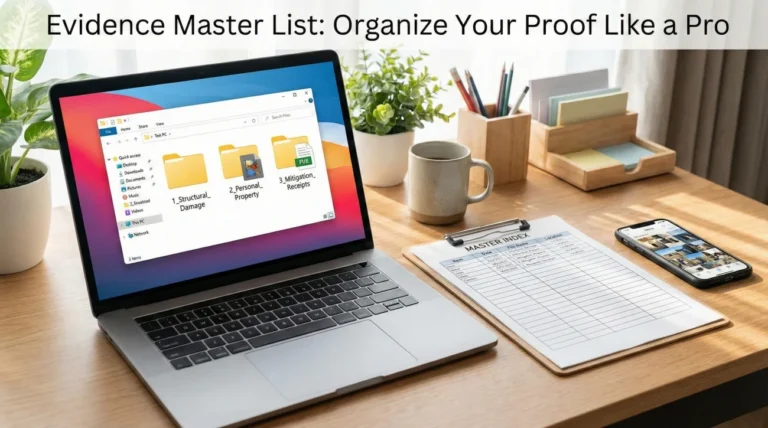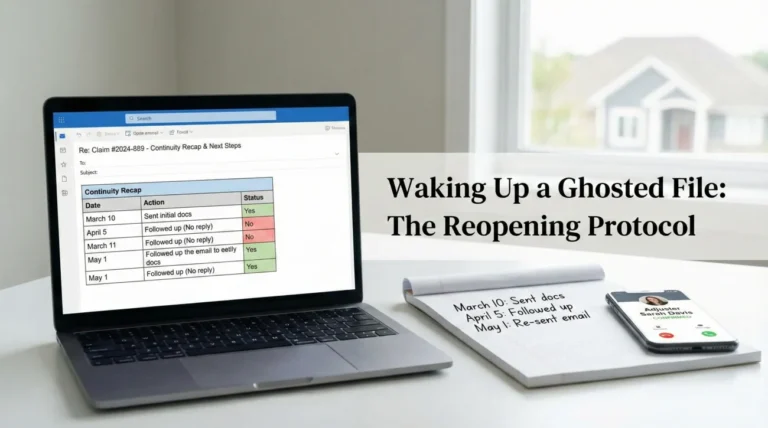
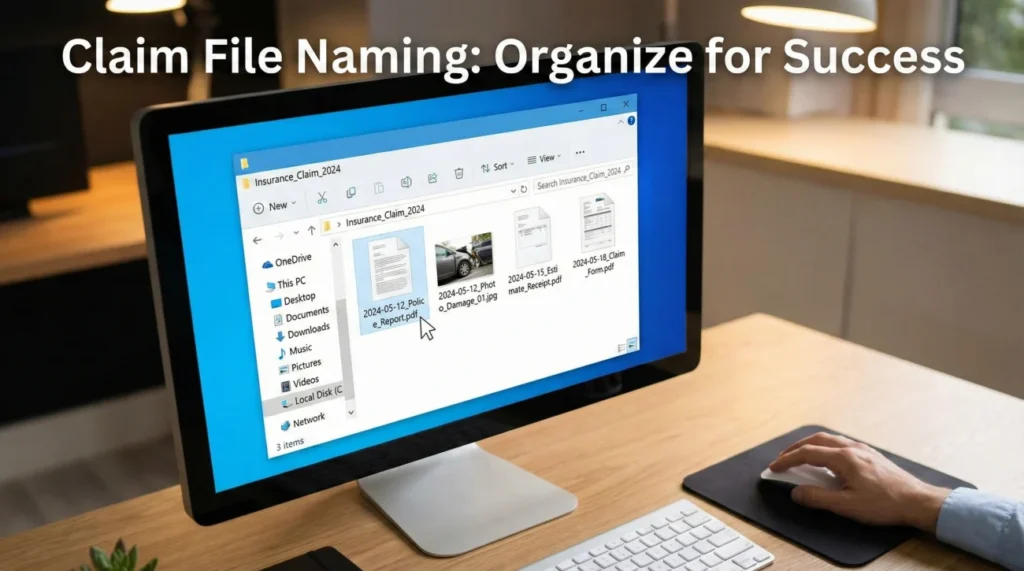
- Naming your files clearly is one of the most effective ways to prevent an adjuster from losing your documents or asking for them twice.
- Use a standardized chronological format:
YYYY-MM-DD - Claim Number - Doc Type - Short Description. - Never name a file “Estimate.pdf” or “IMG_1234.jpg”: these get lost instantly when an adjuster downloads them in bulk.
- Always use version numbers (V1, V2) when updating estimates or lists so older, inaccurate documents aren’t processed by mistake.
The Hidden Cost of “IMG_4920.jpg”
When you are dealing with property damage, you are likely overwhelmed with a massive influx of paperwork. Between contractor estimates, receipts for temporary housing, and hundreds of damage photos, your digital folders can quickly become a chaotic mess. It is completely natural to just want to attach everything to an email, hit send, and hope the desk adjuster sorts it out.
But in my time working in claims operations, I have seen exactly what happens on the other side of that email. When you send files with their default camera names like “IMG_4920.jpg” or generic titles like “Receipt.pdf,” you are accidentally setting your own claim up for frustrating delays, usually caused by bulk download collisions.
An insurance claim file naming convention isn’t just about being neat. It is a defensive strategy. It is about organizing your proof in a way that makes it easier for the reviewing party to verify the entire chronological story of your loss, dramatically reducing the chance they misplace a file or claim they never received it. Today, I want to walk you through the exact naming format I use to ensure every piece of evidence lands exactly where it needs to go.
Why Adjusters Ignore Poorly Named Files
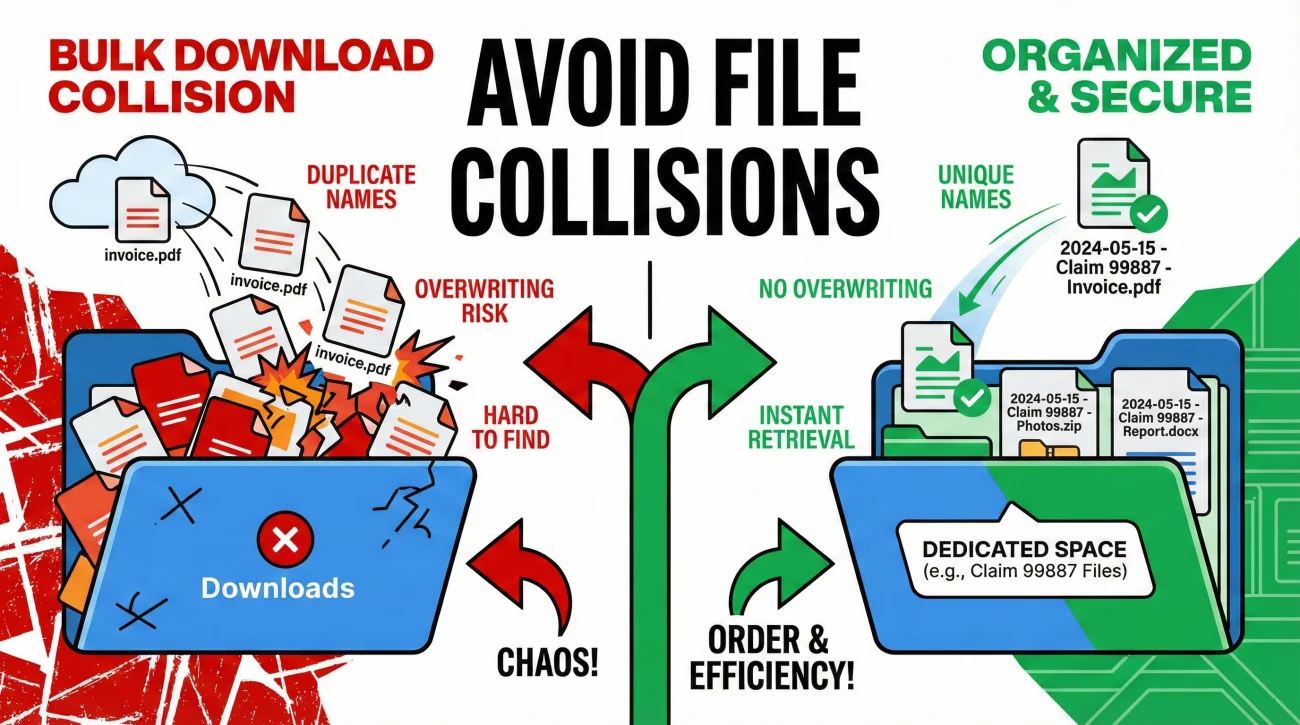
To understand why file naming matters so much, it helps to understand the daily reality of the person processing your paperwork. A desk adjuster is often handling dozens, sometimes hundreds, of active files simultaneously. They are receiving hundreds of emails and portal uploads every single day.
When you email an attachment, the adjuster does not usually review it right there inside the email client. They click a button to download the attachments to their local computer drive so they can upload them into the insurer’s internal processing system. This is where the breakdown happens.
❌ Note: If an adjuster downloads your “invoice.pdf” at the same time they download files from five other policyholders, your file goes into a general “Downloads” folder alongside five other documents also named “invoice.pdf”. If your claim number isn’t in the title, your file becomes an orphan.
In my experience, the most common file collisions happen in three specific scenarios: when policyholders submit multiple invoices from the same vendor without dates, when they send a revised estimate without a version tag, or when they upload a batch of receipts spanning multiple categories with no labels. When files get mixed up like this, they get set aside. The adjuster moves on to the next file that is easier to process, and a week later, you receive a confusing message stating that you are missing documents you know you already sent. Implementing a strict naming habit dramatically reduces this operational friction.
The Core Insurance Claim File Naming Convention
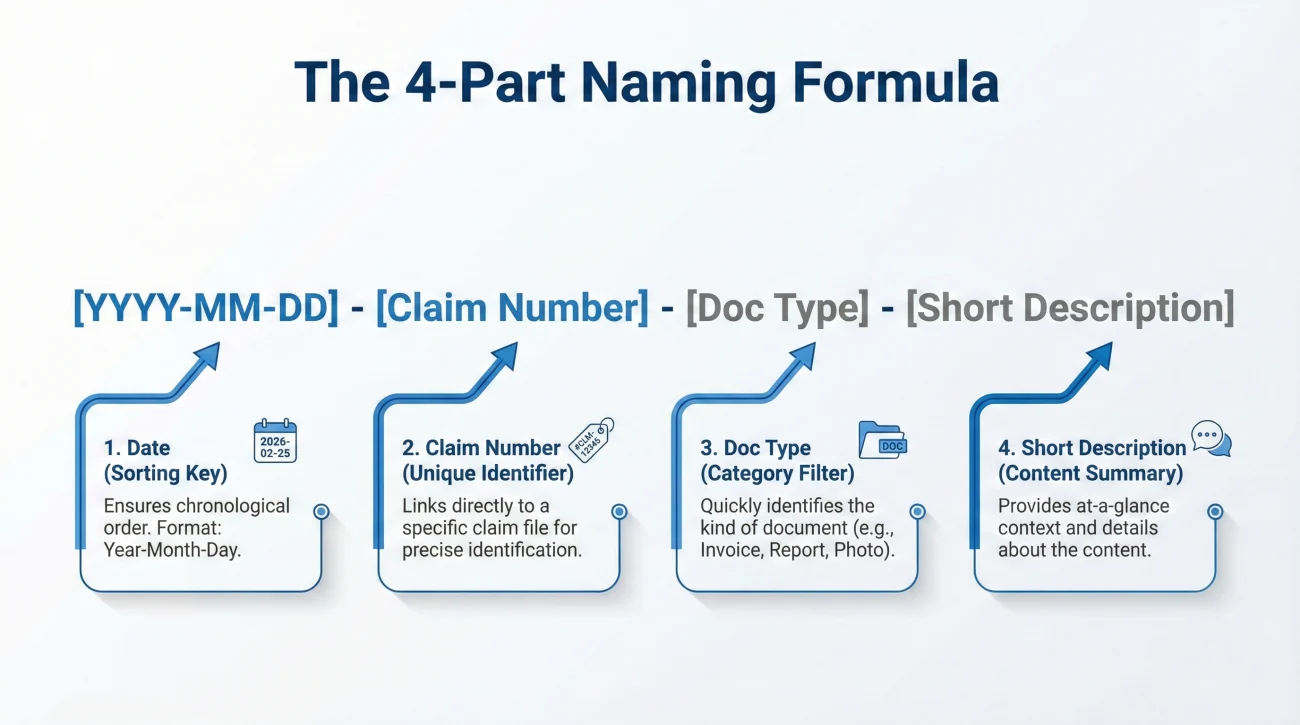
The goal of a file name is to answer four questions before the document is even opened: When is this from? Whose is it? What category is it? What specifically does it show?
To achieve this, I always recommend sticking to a rigid formula for every single file you save, whether it is a photo, a PDF, or a Word document. Here is the framework:
[YYYY-MM-DD] - [Claim Number] - [Doc Type] - [Short Description]
Let’s break down exactly why this specific order matters:
- 📅 [YYYY-MM-DD]: Always start with the year, then the month, then the day. This is a computer science standard. When you or the adjuster sorts a folder by “Name” alphabetically, starting with the year forces all your files to line up in perfect chronological order.
- 🔢 [Claim Number]: Adding your claim number ensures that even if the file gets separated from your email or portal upload, anyone who finds it immediately knows which policy it belongs to.
- 📂 [Doc Type]: This tells the reader the broad category. To keep things uniform, I recommend sticking to this core list of 10 document types: Photo, Estimate, Invoice, Receipt, Report, Comm, Log, Proof of Payment, Scope, or Permit. This prevents you from inventing new categories every time you save a file.
- 📝 [Short Description]: A brief detail so you don’t have to open the file to know what it is (e.g., Kitchen Water Damage, Hotel Week 1, Plumber Invoice).
Applying the Formula: Real Examples by Category
It is one thing to know the formula, but it is another to apply it to the messy reality of a property claim. Different types of evidence require slight adjustments in how you describe them. Here is how I organize the most common types of files you will need to submit.
| Document Category | What You Usually Receive | How You Should Name It |
|---|---|---|
| Photos | IMG_8821.jpg | 2024-05-12 – Claim 99887 – Photo – Master Bath Source of Leak.jpg |
| Contractor Bids | Smith_Roofing_Quote.pdf | 2024-05-15 – Claim 99887 – Estimate – Smith Roofing – Main Dwelling.pdf |
| Living Expenses | Receipt_Marriott.pdf | 2024-05-20 – Claim 99887 – Receipt – ALE – Marriott Hotel Week 1.pdf |
| Expert Reports | Inspection_Final.pdf | 2024-05-25 – Claim 99887 – Report – Apex Plumbing Leak Detection.pdf |
| Communication | FW_Update.msg | 2024-05-28 – Claim 99887 – Comm – Email Thread with Desk Adjuster.pdf |
Notice how easy it is to scan the third column. If you print a list of those file names, it instantly creates an index of your claim’s progression. This level of organization signals to the reviewing party that you are keeping meticulous records.
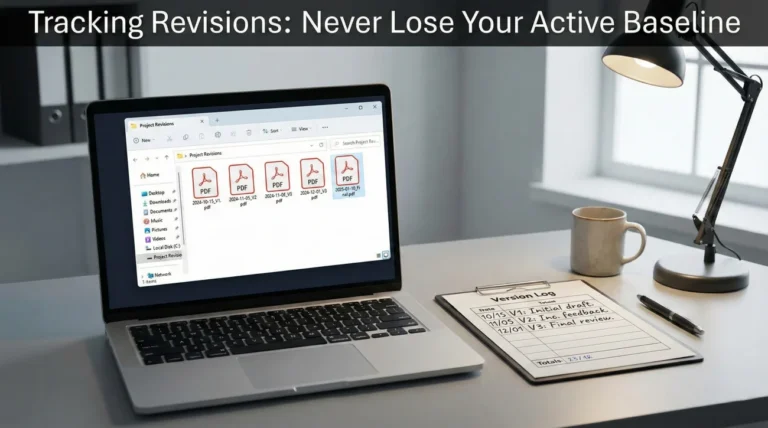
Tracking Estimate Revisions (The V1 / V2 Rule)
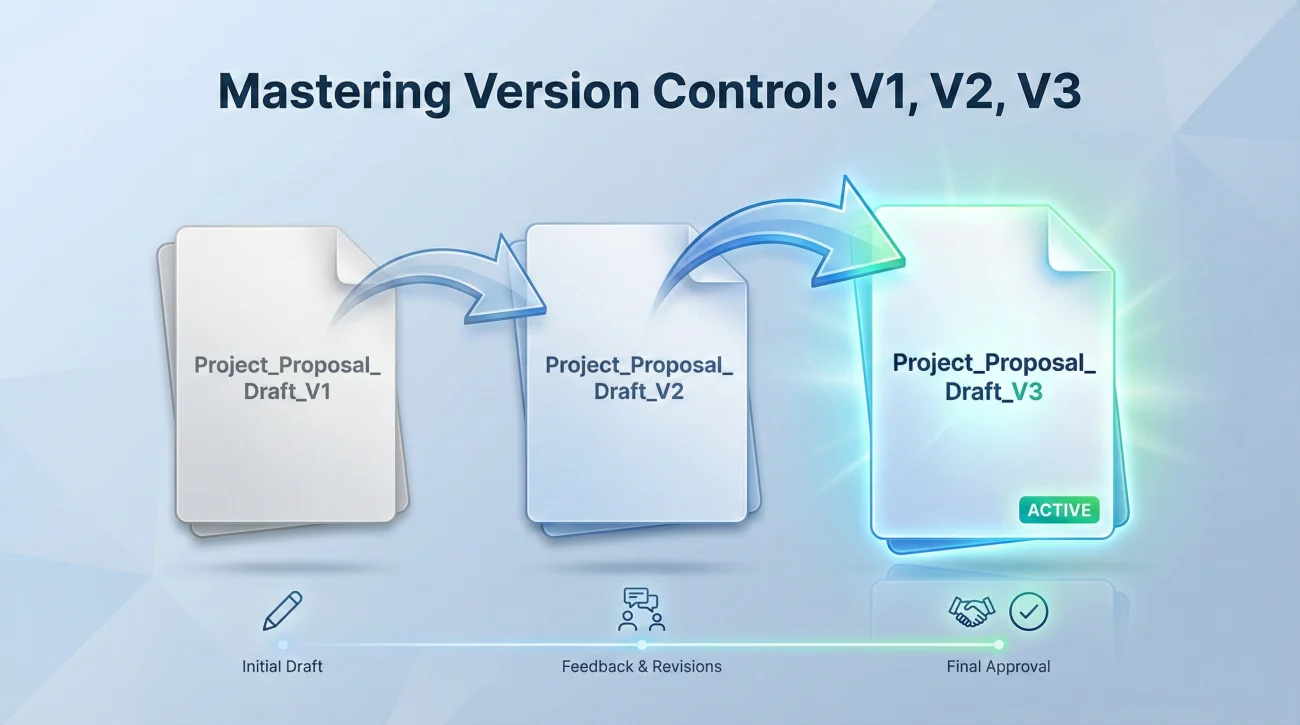
One of the most dangerous points of confusion in a property claim happens when documents are revised. Your contractor might submit an initial estimate. A week later, after discovering hidden damage behind drywall, they write a new estimate for a higher amount.
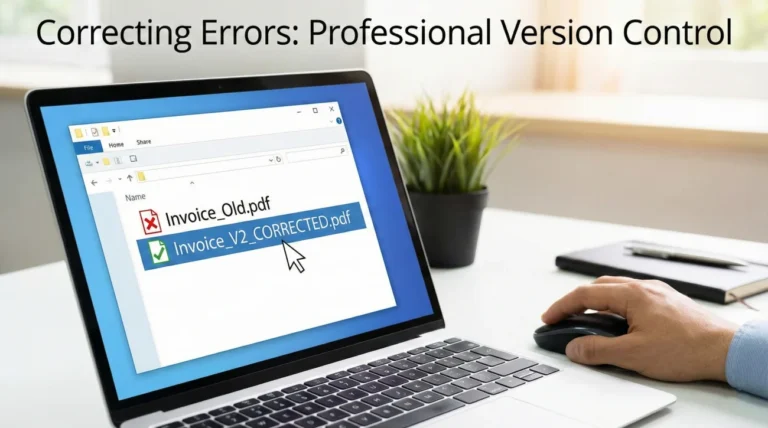
If you send the new estimate named “Contractor_Estimate.pdf” when the old one was also named “Contractor_Estimate.pdf”, you are inviting chaos. The insurance systems might overwrite the new one, ignore it thinking it is a duplicate, or process the older, lower estimate by mistake.
🗝️ Key Point: You must apply strict version control to any document that changes over time. Never overwrite a file. Keep every version, and append “V1”, “V2”, “V3” to the end of your standard naming convention.
When saving revised documents, the date at the front of the file name should be the date the new version was created.
Bob_Construction_Final.pdf
2024-06-10 – Claim 99887 – Estimate – Bob Construction – V2.pdf
By using the “V2” tag, you make it mathematically clear that this document replaces previous versions, leaving no room for “accidental” reliance on the outdated scope of work.
The “Date of Loss” vs “Date of Document” Confusion
A very common question I get when setting up these filing systems is: “Which date do I use at the front of the file name? The day the house was damaged, or the day I saved the file?”
Always use the Date of the Document.
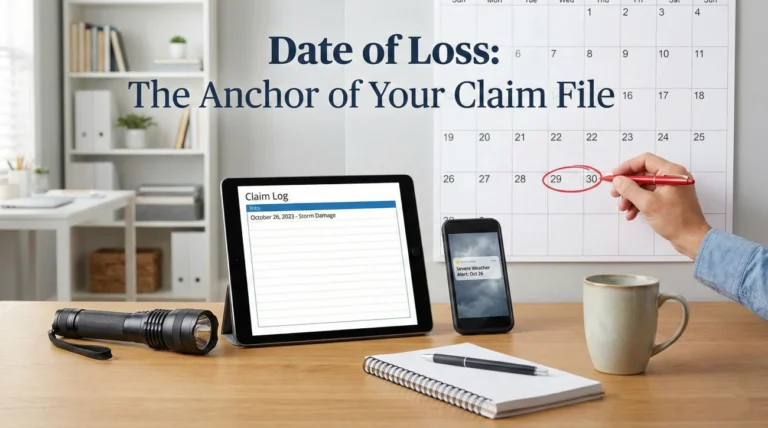
The Date of Loss (the day the storm hit or the pipe burst) is a static date. If you name every single file starting with the Date of Loss, your files will not sort chronologically based on when things actually happened during the claim process.
If you took a photo of the damage on October 1st, the file name starts with 2024-10-01. If your contractor wrote their estimate on October 15th, that file name starts with 2024-10-15. This method automatically builds a visual timeline of your recovery efforts, proving to the insurer exactly when you gathered specific pieces of evidence.
Grouping High-Volume Files: Photos and Receipts
Naming files is critical, but you also have to manage the sheer volume. Sending 150 individually named photo files or 40 individual lunch receipts to an adjuster is overwhelming, even if they are named perfectly. Systems often reject emails with too many attachments, and portals can crash during mass uploads.
For high-volume categories, I strongly advise combining your well-named files into consolidated PDF packets.
💡 Pro Tip: Instead of sending 40 individual receipt images, compile them into a single PDF with brief labels.
You would then name this consolidated file using the same logic:
2024-06-30 - Claim 99887 - Receipts - ALE Food Expenses June Batch.pdf
You keep the individual, correctly named image files backed up on your own hard drive or cloud storage just in case they are ever needed for a deeper audit. But the item you actually submit to the insurer is the clean, consolidated PDF. This ties directly into how you build out your property insurance claim documents checklist: organizing the proof so it is effortless for the reviewer to approve.
What If You Already Sent Poorly Named Files?
It is very common for people to realize they need a filing system only after they are two months into a messy claim. If you have already sent dozens of generically named files (“image1.png”, “scan.pdf”) and the adjuster is now confused, you need a reset protocol.
Do not just secretly rename all your files and re-upload them to the portal without context. The adjuster will see duplicate file sizes with new names and might think you are submitting duplicate charges or trying to confuse them.
Instead, create a clean, renamed packet on your computer. Then, send a very clear communication explaining the organizational reset.
Hello [Adjuster Name],
To help speed up the review process and ensure nothing has been misplaced, I have audited the documents I submitted previously. I realized the original file names I used were generic and not well-organized.
I have renamed all my previously submitted evidence using a clear chronological naming convention. I am attaching a consolidated, correctly named packet of these files to this email for your convenience. The content is exactly the same, only the file names have been updated for clarity.
Could you please reply to confirm you have received this updated packet and that it is legible on your end?
This script is neutral, helpful, and removes any suspicion. It also forces a confirmation loop, so you have a written record that they received the clean, organized version of your file.
Two Systems, Two Names: Surviving Portal Uploads
A common point of frustration occurs when you spend time perfectly naming your files, only to watch the insurer’s online portal automatically rename them to something like “sys_upload_0991.pdf” the moment you hit submit.
Do not let this discourage you from using a naming convention. You are actually managing two systems: the insurer’s internal portal, and your own “source of truth” living on your hard drive and in your email outbox. Your file name is designed to survive in the wild—specifically when emailing a desk adjuster directly or when a file gets downloaded out of the portal and passed to a supervisor.
Even if the portal renames the file on their end, you must maintain the perfectly named original on your end. This ensures that if a dispute arises over what was submitted, your index remains the absolute source of truth.
The Document Index: Tying the System Together
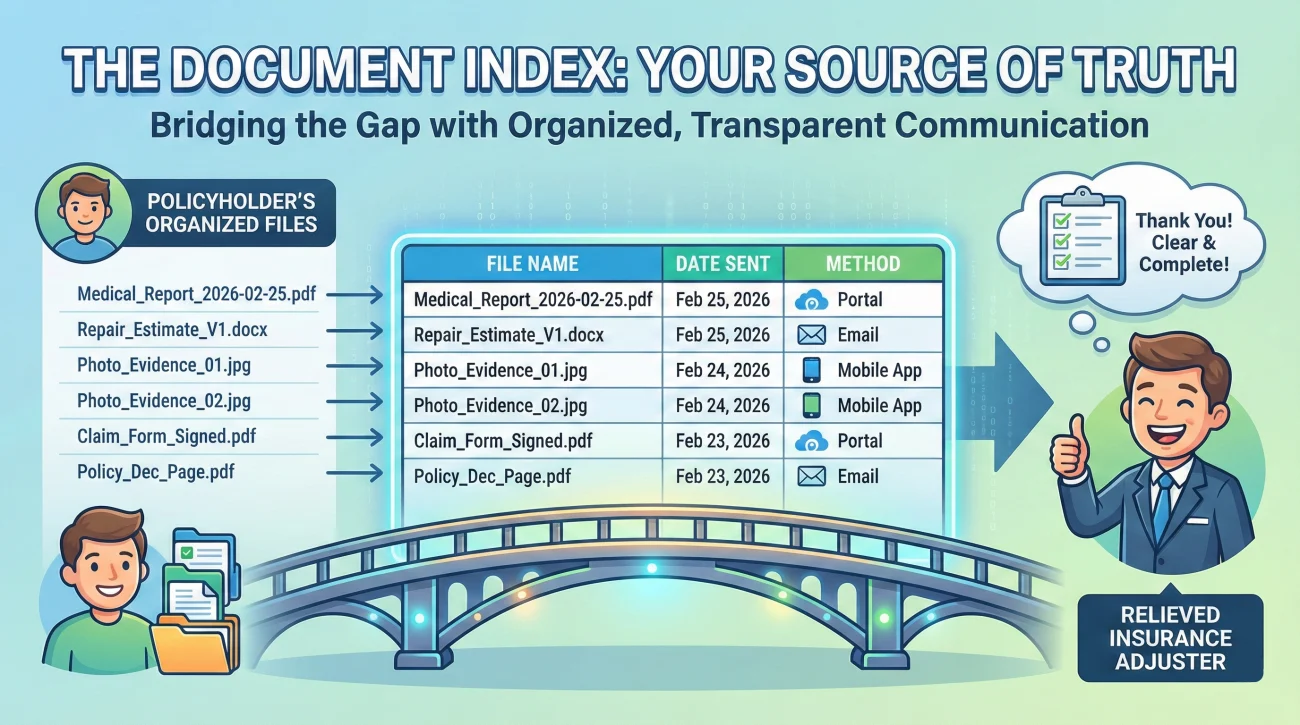
Once you have a rigorous file naming convention in place, the final step to a bulletproof process is creating a Document Index. This is simply a one-page cover sheet (usually a basic spreadsheet or table) that lists every file you have sent.
In your index, the first column should be the exact file name you generated using the formula above. The second column should list the date you submitted it, and the third column should list the method of submission.
| File Name | Date Sent | Method |
|---|---|---|
| 2024-05-12 – Claim 99887 – Photo – Master Bath Source.jpg | 2024-05-13 | Portal Upload |
| 2024-05-15 – Claim 99887 – Invoice – Apex Plumbing.pdf | 2024-05-16 | Email to Adjuster |
| 2024-06-10 – Claim 99887 – Estimate – Bob Construction – V2.pdf | 2024-06-11 | Email to Adjuster |
When you maintain an index that uses your standardized file names, it makes it much harder for the insurer to say “we don’t have the plumbing invoice.” You don’t have to argue. You simply check your index, find 2024-05-15 - Claim 99887 - Invoice - Apex Plumbing.pdf, and point out exactly when and how it was transmitted.
Final Thoughts on File Organization
A property claim is a test of endurance and recordkeeping. It is very common to feel resistance to spending time renaming files when you are already stressed about repairs and temporary living situations. It feels like busywork.
But in many cases, the people who get their files reviewed the fastest are not the ones with the loudest complaints; they are the ones who make the adjuster’s job incredibly easy. By adopting a strict file naming convention, you remove the friction from the desk adjuster’s workflow. You ensure your proof cannot be lost in a digital shuffle, and you build a chronological, irrefutable record of your loss that protects you through the entire lifecycle of the claim.
❓ FAQ
📱 Can I just upload photos directly from my phone?
While portals allow direct uploads, doing so strips you of the ability to name the file properly. The system will assign a generic name like “image_001.jpg.” It is much safer to move the photos to a computer, rename them, and then upload them so they are permanently labeled with your claim number.
🏷️ Should I include my own name in every file name?
It is not strictly necessary if you include your Claim Number, which is the primary identifier used in their database. However, if your claim number is very long, starting with “Smith – Claim 99887” is a perfectly fine adaptation of the formula.
📁 Is it better to put everything in one zip folder to send?
Usually, no. Many corporate insurance IT systems block or strip .zip files from emails for security reasons (to prevent malware). It is better to consolidate photos and receipts into single PDF documents rather than zipping multiple loose files.
📅 Do I use the date I took the photo or the date of the damage?
Always use the date the document was created or the photo was taken. This ensures your files sort chronologically and show the timeline of your actions, rather than clumping every file under the single date the storm or fire occurred.
🤔 What if the insurance portal renames my files automatically?
Some older portal systems do this. This is why you must save a perfectly named copy on your own hard drive and maintain a Document Index. Even if their portal changes the name, you have proof of exactly what the file contained when it left your hands.
📝 How long should a file name be?
Keep the description part brief. Windows and other operating systems sometimes have issues reading files with incredibly long character paths. Stick to short keywords, like “Plumbing Invoice” rather than “Invoice for the plumber who came on Tuesday to fix the pipe.”
🔄 I made a mistake on a document, how do I name the new one?
Do not delete the old one or overwrite it. Fix the document, save it with the exact same naming structure, but append “- V2” (Version 2) to the end of the file name. Then, send it with a note clarifying that V2 supersedes the previous document.
📧 Should I rename files before attaching them to an email?
Absolutely. The name you see on the attachment before you hit send is the exact name the adjuster will see when they download it. Renaming before attaching is the entire foundation of this strategy.
🧾 How do I name a receipt that covers multiple items?
If a single receipt covers food, gas, and a tarp, name it based on the primary category or use a broader term, such as “2024-05-15 – Claim 99887 – Receipt – ALE and Emergency Repairs – Home Depot.pdf”.
💻 Do I need special software to rename my files?
No special software is needed. On both Windows and Mac, you can simply right-click the file and select “Rename.” If you have hundreds of photos, both systems have built-in “Batch Rename” features, but you still need to ensure they get descriptive titles.
⚠️ Disclaimer: PropertyClaimChecklist.com provides practical guidance, process checklists, and example follow-ups to help you organize a property claim and move it forward. It is not policy language, claim documentation, legal content, or a substitute for your insurer's instructions. Always rely on your carrier's requirements and your actual policy terms for what must be submitted and how decisions are made.