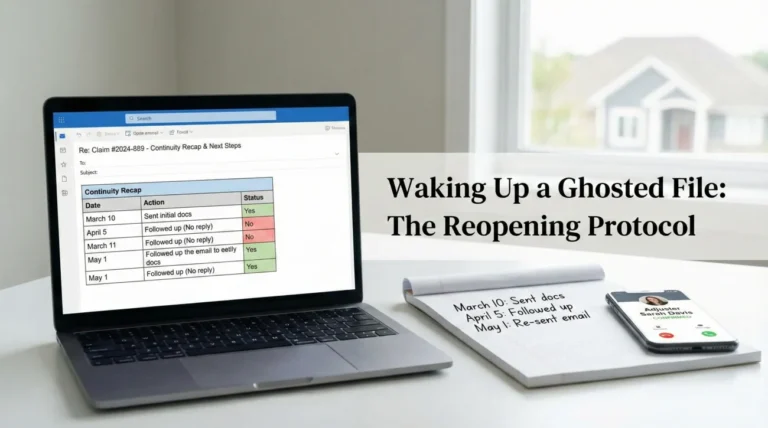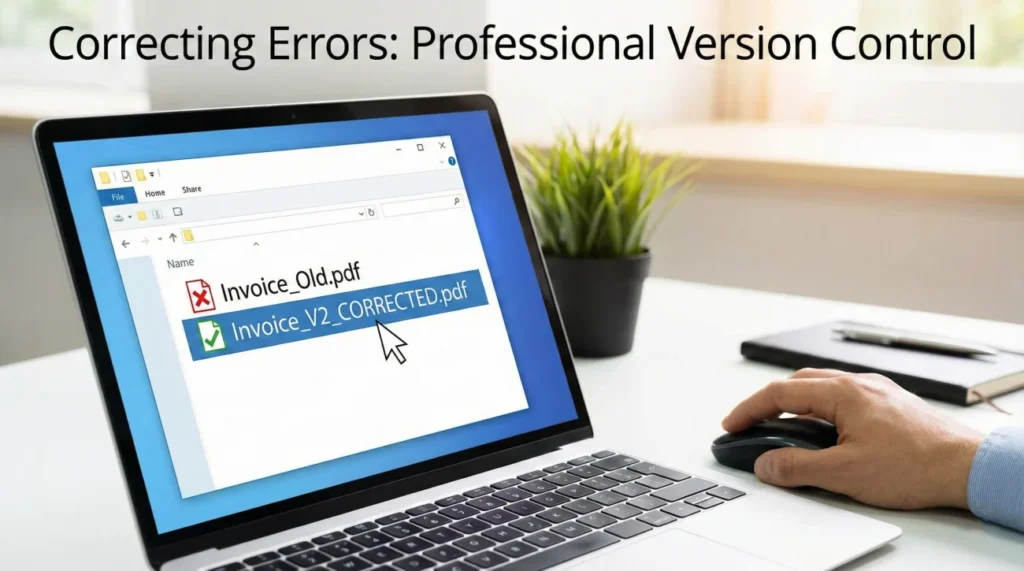
- Patience over speed: While it is tempting to send a quick apology, I have found that waiting until the corrected document is fully ready prevents a confusing trail of multiple “oops” emails.
- Clear versioning is your best tool: By adding “V2” or “CORRECTED” to your filenames, you help the insurance intake system distinguish the new data from the old, preventing accidental overwrites.
- Keep communications neutral: You do not need to provide a long backstory for a clerical error. A simple statement of what changed and a request to update the record is the most effective approach.
Navigating the Friction of Document Mistakes
You hit send on an email to your adjuster, and a split second later, you realize you attached the wrong file. Maybe it was an old estimate from a previous renovation or a document containing personal information that doesn’t belong in a claim file. I see this happen frequently in my daily claims work because the process is inherently high-pressure and document-heavy.
When you are dealing with property damage, you are often juggling hundreds of files while managing life in a damaged home. Clerical slips are not just common; they are almost expected. I have encountered everything from homeowners uploading blurry photos of their pets to sending unsigned drafts instead of final contracts.
The real issue isn’t the mistake itself, but the ambiguity it creates. If an adjuster’s system shows two different versions of the same invoice without a clear indication of which one is current, the entire process often grinds to a halt. In many operational environments, an adjuster is required to stop work on a file until that discrepancy is cleared in writing.
My goal here is to share a low-friction way to fix these errors. It isn’t about being perfect; it’s about maintaining a clean, unambiguous record so the adjuster can keep moving toward a final calculation.
Key Point: Effective document correction is a form of version control. You want to make it immediately obvious which piece of paper should be ignored and which one should be used for the final payment.
The Three Types of Common Claim Errors
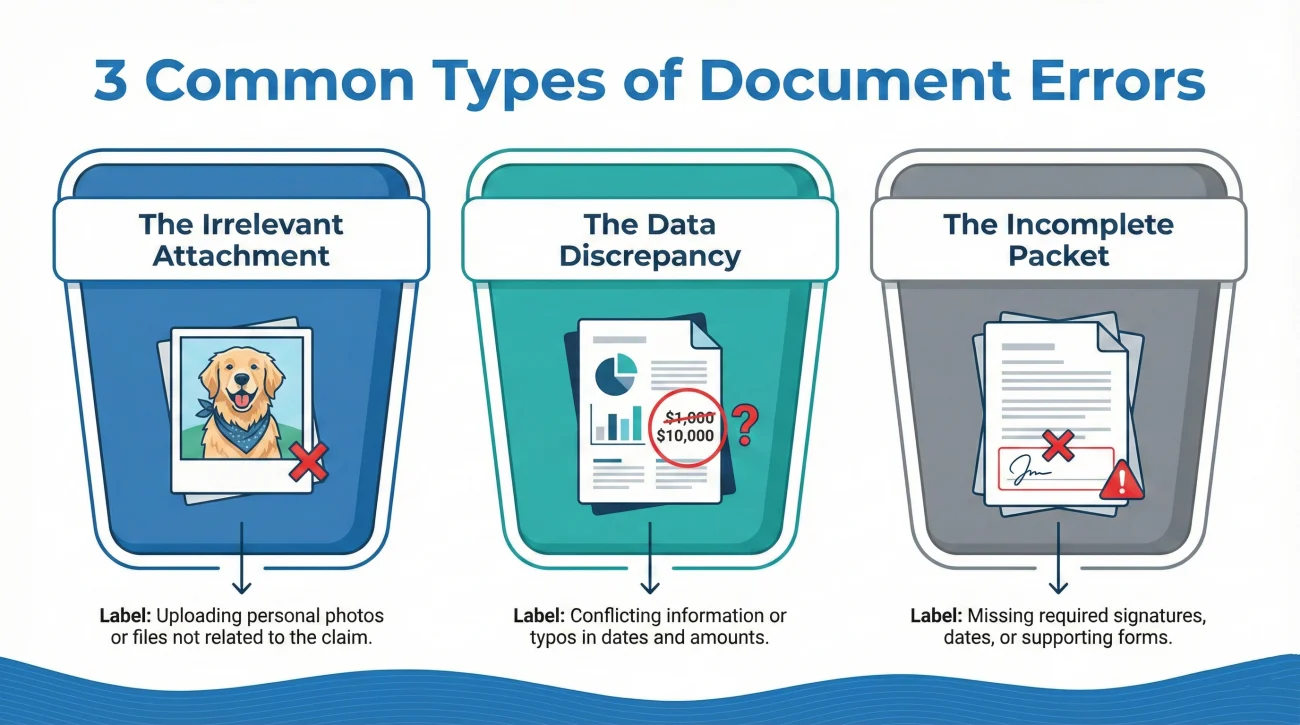
In operational terms, how you fix a mistake depends on what kind of error occurred. I usually categorize these into three specific buckets, each requiring a slightly different touch.
- 📂 The Irrelevant Attachment: This is when you send a file that has nothing to do with the claim. In this situation, the priority is to ask the adjuster to disregard the specific filename and replace it with the intended document.
- 🖋️ The Data Discrepancy: The document is right, but a field like the date of loss or a dollar amount is incorrect. For these, I recommend getting a revised copy from the source (like your contractor) rather than trying to explain the typo in a separate email.
- 📄 The Incomplete Packet: This happens when pages are missing from a scan or a signature was skipped. Rather than sending just the missing piece, it is much cleaner for the record if you resend the entire, completed packet as a single file.
Why a Clean Paper Trail Prevents File Freezes
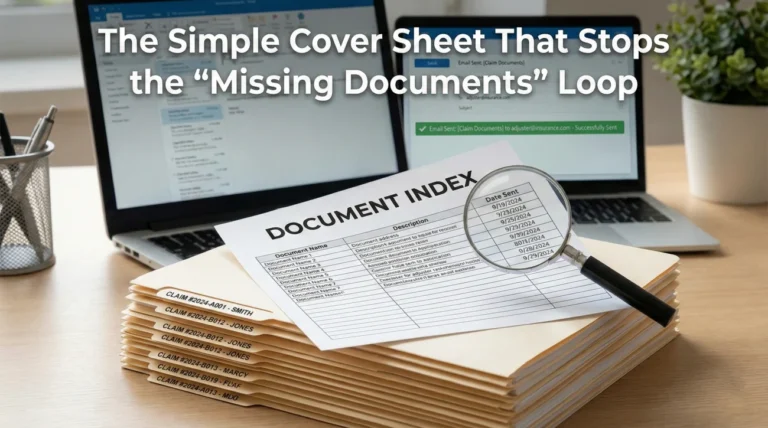
To understand why these corrections matter, you have to look at how insurers handle data. Most large companies use automated intake systems that index files based on the claim number. If you send two files named “Estimate.pdf”, the system might overwrite the old one, but often it just creates two entries with identical names.
When the adjuster opens your file to write a check, they see two estimates. If they aren’t labeled clearly, the adjuster cannot simply guess which one you want them to use. They are often forced by internal guidelines to put the file in “pending” status and send a formal request for clarification. This small clerical slip can easily add a week or more to your timeline.
❌ Note: It is generally safer to avoid assuming that the adjuster will know the most recent upload is the correct one. Clear, written instructions are necessary to clear the ambiguity.
Operational Risks of Uncorrected Mistakes
Recognizing the pattern of these mistakes allows you to intervene before they become “red flags” in the eyes of a desk adjuster.
| Common Slip | Typical Operational Impact | Simple Fix |
|---|---|---|
| Messy File Naming | The intake system mislabels the document, making it “invisible” to the adjuster. | Use high-contrast names like “V2_CORRECTED”. |
| Transposed Numbers | Typos on dates or costs can trigger a closer investigation into the timeline. | Correct the source document and resubmit immediately. |
| Contractor Errors | An invoice with the wrong address cannot be tied to the property record. | Request a revised PDF from the vendor. |
A Practical Protocol for Fixing Mistakes
If you find an error, don’t rush. A methodical correction is always better than a fast, messy one. If you’re still setting up your file system, I recommend checking our property insurance claim documents checklist to ensure your foundation is solid before you start sending revisions.
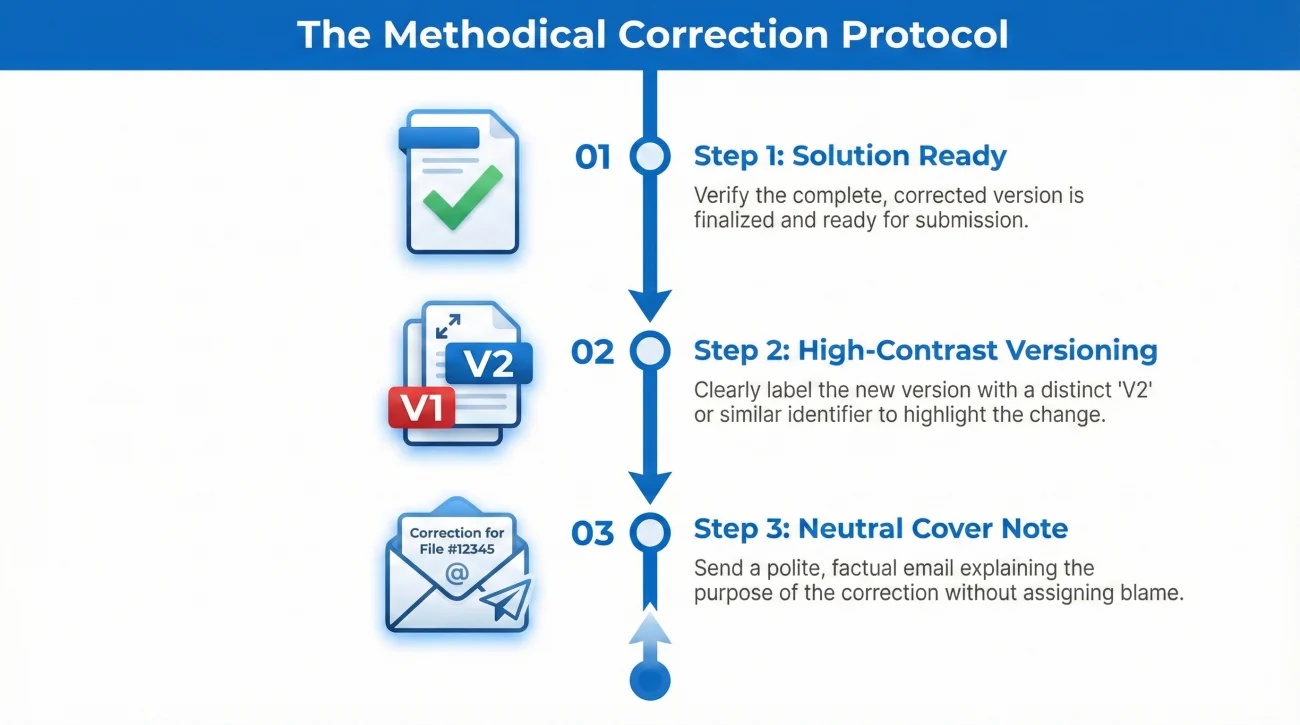
Step 1: Get the Solution Ready First
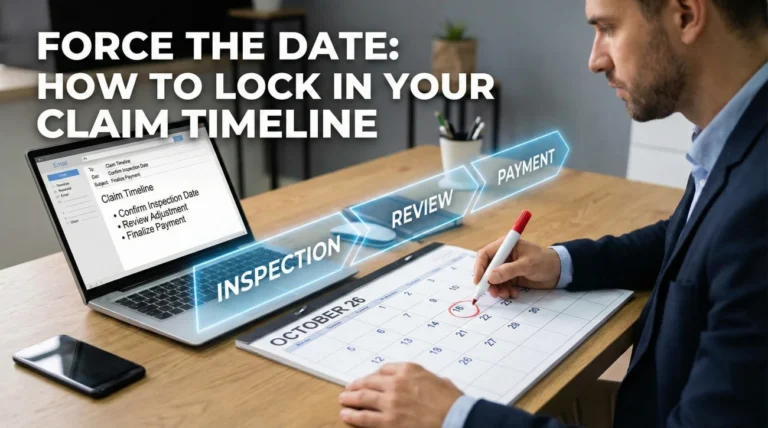
Wait until you have the corrected file in your hands before contacting the adjuster. You want to be able to say “there was an error, and here is the fix” in one single step. This reduces the number of emails the adjuster has to track.
Step 2: Use High-Contrast Versioning
The filename is your most important signal. It should be visually distinct so that anyone looking at a list of files knows exactly which one is the current version. I always suggest adding a version tag to the end of the name.
Step 3: The Neutral Cover Note
Your goal is to be professional and direct. I find that a “boring” email is often the best email in a claim file. It conveys that the correction is a simple clerical update, not a cause for alarm.
💡 A Clean Correction Message Should:
– Identify exactly which file contains the error.
– Provide the name of the replacement file.
– Ask the adjuster to mark the old one as superseded or void.
Practical Scripts for Document Updates
Here are two ways I usually draft these messages to ensure they are logged correctly in the insurance system.
Script 1: Fixing a Typo or Inconsistency
Hello [Adjuster Name],
I am providing a corrected version of the Personal Property Inventory submitted on [Date].
I noticed a clerical error regarding the purchase years on a few items and have updated the document accordingly. The new file is attached as “Inventory_List_V2_CORRECTED.pdf”.
Please mark the previous version as superseded and use this updated version for your review.
Kindly confirm receipt of this update.
Thank you,
[Your Name]
Script 2: Replacing the Wrong Attachment
Hello [Adjuster Name],
In my previous email at [Time/Date], I inadvertently attached a document that is unrelated to this claim file.
Please disregard the file named “[Wrong File Name.pdf]” as it was sent in error.
The correct document is attached here: “Roofing_Estimate_Final.pdf”.
Please confirm that the unrelated file has been noted as an error and the correct estimate is now in the file.
Thank you,
[Your Name]
The Reality of Insurance Portals
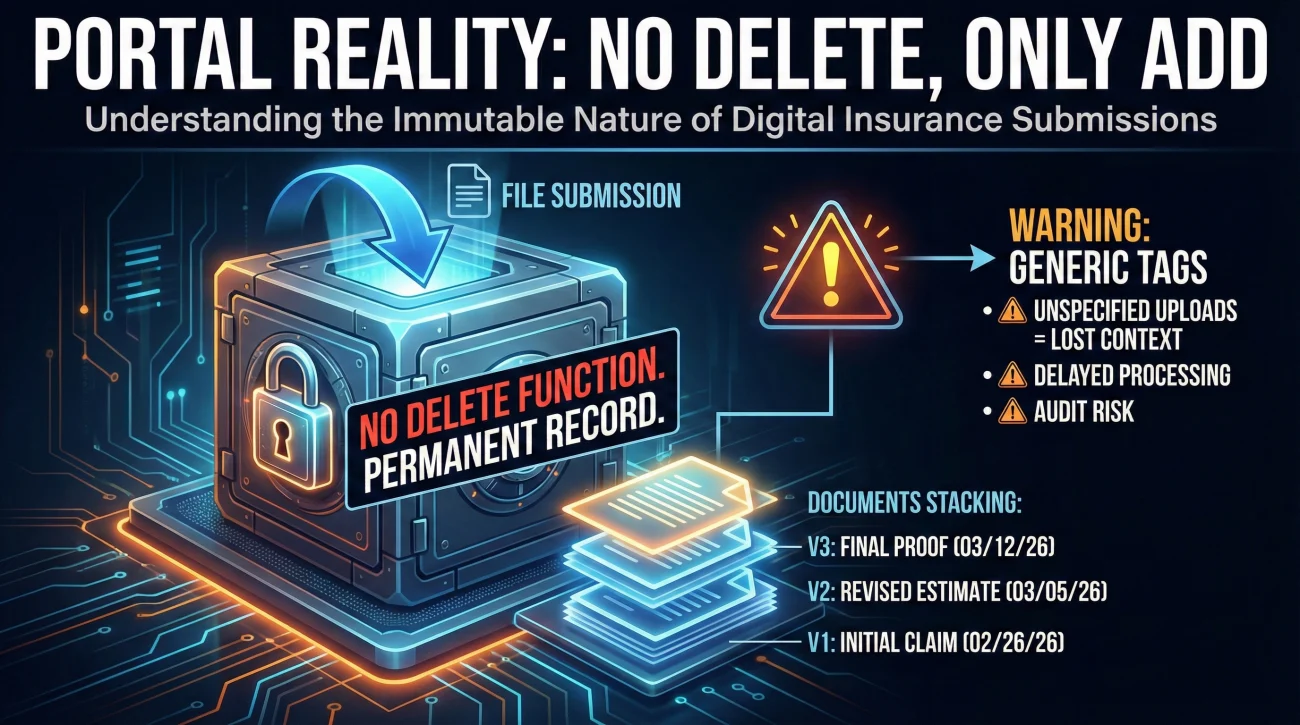
Online portals are often less flexible than email. Once you upload a file, it usually enters a permanent record that neither you nor the adjuster can easily delete. In my experience, understanding these portal “realities” can save you a lot of frustration:
- 🚫 Permanent Record: Most systems don’t have a “delete” function; they only allow you to add more files.
- 📚 Document Stacking: The adjuster sees a list of all uploads. Without a “V2” tag in the filename, they may inadvertently open the old version first.
- 🏷️ Naming Limits: Some portals strip your filenames and replace them with generic tags like “Other_Document”. This is why your follow-up message is so critical.
If you make a mistake in a portal, I suggest uploading the fix immediately and then using the “Message Adjuster” feature to confirm which upload should be used.
What if the Adjuster Noticed the Error First?
Sometimes you won’t catch the mistake until the adjuster asks about it. They might say, “This invoice doesn’t match the address on the policy.” It’s important not to take this personally. In most cases, they are just following a checklist to ensure the data is pay-ready.
“Thank you for flagging that inconsistency. It looks like the vendor used a default header. I have obtained a corrected copy from them and attached it here (V2). Let me know if this clears the hold on the payment.”
This type of response is calm, takes ownership of the solution, and gives the adjuster exactly what they need to move forward.
Final: A Note on Long-Term File Hygiene
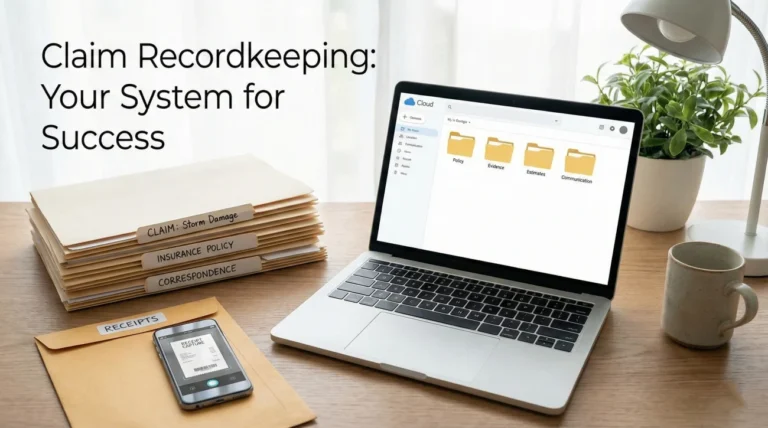
A claim is won in the details. Mistakes will happen, but they only become “red flags” when they aren’t handled with transparency and organization. By using version control and clear communication, you prevent administrative errors from turning into weeks of silence. Keep your folders organized, label your versions clearly, and always close the loop with a written confirmation.
❓ FAQ
📂 Can I remove a file I accidentally uploaded to the portal?
In most cases, no. These systems are designed for compliance and don’t allow deletion. Your best option is to upload the correct file with “CORRECTED” in the name and message the adjuster to ignore the first one.
⏱️ How fast should I fix a document error?
As soon as you have the corrected version ready. Don’t wait for the adjuster to find it. Being proactive shows you are organized and helps keep the file at the top of the pile for payment.
📞 Is a phone call enough to fix a mistake?
A call is good for context, but it isn’t enough. The official claim record is built on documents. Always follow up a call with an email containing the corrected file so the adjuster has the proof they need to pay the claim.
✏️ Should I fix just the one wrong page or the whole packet?
Resend the whole packet. It is much easier for an adjuster to review one complete PDF than to try and piece together page 1 from Monday and page 4 from Tuesday.
✉️ What should I put in the email subject line for a fix?
Be very clear. Use your claim number and a phrase like “REVISED DOCUMENT” or “CORRECTED VERSION.” This helps the mailroom routing system get it to the right person quickly.
⛔ Will an honest mistake get my claim denied?
A clerical error (like a typo) is almost never grounds for a denial. It usually just causes a delay. Fixing it quickly and professionally prevents the error from looking like something more serious.
🤝 How do I confirm the adjuster is looking at the right file?
Always ask for a written confirmation. If you don’t hear back, follow up politely. Ask, “Can you confirm that the V2 version is now the active file for your estimate?”
🛠️ What if my contractor won’t fix an error on their invoice?
Remind the contractor that the insurance company cannot issue payment if the address or dates don’t match the file. Most vendors will correct a clerical slip once they realize it’s holding up the check.
🏢 Why can’t the adjuster just fix the typo themselves?
Adjusters generally cannot alter the documents you submit for legal and auditing reasons. They need the “source” (you or your contractor) to provide the correct data in writing.
🗄️ What should I do with the “wrong” files on my computer?
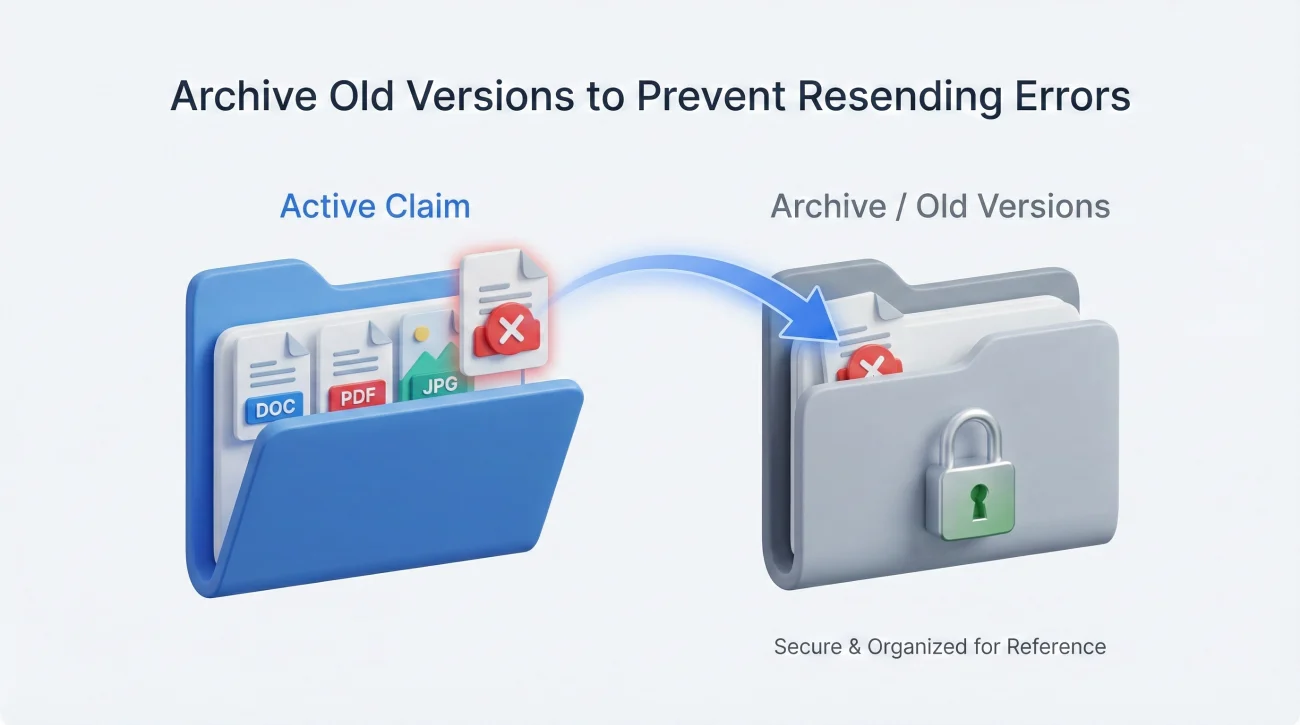
Move them to a folder labeled “Archive” or “Old Versions.” This prevents you from accidentally re-sending the same incorrect file later in the claim process.
⚠️ Disclaimer: PropertyClaimChecklist.com provides practical guidance, process checklists, and example follow-ups to help you organize a property claim and move it forward. It is not policy language, claim documentation, legal content, or a substitute for your insurer's instructions. Always rely on your carrier's requirements and your actual policy terms for what must be submitted and how decisions are made.