Claim Document Index: A One-Page Cover Sheet to Speed Up Review

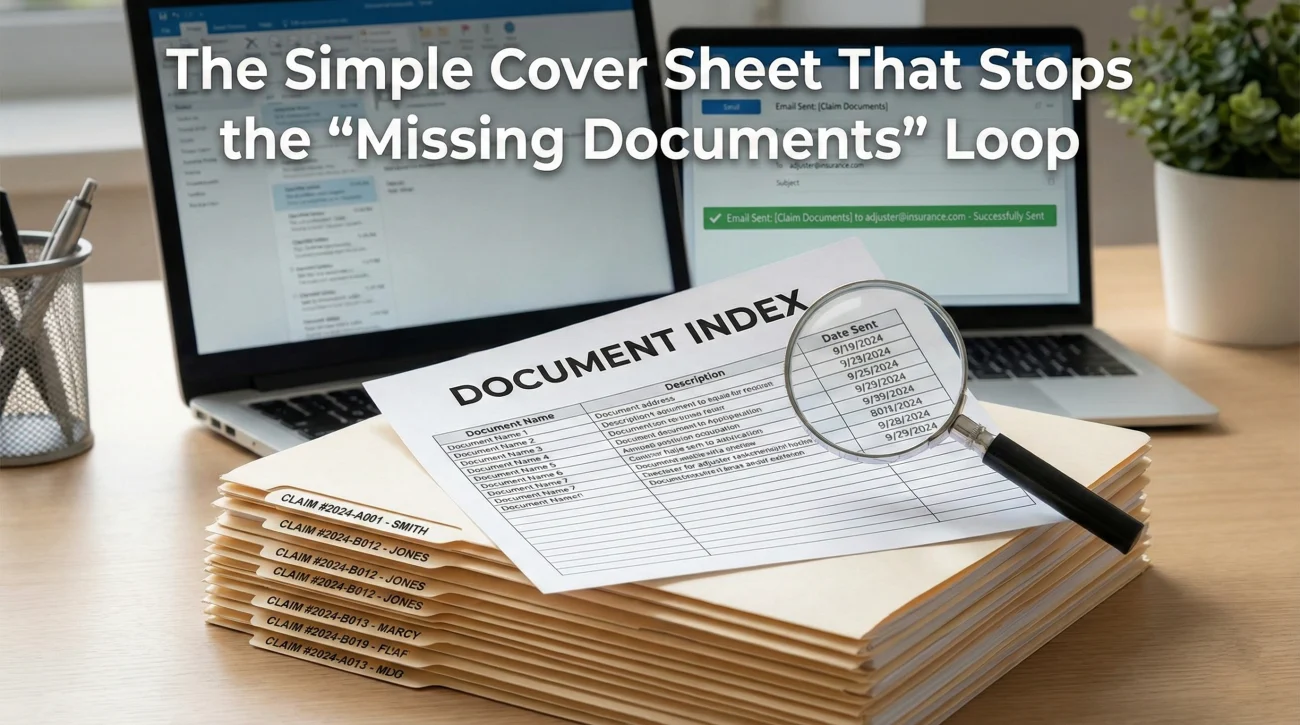
Insurance Claim Document Index

An insurance claim document index is a simple, one-page cover sheet that logs every file you submit, creating a clear, verifiable paper trail. Adjusters handle hundreds of files. When you organize your paperwork with an index, you prevent attachments from getting lost in their internal queues. Use a consistent naming convention and track the exact … Read more

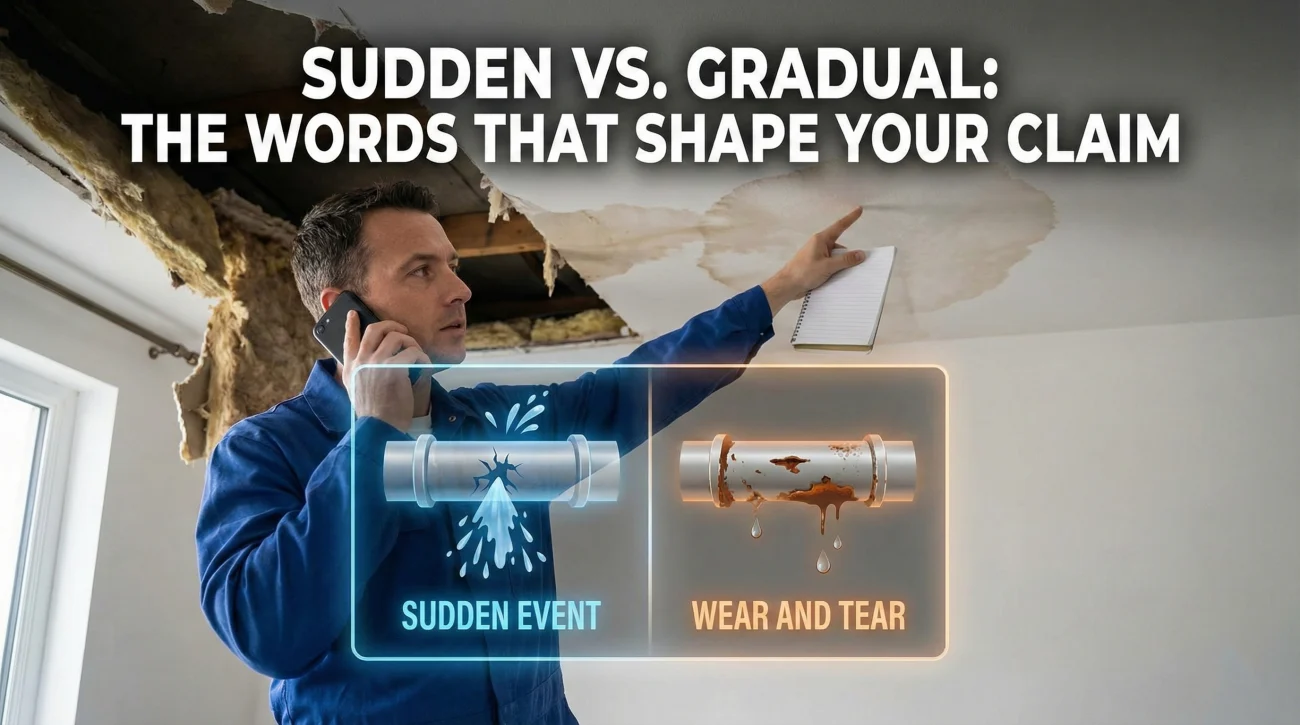
Insurance Definitions: “Sudden Damage” vs. “Wear and Tear”

Wear And Tear Vs Sudden Damage Insurance

When reporting a claim, your job is to state observable facts, not to diagnose the root cause of the damage. Avoid guessing how long a problem has existed; using words like “probably” or “must have been” can lead to inaccurate claim routing. If you do not know the exact cause or timeline, stating “I just … Read more

Missing Portal Uploads: How to Recover Lost Claim Evidence

Uploaded Photos Missing Insurance Claim

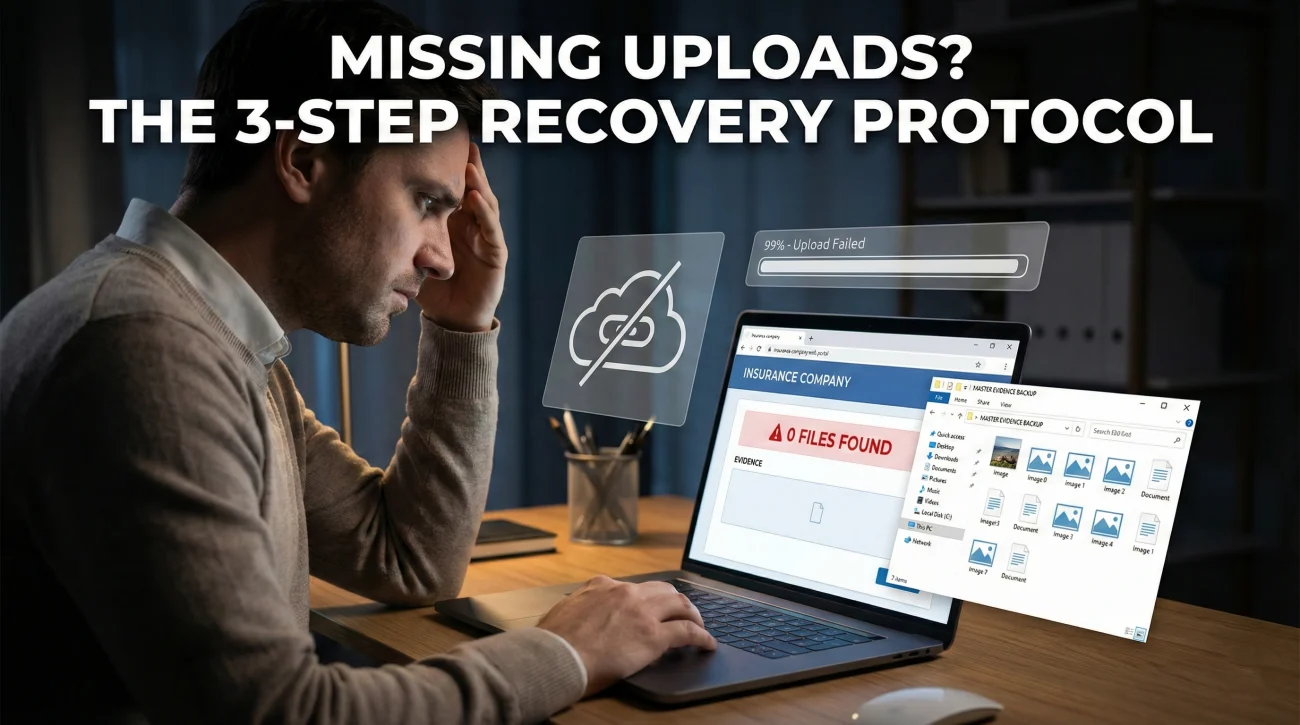
Portal glitches are a common operational reality; do not assume malice if your uploaded files disappear. Avoid deleting your original photos after hitting submit. Always maintain a local master folder of your evidence. When re-uploading, break your files into smaller batches and request a written confirmation of receipt from your reviewer. The Panic of the … Read more

Is It Covered? Home Insurance Coverage Buckets Explained

Is This Covered By Homeowners Insurance

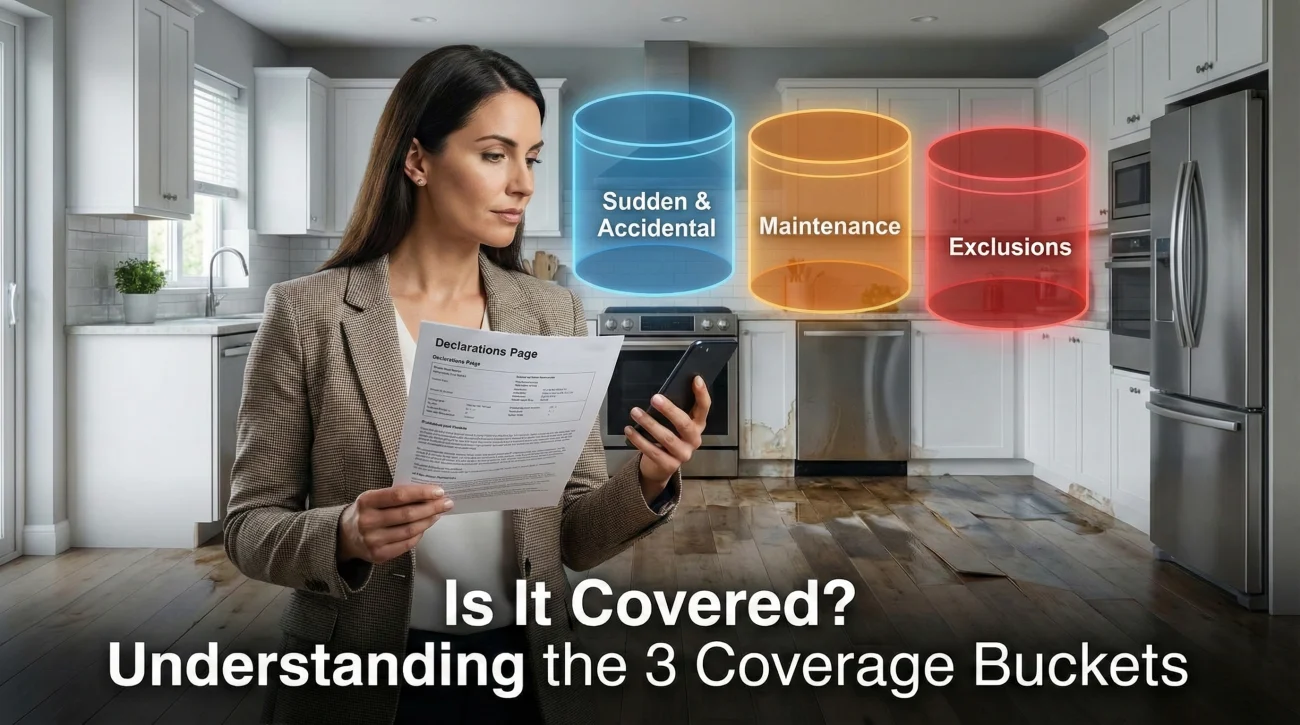
Filing a claim without knowing your coverage buckets can lead to unnecessary denials based on how you describe the damage. Insurance generally covers “sudden and accidental” events, but usually excludes “wear and tear” or maintenance issues. Separate what you saw from what you think happened. Stick strictly to observable facts when speaking to your agent … Read more

Requesting an Itemized Estimate: How to Get Line-Item Details

Requesting An Itemized Estimate

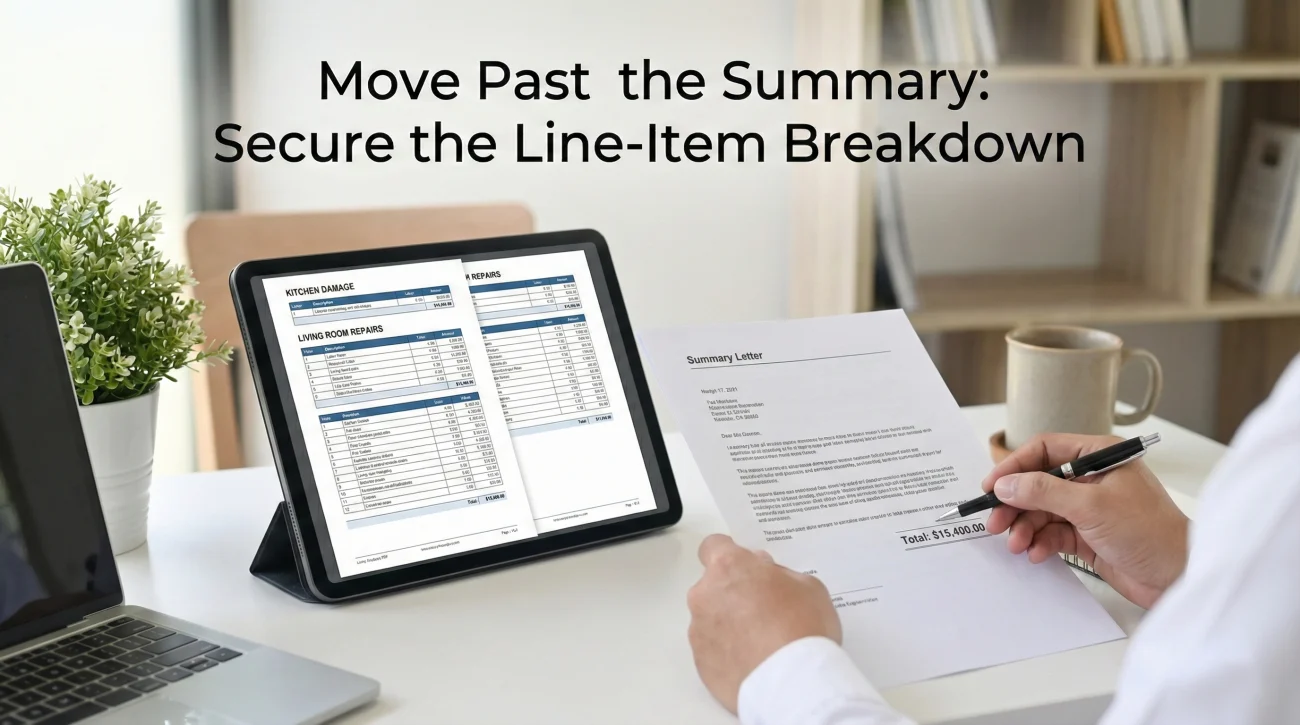
✅ The goal: Move past the vague “lump sum” summary and secure the multi-page, line-by-line breakdown of your claim. ✅ The method: Send a polite, specific written request asking for the “complete, line-item adjuster estimate including the detailed scope of work.” ✅ The verification: When received, check for room dimensions, specific material quantities, and unit … Read more

Partial Claim Denial? How to Read the Exclusions and Respond

Insurance Claim Partially Denied Explanation

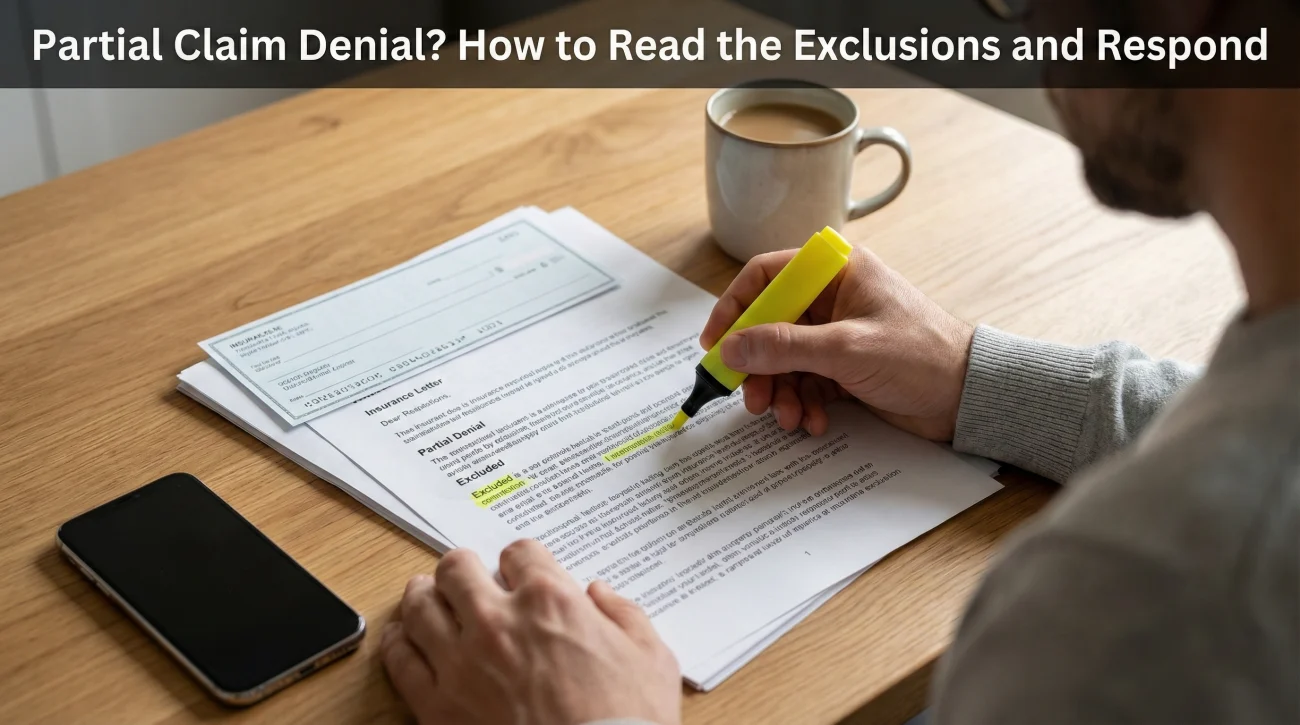
A partial denial is simply an operational boundary line; it means the carrier is separating the sudden damage they will pay for from the maintenance issue they will not. Stop arguing about fairness and start dissecting the letter to find the exact “Because” clause that triggers the exclusion. Respond by asking the adjuster to explicitly … Read more

Stop Playing Phone Tag: How to Get a Scheduled Call Back Window

Get A Scheduled Callback Adjuster

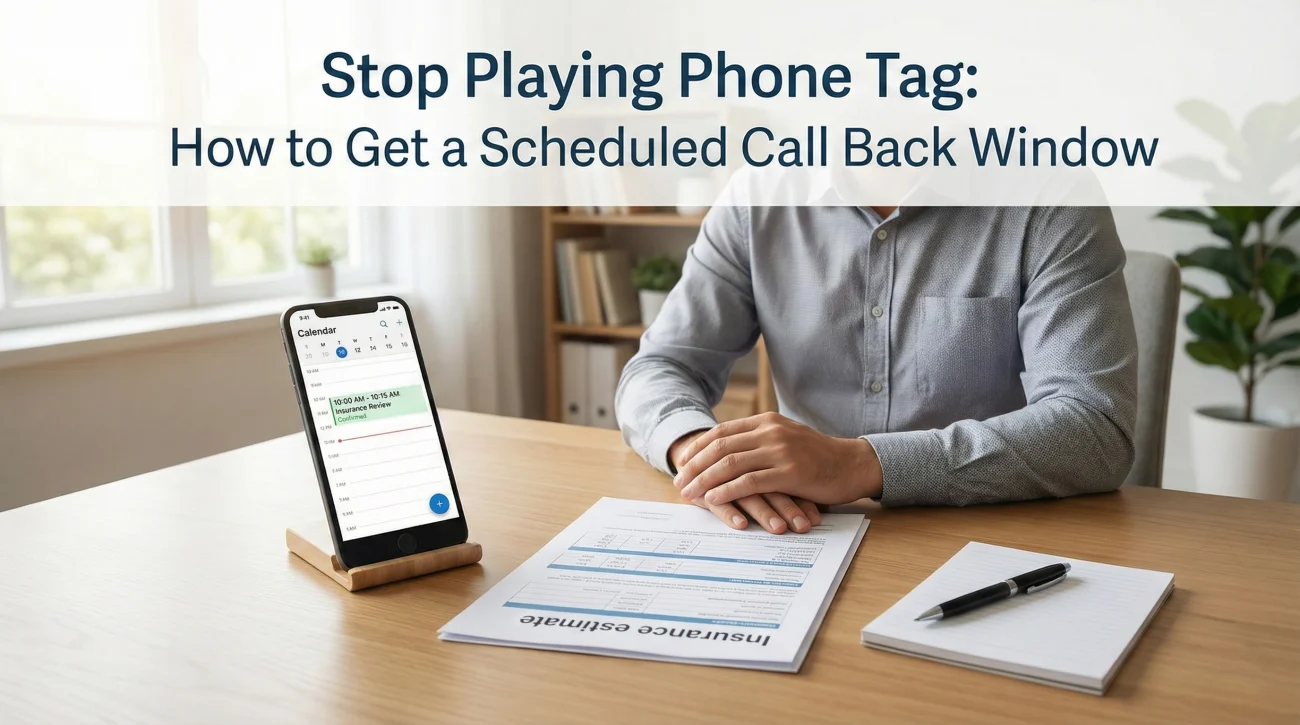
Desk adjusters block their days into specific tasks; unannounced calls usually go straight to voicemail because they are not actively taking inbound calls. Shift your strategy by requesting dedicated 15-minute callback windows with a strict, single-item agenda so the adjuster can prepare. Provide two specific time blocks with exact time zones via the online portal … Read more

No Insurance Adjuster Assigned? How to Check If You’re Ignored

No Adjuster Assigned Yet

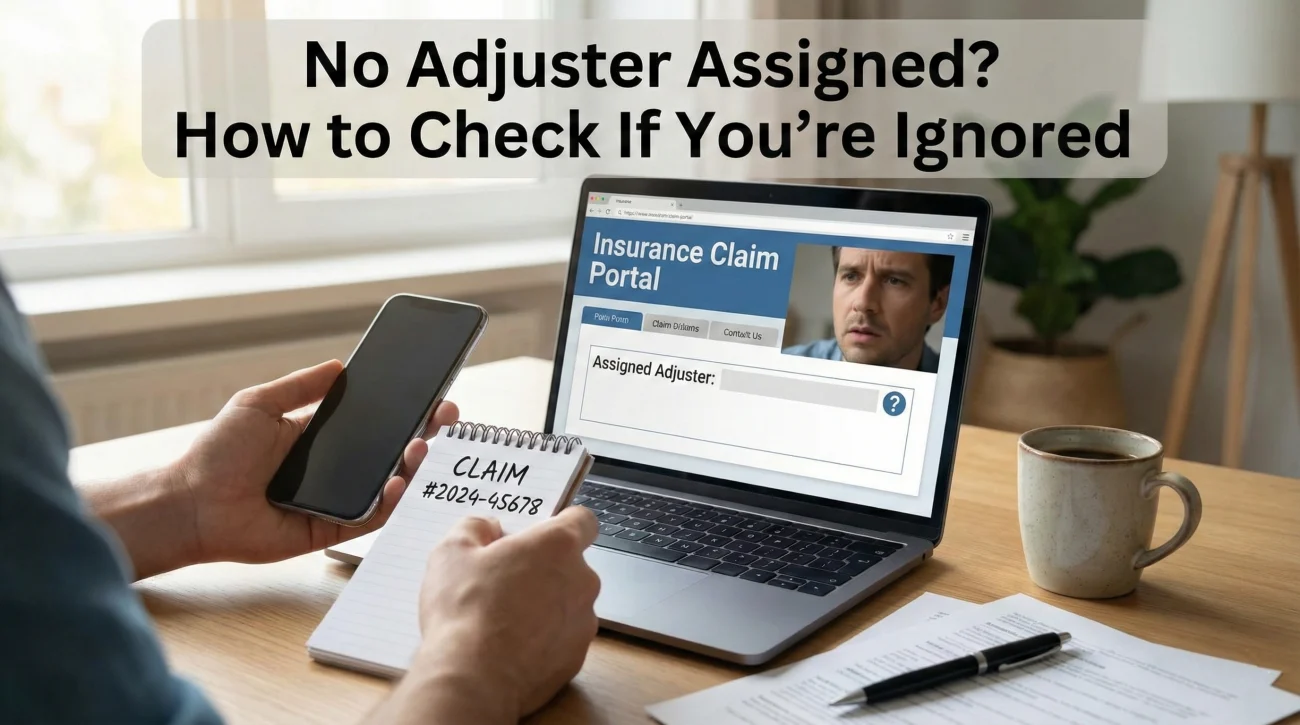
A missing adjuster name on day one or two is usually a routing delay, not an intentional freeze on your file. Before following up, verify your First Notice of Loss (FNOL) confirmation receipt and check your spam folders for portal registration links. Use a polite, factual script to ask the general claims line for your … Read more

Insurance Portal Statuses: What “Open,” “Closed,” and “Pending” Mean

Claim Portal Status Meanings

Online portal statuses are trailing indicators built for internal company metrics, not real-time customer updates. A “Closed” status does not automatically mean your claim was denied, it often simply means an initial phase was completed or an initial payment was triggered. Instead of refreshing the portal, use specific, neutral questions to find out exactly who … Read more