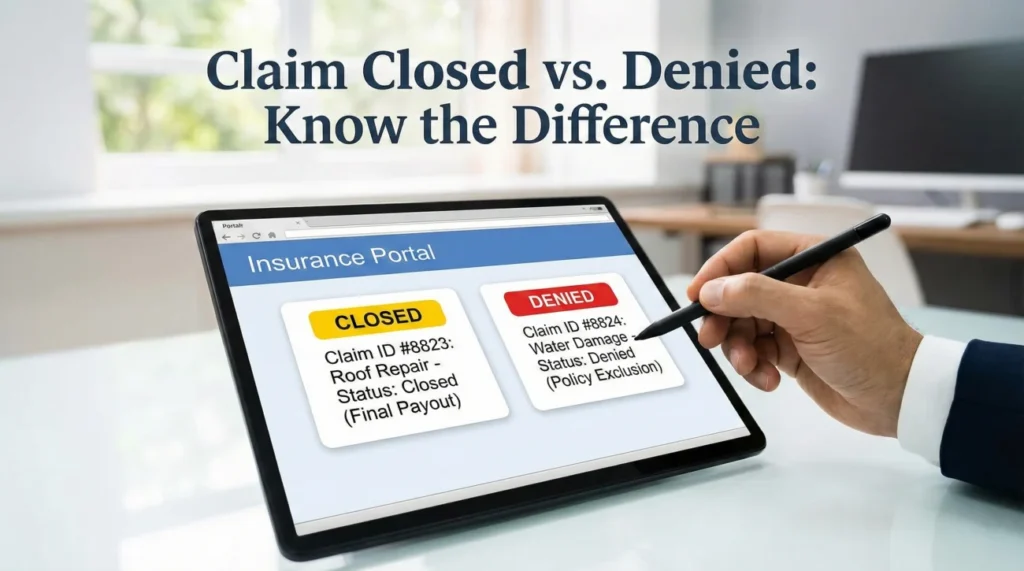
- “Closed” is usually an administrative status meaning inactivity, missing documents, or an automated system timeout. It is often reversible.
- “Denied” is a formal decision based on the current facts and policy review. It requires a specific, documented reason from the adjuster.
- Knowing the difference between claim closed vs denied dictates your exact next step: requesting a reopening or asking for the specific reason bucket.
- Never assume a closed claim means you are out of options. Ask operational questions to find out exactly what piece of paper is missing.
The Shock of the Portal Update
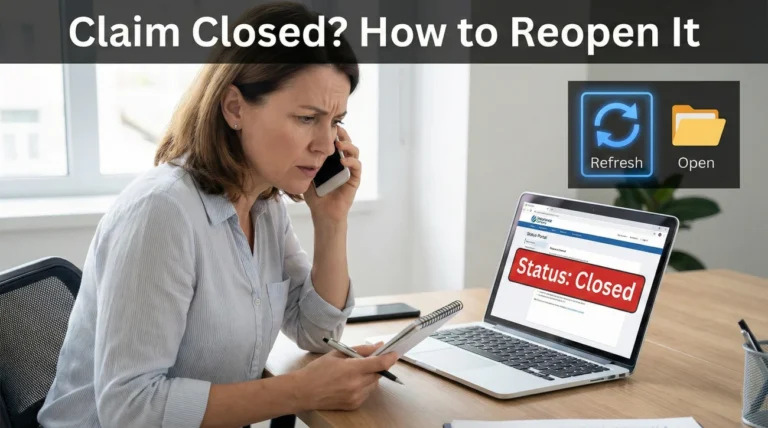
You log into your insurance portal after waiting weeks for an update, and your stomach drops. The status bar at the top of the screen has changed from a reassuring “In Progress” to a very final-looking “Closed.” Or worse, you receive a letter stating your file has been “Denied.”
In my experience handling the operational side of documentation, this is the exact moment where most people panic. It is completely natural. When you are staring at a damaged home and a confusing portal status, those words feel like a door being slammed in your face.
But here is what I want you to understand from an insider perspective: these words do not always mean what you think they mean. In the world of claims processing, there is a massive operational difference between a claim closed vs denied.
I have seen hundreds of files marked “closed” simply because an adjuster’s software reached a 30-day inactivity limit, not because the company refused to pay. I have also seen “denied” statuses applied simply because a specific piece of evidence, like a clear photograph, was missing from the initial file, which could be easily corrected.
Understanding how to read these statuses correctly is your strongest tool. Once you decode what the label actually means in their system, you stop feeling overwhelmed and start knowing exactly which question to ask next. Let me walk you through exactly how to interpret these updates and what you need to do to keep your file moving forward.
The Core Difference: Administrative vs. Decisional
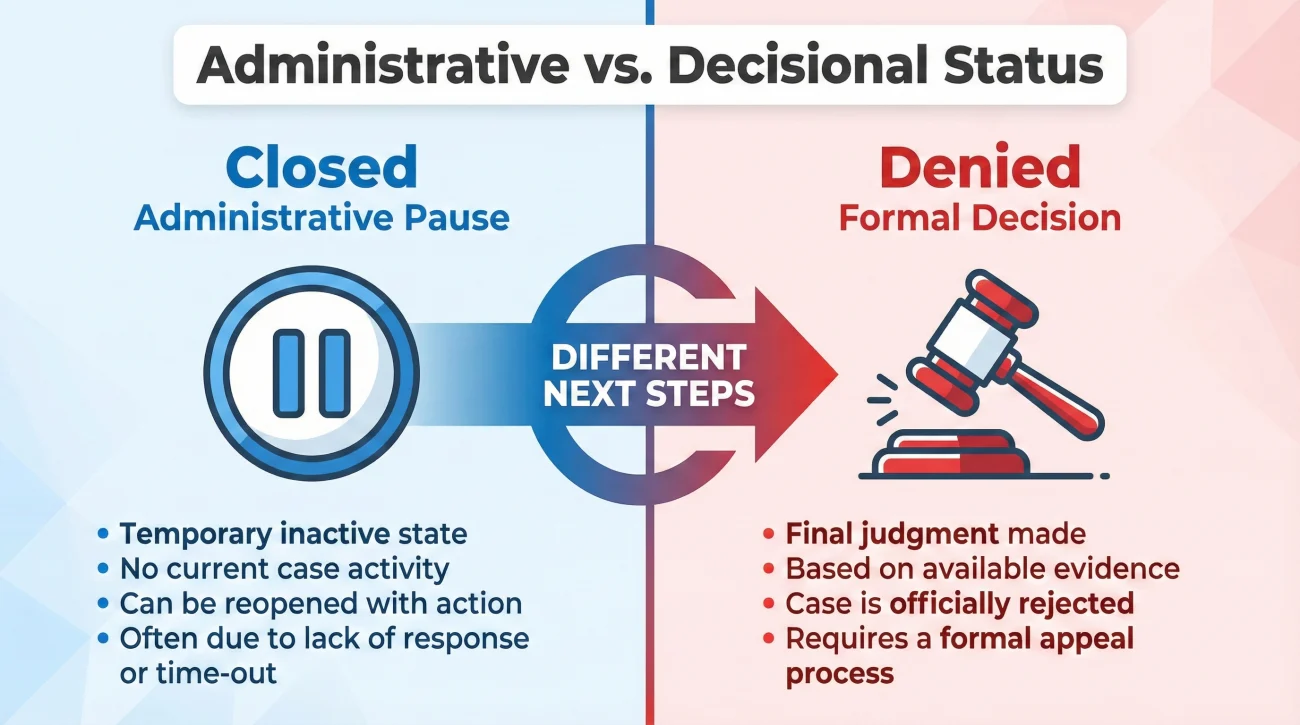
To navigate a stall, we first need to separate administrative actions from formal decisions. Adjusters handle dozens, sometimes hundreds, of files at a time. To manage this volume, their software relies heavily on statuses to sort the workflow.
A “Closed” status is very often an administrative tag. It is a way for the system to clear a desk. A “Denied” status, however, is a formal decision that requires a specific rationale.
The file is put away. This usually happens because the adjuster believes all current tasks are finished, a payment was issued, or they are waiting on you and a timer ran out. It is a pause button.
A formal review took place, and based on the information currently in the file, the adjuster determined the damage does not meet the criteria for a payout. This requires a written explanation.
When you confuse the two, you waste energy fighting the wrong battle. When a claim closes strictly due to an expired timer, you do not need to write a long, emotional letter defending your damage. You just need to find out what piece of paper they are waiting for to hit the “Reopen” button.
💡 Pro Tip: The 30-Second Status Decoder
• Closed: Administrative pause. Next question: “What missing item triggers a reopen?”
• Denied: Decision based on current facts. Next question: “Please provide the formal denial letter and list of reviewed documents.”
• Pending: Waiting on a dependency. Next question: “Who owns the next step and what is the expected date?”
In my daily operations, the most reliable progress often comes from treating a “Closed” file as a simple communication breakdown rather than a final verdict. Approaching it methodically generally gets it back on an active desk without having to start over.
What “Closed” Actually Means in the Field
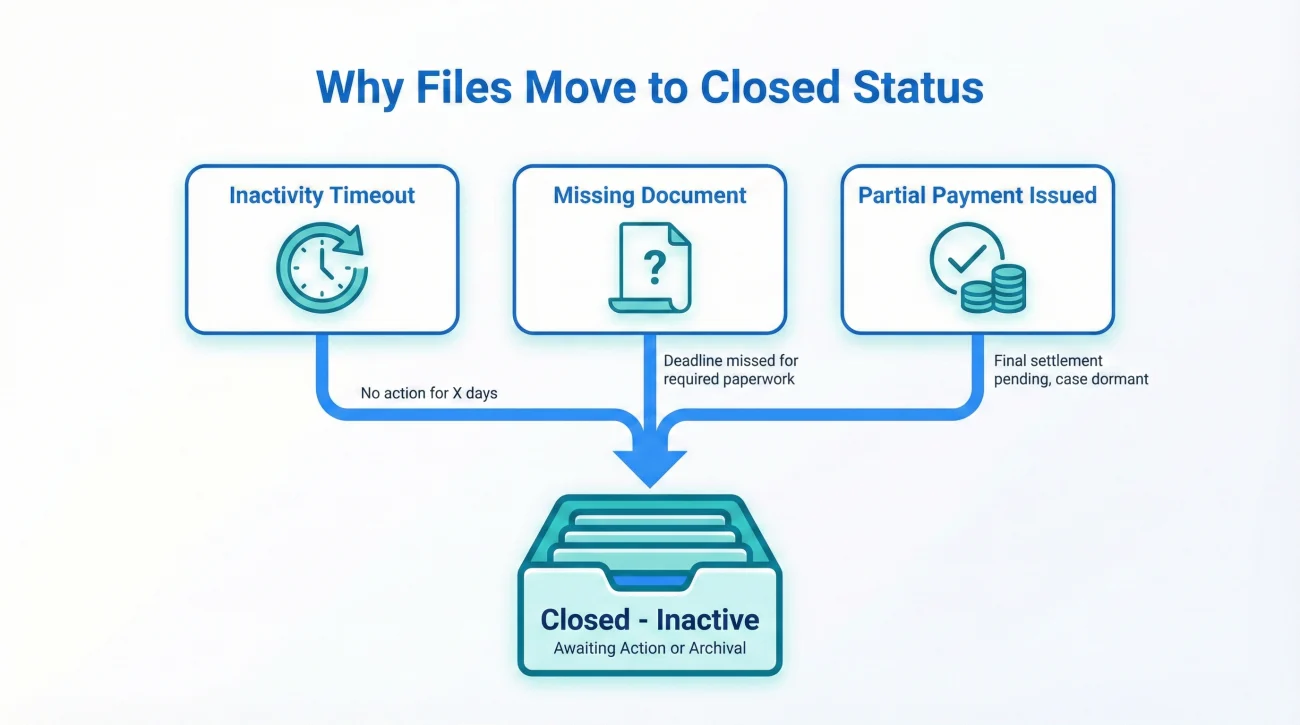
Let us look at the realities of the “Closed” status. Why would an insurance company close a file when your kitchen is still in pieces?
I want to share a common pattern I see frequently. A homeowner sends in an estimate from their contractor. The adjuster reviews it, but notices the contractor forgot to include their license number on the header. The adjuster sends an email asking for the updated document. That email goes into the homeowner’s spam folder. Thirty days pass. The adjuster’s software flags the file as “Inactive – Awaiting Documentation.” To clear their active dashboard, the adjuster clicks “Close.”
The claim is not denied. The adjuster simply put it in a digital filing cabinet because nothing was happening.
| Common Reason for “Closed” Status | What It Operationally Means |
|---|---|
| Inactivity Timeout | No new documents or messages were logged for 30 to 60 days. The system auto-closes the file to keep the adjuster’s desk clean. |
| Partial Payment Issued | They cut a check for the initial undisputed amount (Actual Cash Value). They close the file assuming you will reopen it later when you have repair invoices. |
| Missing Information | They requested a specific item (a photo, a w9, a signature) and did not receive it. They close the file until you provide it. |
| Vendor Delay | They are waiting on an external report (like an engineer or a weather report) that failed to arrive on time, causing an internal timeout. |
The Reality of Reopening
A closed claim is generally easy to reopen once you know the trigger. You do not need to start a brand new claim from scratch. In fact, doing so will only create duplicate files and further delays. Simply ask the operational question: “What is the missing item required to move this back to an active status?”
Another frequent scenario involves a claim closing immediately after an initial Actual Cash Value (ACV) payment is issued. Homeowners often panic, thinking the insurer refuses to pay the rest. In reality, the adjuster simply closed the initial phase. Once you actually complete the repairs and incur the remaining costs, you provide the final invoices to trigger the recoverable depreciation and reopen that specific part of the file.
What “Denied” Means (And What It Doesn’t)
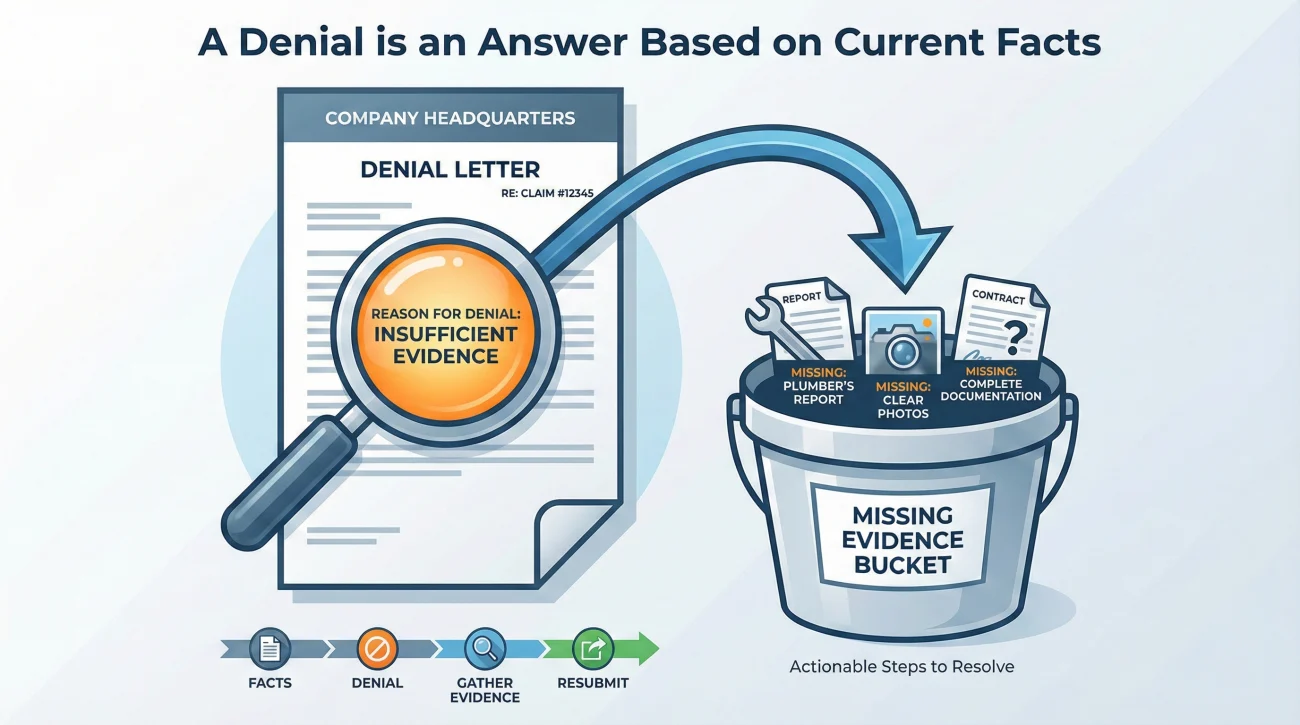
Seeing a “Denied” status is much heavier, but staying calm and analytical is critical. A denial is a formal decision, but it is a decision based *only on the evidence currently sitting in the file*.
It does not mean you are a bad person. It does not mean the damage is fake. It simply means that, according to the documents the adjuster has reviewed so far, the criteria for coverage have not been met.
Key Point: A denial is an answer based on current information. When the information is incomplete, the answer might change after new facts are properly documented and submitted.
Many denials I observe stem from an incomplete evidence pack. For example, a homeowner might file a water damage claim but fail to provide a plumber’s report identifying the exact source of the leak. Without proof of the source, the adjuster cannot confirm it is a covered event, so they issue a denial.
Upon receiving a denial, the first operational priority is securing the formal denial letter. This letter serves as your roadmap. It must list the exact reasons for the decision. Once you have those reasons, look for gaps in the facts. Did they miss a photo? Did they misunderstand a timeline? The task is to gather the missing proof that directly addresses their stated reason.
⚠️ Warning: Never call and yell at the adjuster over a denial. Anger does not change decisions; documentation does. Keep the conversation strictly focused on clarifying their written reasons.
“Pending Info” – The Invisible Limbo
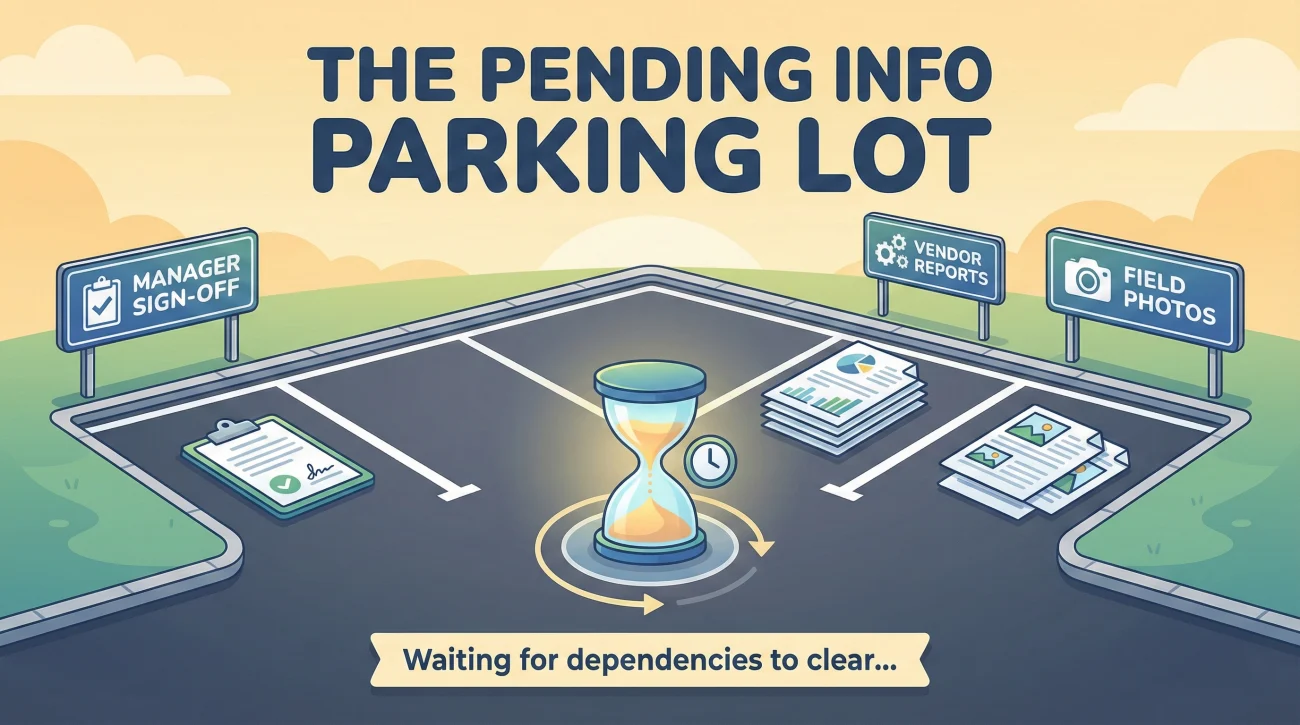
There is a third status that often causes confusion: “Pending Info” or “Under Review.” Sometimes, this status sits there for so long that homeowners assume the claim has been silently closed or denied.
In claim operations, “Pending” is supposed to mean someone is actively working on it. However, it often turns into a parking lot. It means the file is technically open, but stuck waiting on a dependency. The most common operational dependencies include:
- ✅ Manager Sign-off: The adjuster needs authority approval for a specific dollar amount.
- ✅ Field Photos: Waiting for the independent inspector to finish their upload.
- ✅ Vendor Reports: Waiting on an external engineer, weather data, or cause-of-loss specialist.
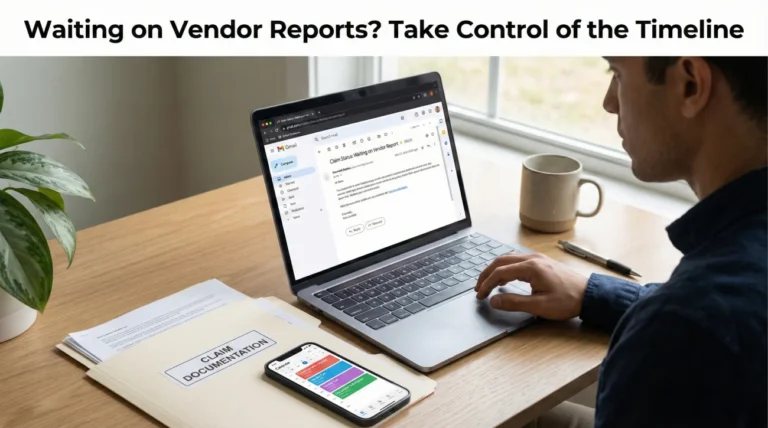
For instance, when a file is “Pending” waiting on an engineer’s structural report, do not just wait silently. The vendor might be backed up for weeks. Ask the adjuster to confirm the vendor’s deadline and request the internal escalation protocol in case the vendor misses that scheduled date.
The Communication Playbook for Status Updates
When facing a confusing portal change, the strategy must pivot from waiting to actively questioning. Sending written requests forces the adjuster to clarify the file’s exact position. Below is how I structure these messages.
Handling a “Closed” Notice
The main objective is to pinpoint the administrative roadblock without sounding defensive. The focus should be on identifying the missing item.
Hello [Adjuster Name],
I am checking the portal today and noticed the status for my claim is listed as “Closed.” Since we are still in the process of finalizing repairs, I want to ensure my file remains in good standing.
Could you please provide a written list of any missing documents, invoices, or information you need from my end to move this claim back to an active status?
I look forward to your checklist so I can provide exactly what you need.
Thank you,
[Your Name]
Addressing a “Denied” Verdict
The primary task now involves securing the formal, written rationale. Arguing the point at this stage is counterproductive; simply gather the data.
Hello [Adjuster Name],
I see on the portal that my claim status has been updated to “Denied.”
Please send me a copy of the formal denial letter outlining the specific reasons for this decision. Additionally, please provide a written list of the exact documents, reports, or photos that were reviewed to make this determination.
Please confirm receipt of this request and let me know when I can expect the letter.
Thank you,
[Your Name]
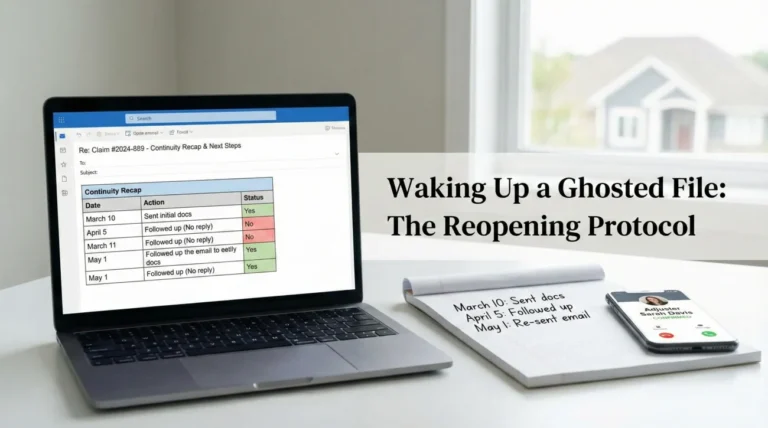
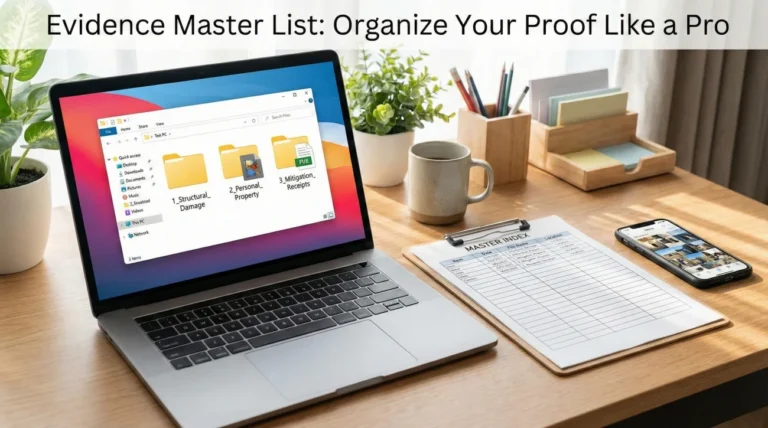
Upon receiving the answers to these emails, carefully log the responses. I strongly recommend establishing a reliable claim follow-up system to track the exact dates of these questions and replies. Good tracking prevents files from slipping back into the void.
Organizing Your Proof (The Real-World Scenario)
Let me share a quick operational scenario of what good process looks like during a closure.
Imagine a homeowner, let us call him David. David checks his portal and sees “Closed.” Instead of panicking, he checks his personal claim folder and his timeline log. He realizes he submitted his contractor’s estimate two weeks ago, but never received a confirmation of receipt.
He uses the “Closed” script provided above. The adjuster replies three days later: “We closed the file because the estimate you sent was unreadable. The scan was too dark.”
David does not argue. He simply gets a clean PDF of the estimate, attaches it to an email, and replies:
“Thank you for clarifying. Please find the high-quality PDF of the estimate attached. Please confirm receipt and let me know when the file has been reopened for review.”
Within 24 hours, the status changes back to “In Progress.” David won by treating the problem as a missing document issue, not a battle of wills.
The File Hygiene Checklist
Whether dealing with a closed file or a denial, the next steps rely entirely on your documentation habits. Keep these rules tight:
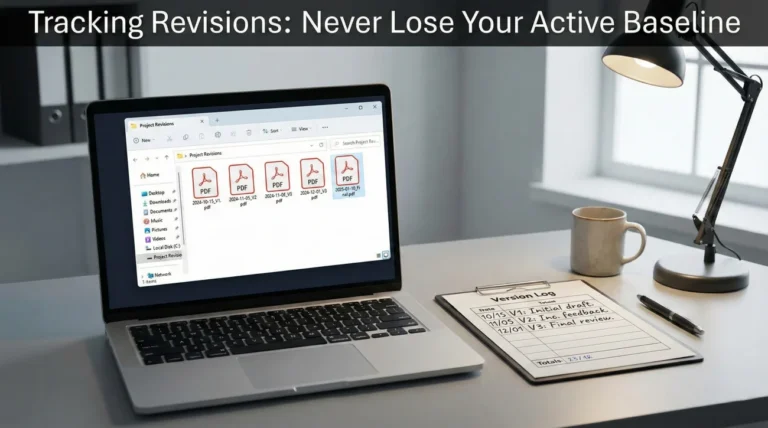
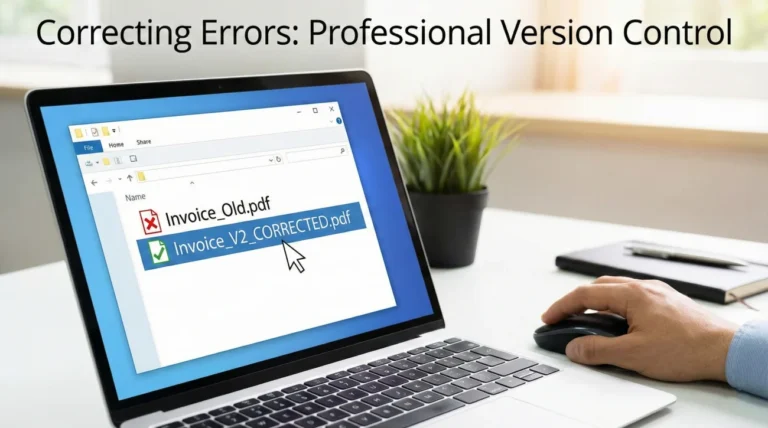
- ✅ Save the letters: The moment a formal letter arrives explaining a status, save it to your main claim folder as a PDF. Name it clearly (e.g., “2023-10-15_Denial_Letter.pdf”).
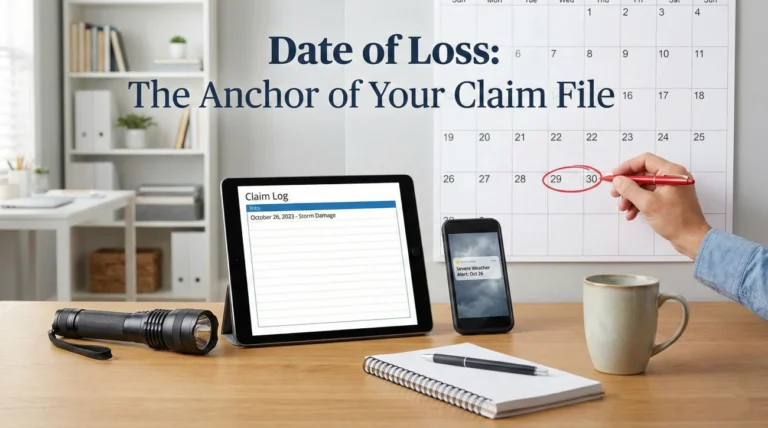
- ✅ Log the dates: Update your timeline log with the exact date the status changed.
- ✅ Ask for it in writing: Whenever an adjuster explains a closure over the phone, ask them to follow up with an email summarizing the call. A paper trail of their reasoning is mandatory.
Turning Status Labels Into Action Steps
A negative status update is jarring, but it is ultimately just a data point in a workflow. Instead of seeing it as a final door shutting, view it as a prompt to audit your file hygiene.
Every label in that portal is tied to a specific piece of paper or a system timer. When you stop reacting to the label and start hunting for the missing operational link, such as an unlogged estimate or a delayed vendor report, you take control of the timeline. Ask the exact question, demand the requirement in writing, and keep building your proof.
❓ FAQ
🚦 What does it mean when an insurance claim is closed?
It usually means the file is administratively paused. This happens when they issue a partial payment, a timer runs out due to inactivity, or they are waiting for specific documents from you and haven’t received them.
🧐 Is a closed claim the same as a denied claim?
No. A closed claim is usually just inactive and can often be reopened by submitting the missing information. A denied claim means a formal decision was made that your damage does not qualify for coverage based on the current facts.
🛑 Can an insurance company close a claim without paying?
Yes. When they request documentation (like an estimate or photos) and you do not respond within their system’s timeframe, they will close the file administratively without issuing a payment to clear the adjuster’s desk.
🔄 How do I reopen a closed insurance claim?
Send a polite, written email asking for a specific list of the documents or information needed to return the file to active status. Providing the missing items typically reopens the case.
📋 What should I do first if my claim is denied?
Request the formal, written denial letter. Arguing on the phone is unproductive. You need the letter to see their exact reasoning so you can identify what specific proof or reports are missing from your file.
⏱️ Why did my claim status change to closed so fast?
Fast closures often happen when the initial inspection determines the damage amount is below your deductible. They close it because no payout is due based on their current numbers. Always ask for a written copy of their estimate and a clear breakdown of the deductible comparison to keep your paper trail intact.
📝 Do I need to send more documents if my claim is closed?
Almost always, yes. A closure serves as a signal of missing information. Ask the adjuster in writing exactly what invoices, reports, or photos are required.
🕵️ What is the difference between closed and pending info?
“Pending info” means the file is technically active but stuck waiting on a specific item (like a manager’s review or a vendor report). “Closed” means the file is completely inactive and put away.
📤 Can I appeal a denied property claim?
Yes. You can usually ask for a reconsideration by providing new, substantial evidence (like a detailed engineer’s report or a contractor’s breakdown) that directly contradicts the reasons listed in their denial letter.
📅 How long do I have to reopen a closed claim?
Timelines vary greatly. The best operational practice is requesting a reopening the moment you see the “closed” status, rather than waiting. Always ask for deadlines in writing.
⚠️ Disclaimer: PropertyClaimChecklist.com provides practical guidance, process checklists, and example follow-ups to help you organize a property claim and move it forward. It is not policy language, claim documentation, legal content, or a substitute for your insurer's instructions. Always rely on your carrier's requirements and your actual policy terms for what must be submitted and how decisions are made.