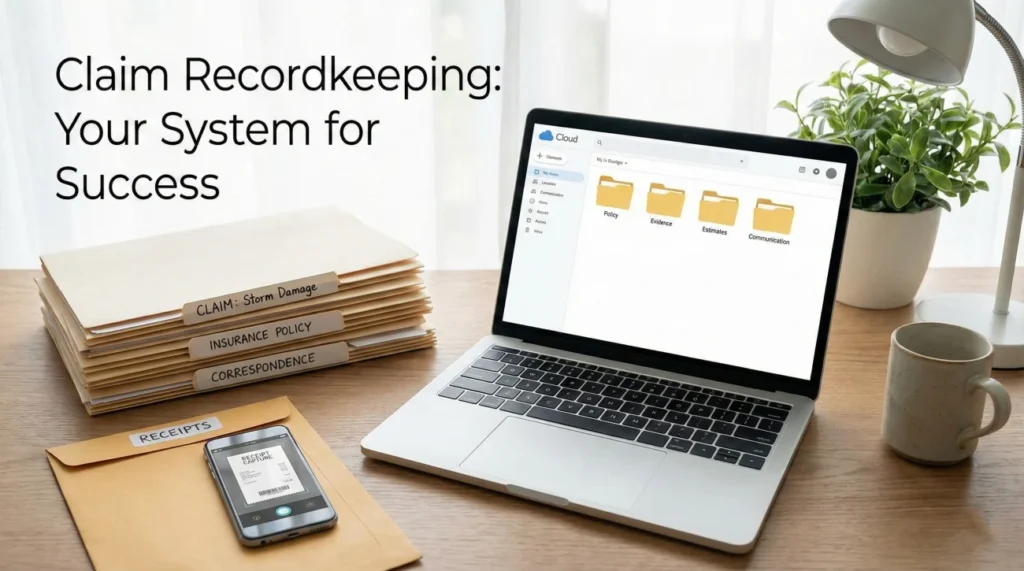
- Build a strict folder structure from day one: separate what you send, what you receive, and your daily logs.
- Never rely on the insurer’s portal as your only backup; always keep local copies of every upload and confirmation screen.
- Use a consistent file naming routine that includes the date and a clear description so you never send the wrong version of an estimate.
- Keep every physical receipt in a dedicated envelope, but digitize them weekly to protect against fading and loss.
The Hidden Cost of Scattered Paperwork
When a property is damaged, the physical cleanup is only half the battle. The other half happens on your dining room table, usually buried under a mix of contractor estimates, temporary housing receipts, and printed emails from the insurance company. In my work in claims operations, I see how quickly this paperwork can become overwhelming.
I often review claim timelines that have stalled out. When I dig into why a payment is delayed or why an adjuster is asking for the same document a third time, it rarely starts as a coverage dispute. Usually, it is a recordkeeping failure. A homeowner sends an unnamed file, the adjuster cannot identify it, the file goes unlogged, and weeks pass in silence. Good insurance claim recordkeeping is not about being perfectly neat. It is about building a simple, unbreakable system that proves exactly what you submitted and when you submitted it.
When you are stressed and displaced, trying to remember if you emailed a receipt or uploaded it to a portal is impossible. You need a system that does the remembering for you. At its core, your claim file has three main jobs:
- ✅ Prove what happened: Photos, inspection reports, and damage logs.
- ✅ Prove what you spent: Receipts, contractor invoices, and payment proof.
- ✅ Prove what you submitted: Portal screenshots, sent emails, and communication logs.
In this guide, I will walk you through the exact storage structure I recommend, what items you must absolutely keep, and how to protect your files so you are never caught empty-handed when an adjuster asks for proof.
The Core Recordkeeping Checklist: What to Keep
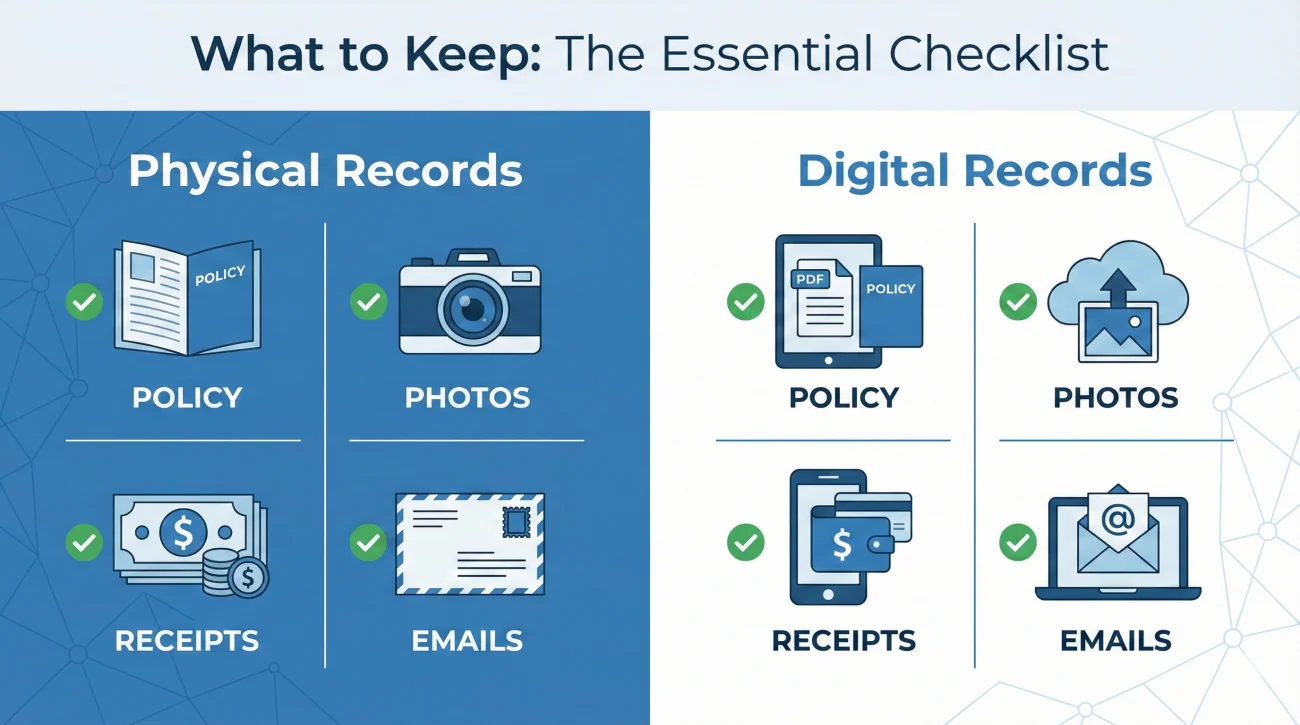
The golden rule of claim recordkeeping is simple: if it relates to the damage, the repair, or the communication, you keep it. However, keeping everything in one giant pile is just as bad as losing it. You need to know exactly what categories of documents you are dealing with. Before you build your folders, make sure you know exactly what goes in them. You can reference our master property insurance claim documents checklist to see every item you should be tracking by stage.
From an operational standpoint, I look for these specific categories to be cleanly separated.
Physical Records to Preserve
Even in a digital world, some physical items must be protected. These are the items that are incredibly difficult to replace if lost or destroyed.
- 📄 The certified policy copy: The massive booklet showing your actual coverages and endorsements, not just the single summary page.
- 📄 Original signed contracts: Any physical agreements signed with mitigation teams or general contractors.
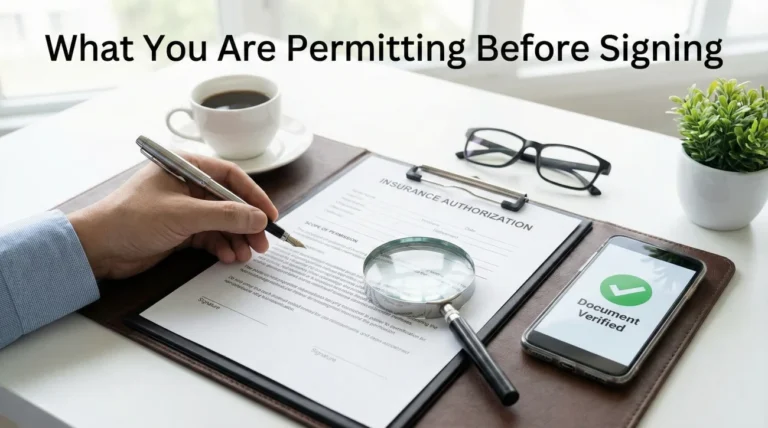
- 📄 Ink-signed forms: Physical copies of signed sworn statements, authorization forms, or release documents.
- 📄 Original receipts: Temporary housing expenses, emergency repair supplies, and replaced contents.
⚠️ Warning: Thermal paper receipts from hardware stores and hotels will fade into blank paper over a few months, especially if left in a hot car or a damp box. You must scan or photograph these immediately.
Digital Records to Capture
Your digital records are the engine of your claim. This includes everything you generate and everything you receive.
| Category | What to Save |
|---|---|
| Adjuster Communications | Every email, portal message, and digital letter received from the desk or field adjuster. |
| Estimates and Scopes | Every version of the contractor’s bid and every version of the insurer’s loss estimate. |
| Photographic Proof | Pre-loss photos of the property, immediate post-loss damage photos, and mitigation progress photos. |
| Submission Evidence | Screenshots showing “Upload Successful” from the portal, and email chains proving files were attached and sent. |
Setting Up Your Core Storage Structure
A common mistake I see is the “Downloads Folder Trap.” A homeowner downloads an estimate from their email, leaves it in their computer’s default downloads folder, and tries to attach it later from memory. Six weeks later, they accidentally send “Estimate(1).pdf” instead of “Estimate(Final_Revised).pdf”.
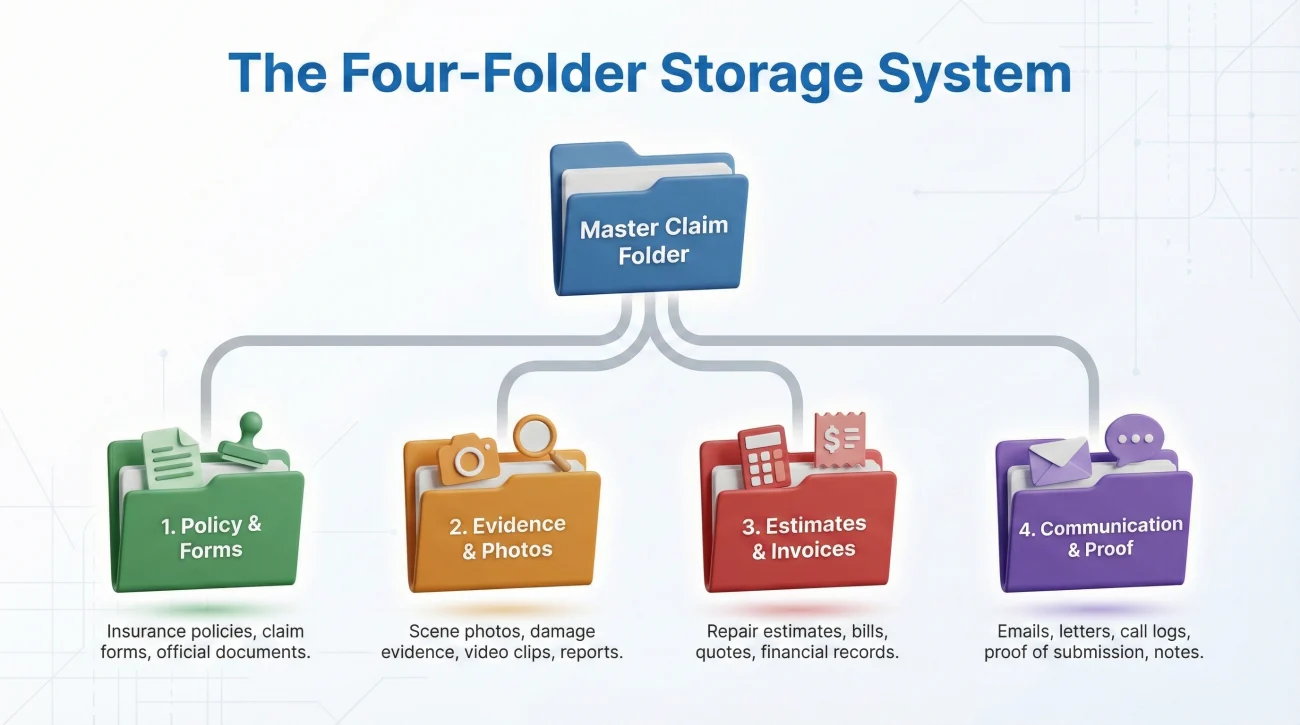
To avoid this, you need an isolated, dedicated home for your claim files. I strongly recommend creating one master folder on your computer’s desktop or your primary cloud drive. Inside that master folder, you only need four subfolders. Keeping it to four prevents you from overcomplicating the system.
The Four-Folder Layout
- 📁 Master Folder: [Your Last Name] Property Claim [Year]
- 📁 1_Policy_and_Official_Forms: Your certified policy copy, claim opening notices, and signed authorization forms.
- 📁 2_Evidence_and_Photos: Your inventory spreadsheets, damage photos, and receipts.
- 📁 3_Estimates_and_Invoices: Contractor bids, adjuster estimates, and engineer reports.
- 📁 4_Communication_and_Proof: Saved emails, portal screenshots, and your communication log.
In my experience, when you organize files this way, responding to an adjuster becomes an operational task rather than an emotional scramble. If they say they need the mitigation invoice, you know exactly which of the four folders it lives in.
Protecting Against Rotating Adjusters
A structured system also protects you against the operational reality of rotating adjusters. In many claims, the person who inspects your property will not be the one writing the final check. When a new adjuster takes over your file, they only know what they can easily find. If your documentation is messy, they start from scratch. If your files are organized, you can quickly share the exact history they need without losing weeks of momentum.
The Minimum Communication Log
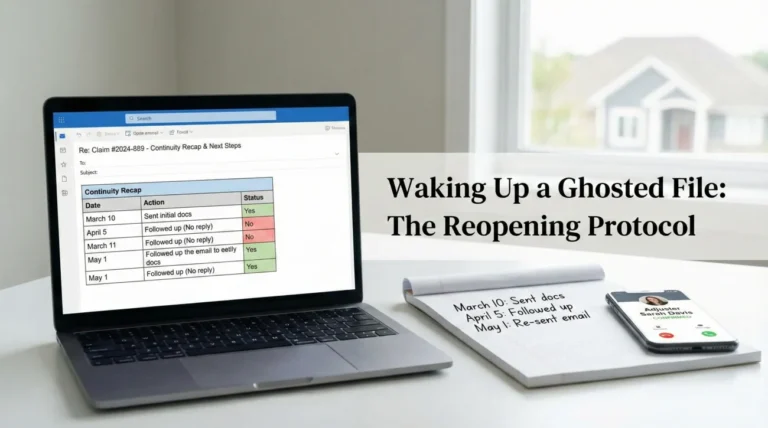
Your fourth folder relies on a communication log. You do not need a complex spreadsheet for this. A simple running document is enough, as long as you log every conversation. Here is the minimum framework I recommend for your entries:
Who: [Name and Title, e.g., Desk Adjuster Sarah]
What requested: [e.g., Asked for mitigation invoice]
What sent: [e.g., Emailed invoice v2]
Proof saved in: [Folder 4]
Naming Your Files for Instant Recognition
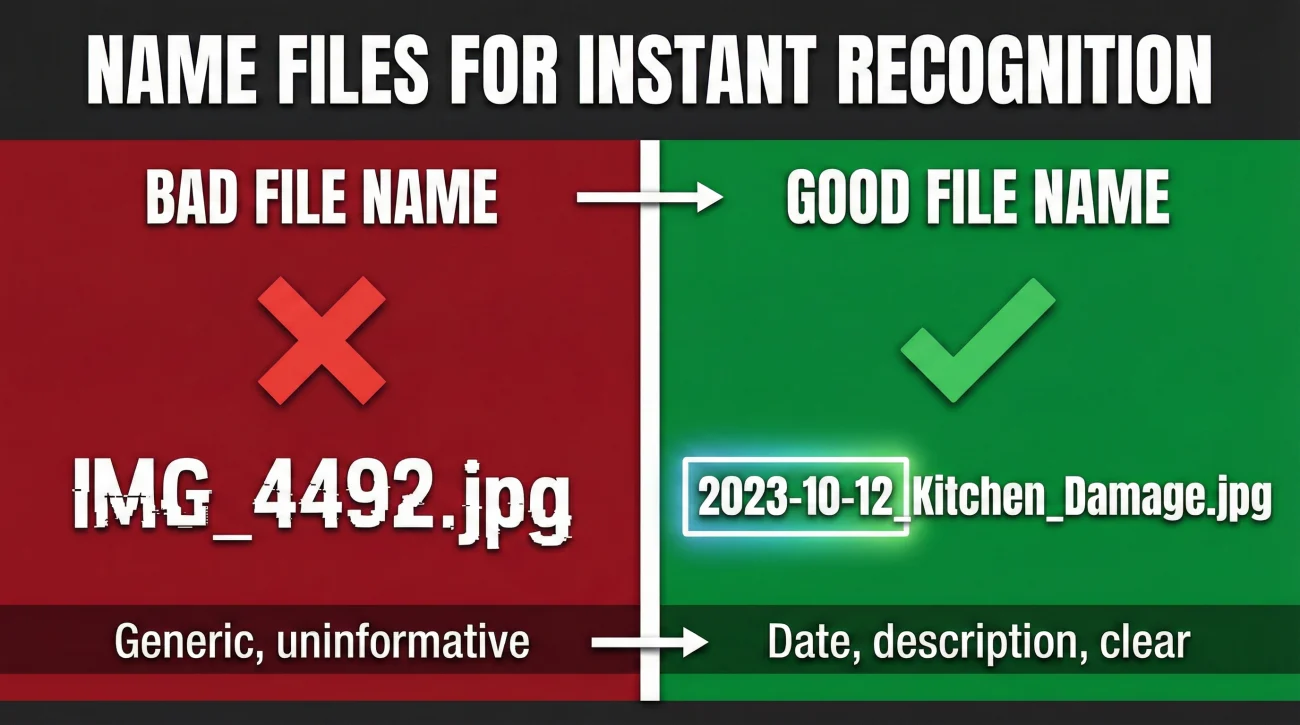
Once you have a folder structure, you need to name the documents before you save them. Do not rely on the names generated by scanners or other people’s software. If your contractor emails you a file named “scan_09943_final.pdf”, and you forward that to the insurance company, the adjuster has to open it to figure out what it is. If they are busy, they might skip it entirely.
You want your filenames to be so clear that nobody has to open the file to know what is inside. I use a simple convention: Date first (Year-Month-Day), then a clear description, then a version number if needed.
IMG_4492.jpg
scan_receipt_home depot.pdf
roof_estimate_new.pdf
2023-10-12_Kitchen_Ceiling_Water_Damage.jpg
2023-10-14_HomeDepot_Tarp_Receipt.pdf
2023-10-20_SmithRoofing_Estimate_v1.pdf
When you use the Year-Month-Day format at the start of your filenames, your computer will automatically sort your documents in perfect chronological order. This is a massive advantage when you are trying to reconstruct a timeline or prove that you sent an invoice before a specific deadline.
Digital Backup Rules That Actually Work
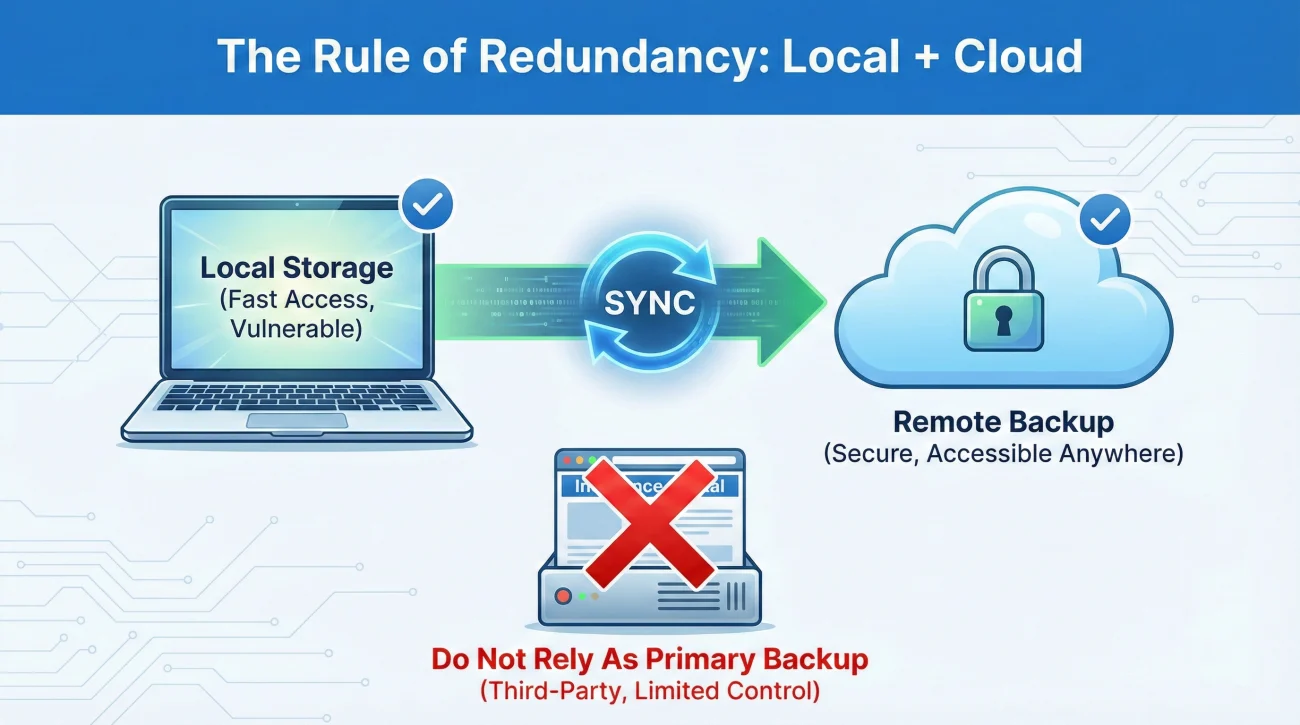
Hardware fails. Laptops get spilled on. Phones get lost. If your entire claim history lives on a single device, you are operating at extreme risk. I have spoken with people who lost their phone and, along with it, the only copies of their early damage photos and uncashed ALE receipts. It is a devastating setback.
Key Point: You must decouple your claim data from a single physical device. Your files should exist in at least two separate environments.
You do not need an enterprise-grade IT setup, but you do need redundancy. Here is the backup routine I suggest for standard claims:
Local and Cloud Synchronization
Keep your master folder on your computer’s hard drive, but ensure that folder is actively synced to a standard cloud service. This means every time you drop a new PDF into your folder, it automatically copies to the internet. If your laptop dies, you can log into any browser and access your complete file.
❌ Note: Never treat the insurance company’s portal as your backup drive. Portals can go down for maintenance, claims can be mistakenly archived, and sometimes access is restricted if the file changes hands. You should treat it as if anything uploaded to a portal could disappear tomorrow. Keep your own local copies.
Backing Up Portal Submissions
When you upload documents to a claims portal, the recordkeeping job is not done. You should generate proof of that upload. Portals do not always send you an email receipt. When I handle file reviews, one of the most common gaps is an insured person saying “I uploaded it Tuesday,” and the adjuster saying “I see nothing in the system.”
To protect yourself, use this quick workflow:
[Upload Document] + [Wait for success screen] + [Take a screenshot showing the file name, date, and success message] + [Save screenshot in folder 4]
Handling Revisions and Multiple File Versions
Over the lifespan of a large property claim, documents will change. The initial contractor estimate will be revised after hidden damage is found. The adjuster will issue an initial statement of loss, and then a supplemental statement of loss weeks later. Managing these versions is where many homeowners lose track of their recordkeeping.
If you mix up version one and version three of an estimate, you might accidentally agree to a lower payout or miss an important line item. To prevent this, never delete old versions of documents. Instead, clearly label the new ones and archive the old ones.
The Archive Subfolder
If an adjuster sends you a revised estimate, do not save it over the old one. Save the new file as “2023-11-05_Adjuster_Estimate_v2.pdf”. Then, create a small subfolder inside your Estimates folder called “Old_Versions”. Move the original v1 estimate into that folder. This keeps your main view clean, showing only the active, current documents, but preserves the historical record if you need to prove what was said earlier.
When you are sending a revised document to the adjuster, it is critical to call out the version clearly in your communication so there is no confusion on their end.
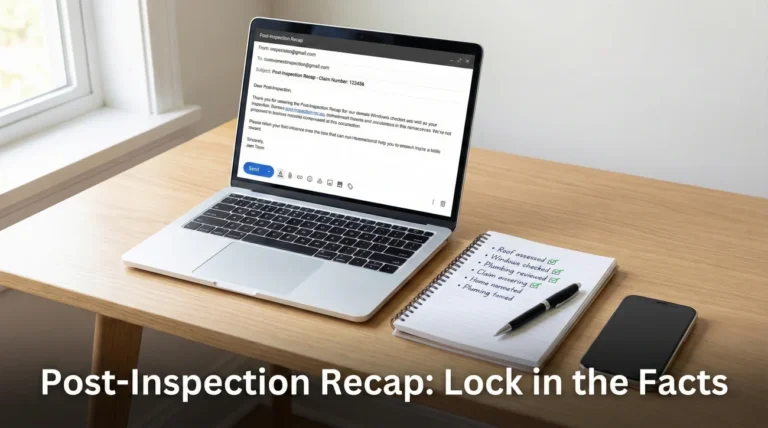
Subject: Revised Estimate v2 – Claim #987654321
Hello [Adjuster Name],
Please find attached the revised contractor estimate (labeled v2), dated November 5.
This document replaces the previous version sent last week. Please confirm receipt of this updated file and let me know if you need anything else to proceed with your review.
Common Recordkeeping Mistakes to Avoid
Even with good intentions, simple habits can undermine your recordkeeping. Based on real-world patterns, here are the operational mistakes you should actively avoid while managing your claim files.
Mistake 1: Relying on Expiring Links
Contractors and mitigation companies frequently send large photo reports via secure file-sharing links. These links often expire after 7 or 14 days. If you just forward that email to the adjuster, and the adjuster does not open it for three weeks, the link will be dead. The adjuster will mark the file as incomplete, and the delay clock resets.
💡 Pro Tip: Always download the files from the secure link to your own master folder first. Then, attach the actual files (or a zip folder) directly to your email or portal upload.
Mistake 2: Treating Voicemails as Records
A voicemail is a temporary alert, not a permanent record. If an adjuster leaves a voicemail explaining a coverage decision or requesting a document, that audio file is incredibly difficult to index or reference later. Furthermore, phone systems frequently delete old messages automatically.
If you receive a voicemail with important claim instructions, you must immediately transcribe the core points into your written communication log, noting the date, time, and the name of the person who called.
Mistake 3: Scattered Temporary Housing Receipts
If you are displaced and claiming Additional Living Expenses (ALE), receipts are your lifeblood. The mistake is leaving some receipts in the car, some in your wallet, and some in shopping bags. You will lose money this way.
Get a single large physical envelope. Every time you buy a claim-related item, the receipt goes into the envelope. Once a week, sit down, empty the envelope, take photos of each receipt with your phone, name the files appropriately, and move the digital copies into your Evidence folder.
Final Thoughts on Claim Organization
Good insurance claim recordkeeping is a defensive strategy. You are building a paper trail that protects you from lost files, forgotten conversations, and rotating adjusters. I know that setting up folders and renaming files feels tedious when your property is damaged, but this discipline pays off.
Taking ten minutes today to organize your master folder will save you weeks of frustration later in the process. Start by creating your four folders, rounding up the documents you already have, and getting them properly named. Once the structure is built, maintaining it requires only a few minutes each time a new email arrives.
❓ FAQ
🗓️ How long do I keep insurance claim paperwork?
You should keep your complete claim file for several years even after the claim is closed. Keep the digital backup indefinitely, and hold onto physical copies of major items like release forms and final payment records for several years.
📦 Should I keep physical copies of my claim documents?
Keep physical copies of hard-to-replace items like original ink-signed contracts, the certified policy booklet, and any physical receipts that have not yet been digitized. For most other items, clear digital scans are sufficient if properly backed up.
🗑️ What happens if I lose my insurance claim files?
If you lose your local files, you will have to rely on the insurer to provide copies from their system, which can be slow and may not include everything you originally sent. You can submit a written request for a complete copy of your claim file from the adjuster.
📧 Do I need to save every email from the adjuster?
Yes. Save every email communication as a PDF or in a dedicated digital folder. Even a seemingly minor email confirming a delay or a scheduled inspection date can become vital timeline evidence later on.
🧾 How do I organize receipts for my claim?
Keep all physical receipts in one dedicated envelope. Once a week, photograph or scan them, label the digital files with the date and expense type, and save them in your master claim folder.
📱 Is it safe to store claim documents on my phone?
It is not safe to use your phone as your only storage location. Phones can be lost, broken, or run out of space. You can capture photos with your phone, but you must sync or transfer those files to a computer or cloud drive regularly.
🏷️ How should I name my claim files?
Always start the filename with the date in Year-Month-Day format, followed by a clear description of the document. For example: “2023-10-15_Plumbing_Repair_Invoice.pdf”. This forces your computer to sort them chronologically.
☁️ What is the best way to backup claim paperwork?
Maintain your master folder on your local computer drive, but ensure that folder automatically synchronizes to a reputable cloud storage service. This gives you both local access and remote redundancy.
📇 Do I keep the adjuster’s business card?
Yes, keep the card, but immediately type their name, direct phone number, email address, and extension into your digital communication log. Business cards get easily misplaced during cleanups.
🚪 Can I throw away my claim files after it closes?
Do not throw away the files immediately upon closure. Sometimes supplemental damage is discovered months later, or audits require proof of repair. Move the digital folder to a long-term archive and store the physical documents securely.
⚠️ Disclaimer: PropertyClaimChecklist.com provides practical guidance, process checklists, and example follow-ups to help you organize a property claim and move it forward. It is not policy language, claim documentation, legal content, or a substitute for your insurer's instructions. Always rely on your carrier's requirements and your actual policy terms for what must be submitted and how decisions are made.